This documentation is available as Markdown for AI agents and LLMs. See the full Markdown index or append .md to any documentation URL.
BottomSheet
与 @gorhom/bottom-sheet 兼容的底部表单。
一个 BottomSheet 组件,其 API 与 @gorhom/bottom-sheet 兼容。它封装了特定平台的 @expo/ui 原语:在 Android 上使用 Jetpack Compose ModalBottomSheet,在 iOS 上使用 SwiftUI BottomSheet。在 Web 上,它使用 vaul 抽屉。
🌐 A BottomSheet component with an API compatible with @gorhom/bottom-sheet. It wraps the platform-specific @expo/ui primitives: Jetpack Compose ModalBottomSheet on Android and SwiftUI BottomSheet on iOS. On web, it uses a vaul drawer.
如果你需要对特定平台的样式、修饰符或布局行为进行底层控制,请直接使用原生原语。
🌐 If you need lower-level control over platform-specific styling, modifiers, or layout behavior, use the native primitives directly.
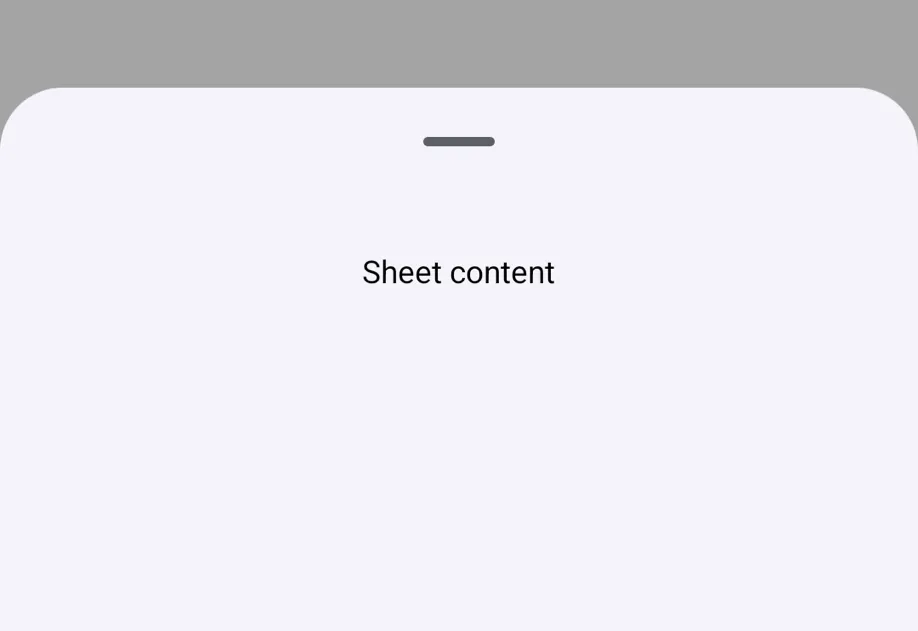
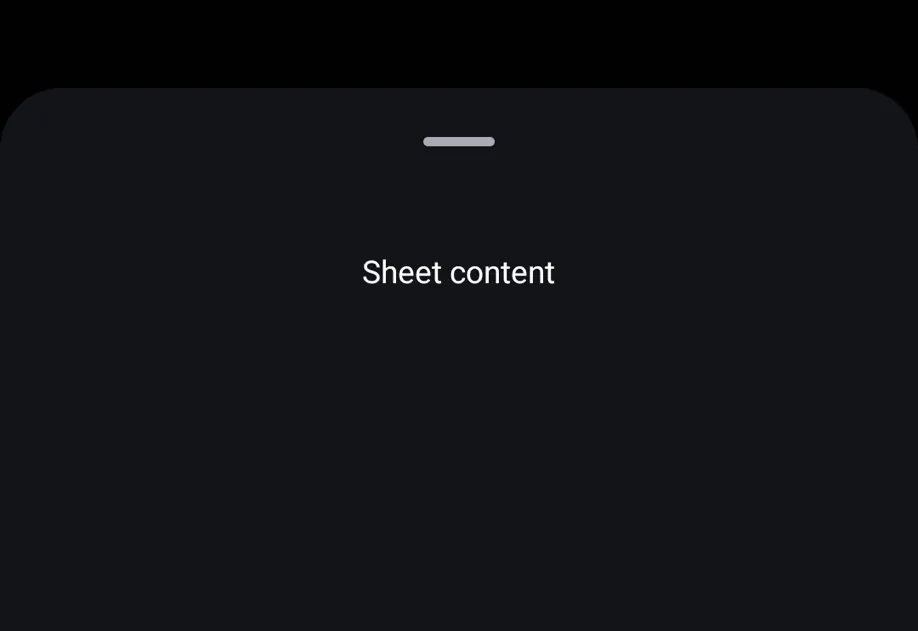
安装
🌐 Installation
If you are installing this in an existing React Native app, make sure to install expo in your project.
从 @gorhom/bottom-sheet 迁移
🌐 Migrating from @gorhom/bottom-sheet
-
更新导入自:
import BottomSheet, { BottomSheetView } from '@gorhom/bottom-sheet';使用
@expo/ui/community/bottom-sheet:import BottomSheet, { BottomSheetView } from '@expo/ui/community/bottom-sheet'; -
react-native-gesture-handler的GestureHandlerRootView对此实现不是必需的。如果你的应用的其他部分需要它,你可以保留它。 -
不支持组件和钩子导出,例如
BottomSheetBackdrop、BottomSheetHandle、BottomSheetFooter、BottomSheetDraggableView、BottomSheetVirtualizedList、BottomSheetFlashList、useBottomSheetModal、useBottomSheetSpringConfigs和useBottomSheetTimingConfigs。为了 API 兼容性,导出了一些相关的属性类型。
基本用法
🌐 Basic usage
BottomSheetModal
在从 @gorhom/bottom-sheet 模态 API 迁移时使用 BottomSheetModal。它默认关闭,通过 present() 打开。
🌐 Use BottomSheetModal when migrating from @gorhom/bottom-sheet modal APIs. It starts closed and opens with present().
动态尺寸
🌐 Dynamic sizing
当未提供 snapPoints 时,工作表尺寸默认为适应其内容。使用 BottomSheetView 作为工作表内容封装器。
🌐 When snapPoints is not provided, the sheet sizes to fit its content by default. Use BottomSheetView for the sheet content wrapper.
平台行为
🌐 Platform behavior
@gorhom/bottom-sheet 在其父视图的底部以内联方式呈现。该组件在 Android 和 iOS 上使用原生模态显示,在网页上使用抽屉覆盖显示。
这种差异是刻意为之的。@gorhom/bottom-sheet 通过 react-native-gesture-handler 和 react-native-reanimated 拥有手势和动画层,而 @expo/ui/community/bottom-sheet 则将这些行为委托给 Jetpack Compose、SwiftUI 和网页抽屉原语。因此,该组件最适合用于模态底部表单流程,包括使用 BottomSheet API 而不是 BottomSheetModal 的调用点。
🌐 This difference is intentional. @gorhom/bottom-sheet owns the gesture and animation layer through react-native-gesture-handler and react-native-reanimated, while @expo/ui/community/bottom-sheet delegates those behaviors to Jetpack Compose, SwiftUI, and the web drawer primitive. As a result, this component is best suited for modal bottom sheet flows, including callsites that use the BottomSheet API rather than BottomSheetModal.
支持的导出
🌐 Supported exports
兼容性说明
🌐 Compatibility notes
snapPoints、index、onChange、onClose、onDismiss、enablePanDownToClose和enableDynamicSizing受支持。handleComponent={null}会隐藏原生或网页的拖拽指示器。在原生平台上,自定义的拖拽句柄组件不会被渲染。backgroundStyle在网页上完全适用。在 Android 上,backgroundColor用于原生容器颜色。在 iOS 上,使用系统表单背景。- 动画、过度拖动、内容平移、句柄平移、键盘行为、自定义背景布、自定义背景、自定义页脚、动画值和分离属性被接受以兼容 API,但不会改变行为。
应用接口
🌐 API
import BottomSheet from '@expo/ui/community/bottom-sheet';
Components
Type: React.Element<BottomSheetProps>
Bottom sheet component. Defaults to index={0} and opens at the first snap point on mount.
Props for the BottomSheet component. API-compatible with @gorhom/bottom-sheet where native platform behavior allows.
boolean • Default: trueWhether the sheet should automatically size to fit its content.
boolean • Default: falseWhether the sheet can be dismissed by panning down.
number • Default: 0Initial snap point index. Set to -1 to start closed.
(index: number) => voidCalled when the current snap point index changes.
() => voidAlias for onClose for BottomSheetModal compatibility.
Type: React.Element<BottomSheetProps>
Modal variant of BottomSheet. Starts closed and opens with present().
Type: React.Element<{
children: React.ReactNode
}>
Provider for BottomSheetModal. It renders children directly for API compatibility.
Type: React.Element<BottomSheetViewProps>
A wrapper for content inside a BottomSheet.
boolean • Default: trueWhether the sheet should automatically size to fit its content.
boolean • Default: falseWhether the sheet can be dismissed by panning down.
number • Default: 0Initial snap point index. Set to -1 to start closed.
(index: number) => voidCalled when the current snap point index changes.
() => voidAlias for onClose for BottomSheetModal compatibility.
Hooks
Returns the imperative methods for the nearest BottomSheet.
BottomSheetMethods