This documentation is available as Markdown for AI agents and LLMs. See the full Markdown index or append .md to any documentation URL.
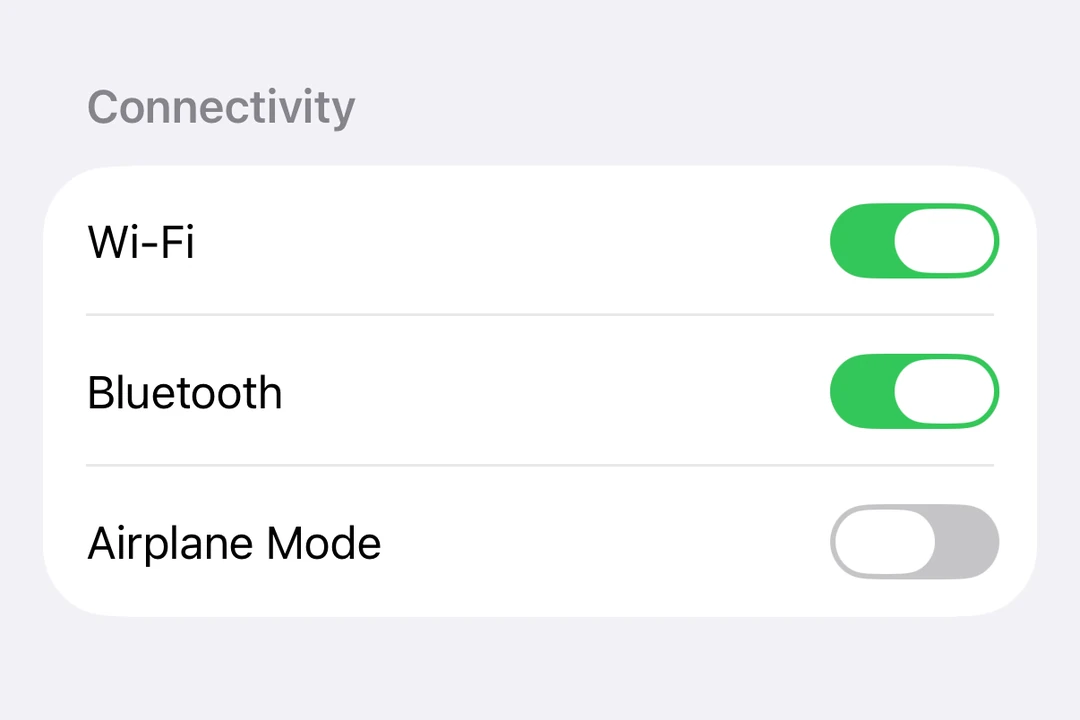
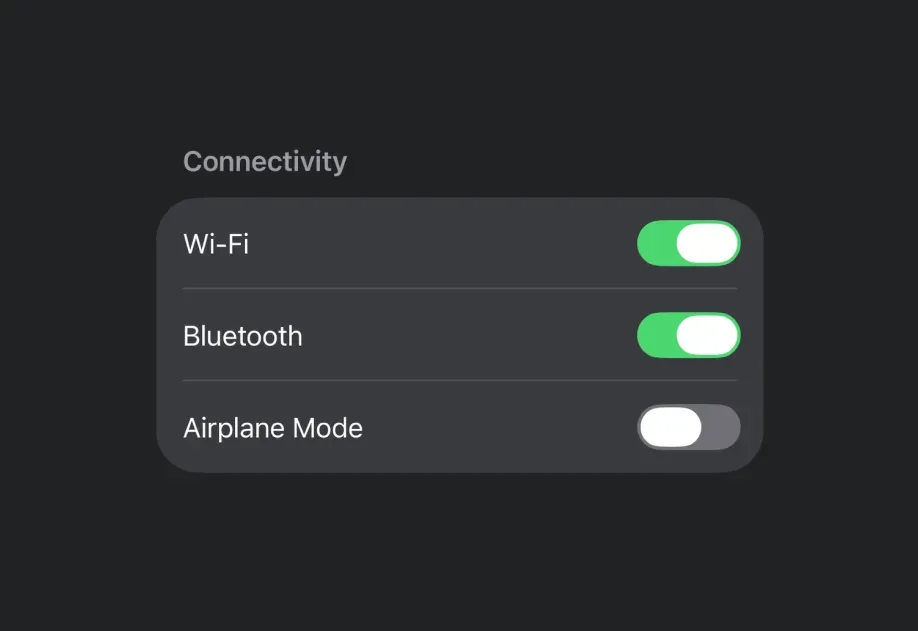
切换 用于显示原生切换的 SwiftUI Toggle 组件。
Recommended version:
~57.0.22
信息 有关跨平台使用,请参阅通用 Switch
Expo UI Toggle 与官方的 SwiftUI Toggle API 一致,并支持通过 toggleStyle
🌐 Expo UI Toggle matches the official SwiftUI Toggle API and supports styling via the toggleStyle
安装
🌐 Installation
- npx expo install @expo/ui
- yarn expo install @expo/ui
- pnpm expo install @expo/ui
- bun expo install @expo/ui
If you are installing this in an existing React Native app , make sure to install expo in your project.
用法
🌐 Usage
基本切换
🌐 Basic toggle
import { useState } from 'react' ;
import { Host , Toggle } from '@expo/ui/swift-ui' ;
export default function BasicToggleExample ( ) {
const [ isOn, setIsOn] = useState ( false ) ;
return (
< Host style = { { flex: 1 } } >
< Toggle isOn = { isOn} onIsOnChange = { setIsOn} label = " Enable feature" />
</ Host > ) ;
}
切换系统图片
🌐 Toggle with system image
ToggleWithImageExample.tsx import { useState } from 'react' ;
import { Host , Toggle } from '@expo/ui/swift-ui' ;
export default function ToggleWithImageExample ( ) {
const [ airplaneMode, setAirplaneMode] = useState ( false ) ;
return (
< Host style = { { flex: 1 } } >
< Toggle isOn = { airplaneMode} onIsOnChange = { setAirplaneMode} label = " Airplane Mode" systemImage = " airplane" />
</ Host > ) ;
}
切换样式
🌐 Toggle styles
使用 toggleStyle 修饰符来更改开关的外观。可用的样式有:automatic、switch 和 button。
🌐 Use the toggleStyle modifier to change the toggle's appearance. Available styles are: automatic, switch, and button.
注意: 在 tvOS 上无法使用 button 样式。
import { useState } from 'react' ;
import { Host , Toggle , VStack } from '@expo/ui/swift-ui' ;
import { toggleStyle } from '@expo/ui/swift-ui/modifiers' ;
export default function ToggleStylesExample ( ) {
const [ isOn, setIsOn] = useState ( true ) ;
return (
< Host style = { { flex: 1 } } >
< VStack spacing = { 8 } >
< Toggle isOn = { isOn} onIsOnChange = { setIsOn} label = " Switch Style" modifiers = { [ toggleStyle ( 'switch' ) ] } />
< Toggle isOn = { isOn} onIsOnChange = { setIsOn} label = " Button Style" modifiers = { [ toggleStyle ( 'button' ) ] } />
</ VStack >
</ Host > ) ;
}
有色切换
🌐 Tinted toggle
使用 tint 修饰符来更改切换按钮的颜色。
🌐 Use the tint modifier to change the toggle's color.
import { useState } from 'react' ;
import { Host , Toggle } from '@expo/ui/swift-ui' ;
import { tint } from '@expo/ui/swift-ui/modifiers' ;
export default function TintedToggleExample ( ) {
const [ isOn, setIsOn] = useState ( true ) ;
return (
< Host matchContents >
< Toggle isOn = { isOn} onIsOnChange = { setIsOn} label = " Custom Color" modifiers = { [ tint ( '#FF9500' ) ] } />
</ Host > ) ;
}
自定义标签内容
🌐 Custom label content
你可以将自定义组件作为 children 传递,以实现更复杂的切换标签。使用多个 Text 视图,其中第一个表示标题,第二个表示副标题。
🌐 You can pass custom components as children for more complex toggle labels. Use multiple Text views where the first represents the title and the second represents the subtitle.
import { useState } from 'react' ;
import { Host , Toggle , Text } from '@expo/ui/swift-ui' ;
export default function CustomLabelExample ( ) {
const [ vibrateOnRing, setVibrateOnRing] = useState ( false ) ;
return (
< Host style = { { flex: 1 } } >
< Toggle isOn = { vibrateOnRing} onIsOnChange = { setVibrateOnRing} >
< Text > Vibrate on ring </ Text >
< Text > Enable vibration when the phone rings </ Text >
</ Toggle >
</ Host > ) ;
}
隐藏标签
🌐 Hidden label
使用 labelsHidden
🌐 Use the labelsHidden
import { useState } from 'react' ;
import { Host , Toggle } from '@expo/ui/swift-ui' ;
import { labelsHidden } from '@expo/ui/swift-ui/modifiers' ;
export default function HiddenLabelExample ( ) {
const [ isOn, setIsOn] = useState ( false ) ;
return (
< Host style = { { flex: 1 } } >
< Toggle isOn = { isOn} onIsOnChange = { setIsOn} label = " Hidden Label" modifiers = { [ labelsHidden ( ) ] } />
</ Host > ) ;
}
应用接口
🌐 API
import { Toggle } from '@expo/ui/swift-ui' ;
Component Type: React.Element < ToggleProps >
A control that toggles between on and off states.
Optional • Type:
ReactNode Custom content for the toggle label. Use multiple Text views where
the first represents the title and the second represents the subtitle.
Optional • Type: boolean
A Boolean value that determines the on/off state of the toggle.
Optional • Type: string
A string that describes the purpose of the toggle.
Optional • Type: ( isOn: boolean ) => void
A callback that is called when the toggle's state changes.
isOn: booleanThe new state of the toggle.
Optional • Type:
SFSymbols7_0 The name of the SF Symbol to display alongside the label.