This documentation is available as Markdown for AI agents and LLMs. See the full Markdown index or append .md to any documentation URL.

DateTimePicker

Jetpack Compose components for selecting dates, date ranges, and times.

Android
Included in Expo Go

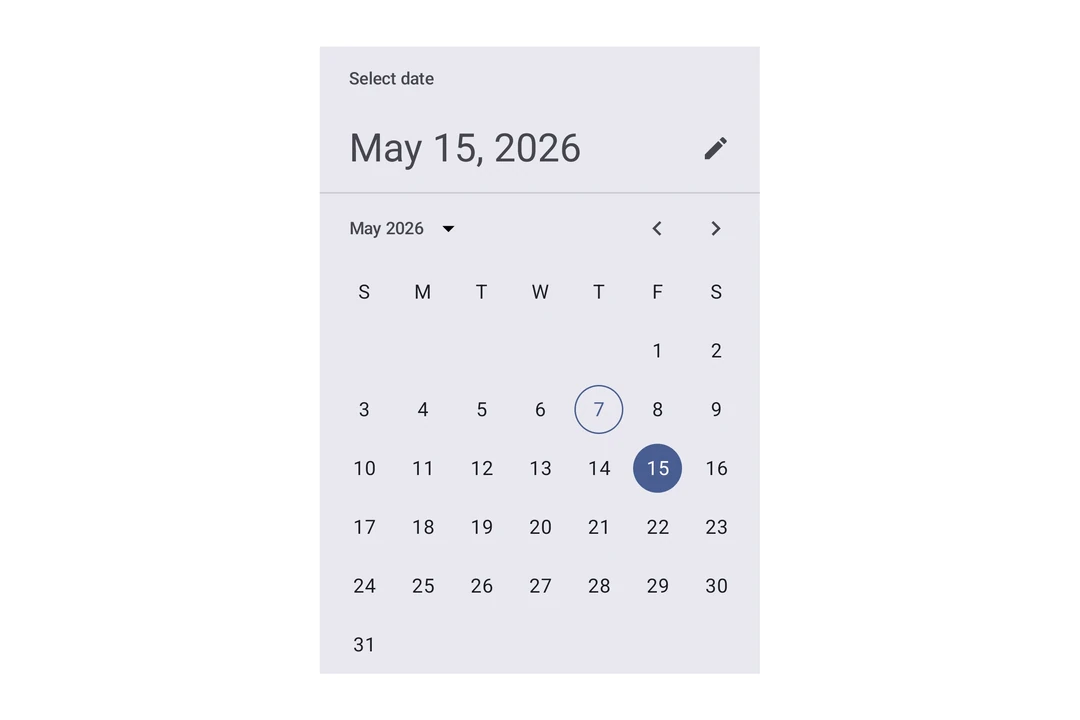
Expo UI's date and time picker components match the official Jetpack Compose Date Picker, Date Range Picker, and Time Picker APIs.

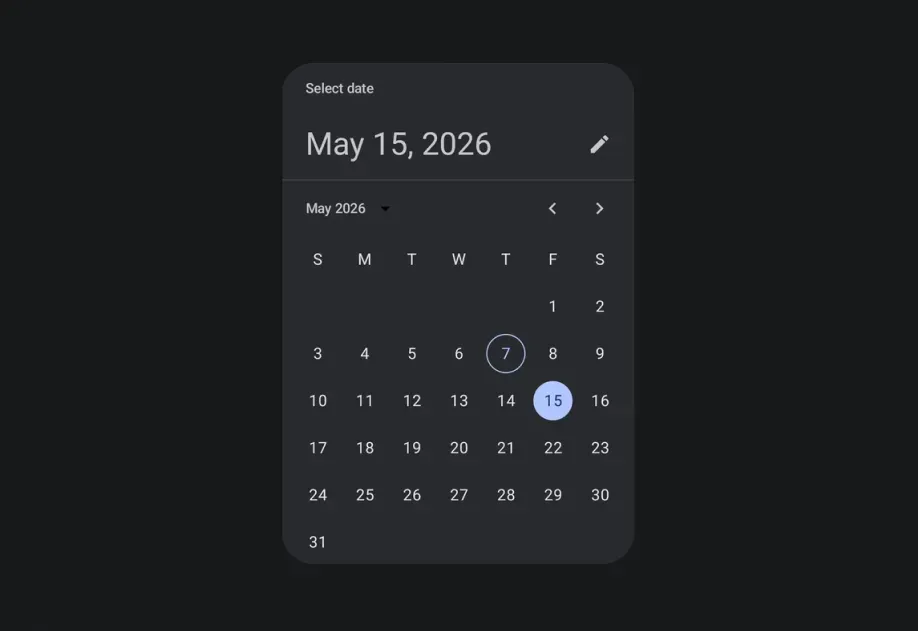
Material 3 date picker showing a selected date in a calendar gridMaterial 3 date picker showing a selected date in a calendar grid

Installation

Terminal
- npx expo install @expo/ui
- yarn expo install @expo/ui
- pnpm expo install @expo/ui
- bun expo install @expo/ui

If you are installing this in an existing React Native app, make sure to install expo in your project.

Usage

Date picker

DatePickerExample.tsx
import { useState } from 'react'; import { Host, DateTimePicker } from '@expo/ui/jetpack-compose'; export default function DatePickerExample() { const [selectedDate, setSelectedDate] = useState(new Date()); return ( <Host matchContents={{ vertical: true }} style={{ width: '100%' }}> <DateTimePicker onDateSelected={date => { setSelectedDate(date); }} displayedComponents="date" initialDate={selectedDate.toISOString()} variant="picker" /> </Host> ); }

Time picker

TimePickerExample.tsx
import { useState } from 'react'; import { Host, DateTimePicker } from '@expo/ui/jetpack-compose'; export default function TimePickerExample() { const [selectedDate, setSelectedDate] = useState(new Date()); return ( <Host matchContents={{ vertical: true }} style={{ width: '100%' }}> <DateTimePicker onDateSelected={date => { setSelectedDate(date); }} displayedComponents="hourAndMinute" initialDate={selectedDate.toISOString()} variant="picker" /> </Host> ); }

Input variant

Use variant="input" to display the picker as a text input field instead of the default picker UI.

InputVariantExample.tsx
import { useState } from 'react'; import { Host, DateTimePicker } from '@expo/ui/jetpack-compose'; export default function InputVariantExample() { const [selectedDate, setSelectedDate] = useState(new Date()); return ( <Host matchContents={{ vertical: true }} style={{ width: '100%' }}> <DateTimePicker onDateSelected={date => { setSelectedDate(date); }} displayedComponents="date" initialDate={selectedDate.toISOString()} variant="input" /> </Host> ); }

Without title and headline

Set showTitle={false} and showHeadline={false} to hide the "Select date" title and the selected-date headline. Use these props when the picker is in a screen or sheet that already has its own heading. The same props are available on DatePickerDialog, DateRangePicker, and DateRangePickerDialog. The following example also sets showVariantToggle={false} to hide the button that toggles between variants, so only the calendar shows.

CalendarOnlyExample.tsx
import { useState } from 'react'; import { Host, DateTimePicker } from '@expo/ui/jetpack-compose'; export default function CalendarOnlyExample() { const [selectedDate, setSelectedDate] = useState(new Date()); return ( <Host matchContents={{ vertical: true }} style={{ width: '100%' }}> <DateTimePicker onDateSelected={date => { setSelectedDate(date); }} displayedComponents="date" initialDate={selectedDate.toISOString()} showVariantToggle={false} showTitle={false} showHeadline={false} /> </Host> ); }

Date range picker

DateRangePickerAndroidExample.tsx
import { useState } from 'react'; import { DateRangePicker, type DateRangeSelection, Host, } from '@expo/ui/jetpack-compose'; export default function DateRangePickerAndroidExample() { const [range, setRange] = useState<DateRangeSelection>({ start: new Date(), end: new Date(Date.now() + 5 * 24 * 60 * 60 * 1000), }); return ( <Host style={{ flex: 1 }}> <DateRangePicker initialStartDate={range.start?.toISOString()} initialEndDate={range.end?.toISOString()} onDateRangeSelected={setRange} /> </Host> ); }

The callback's end value is null until the user finishes selecting the range.

Date range picker dialog

DateRangePickerDialogExample.tsx
import { useState } from 'react'; import { Button } from 'react-native'; import { DateRangePickerDialog, type DateRangeSelection, Host, } from '@expo/ui/jetpack-compose'; export default function DateRangePickerDialogExample() { const [visible, setVisible] = useState(false); const [range, setRange] = useState<DateRangeSelection>({ start: null, end: null, }); return ( <> <Button title="Select dates" onPress={() => setVisible(true)} /> {visible && ( <Host> <DateRangePickerDialog initialStartDate={range.start?.toISOString()} initialEndDate={range.end?.toISOString()} onDateRangeSelected={selectedRange => { setRange(selectedRange); setVisible(false); }} onDismissRequest={() => setVisible(false)} /> </Host> )} </> ); }

API

import { DateRangePicker, DateRangePickerDialog, DateTimePicker, } from '@expo/ui/jetpack-compose';

No API data file found, sorry!