This documentation is available as Markdown for AI agents and LLMs. See the full Markdown index or append .md to any documentation URL.

Snackbar

A brief notification that appears at the bottom of the screen to provide feedback without interrupting the user.

Android
Included in Expo Go

Expo UI exposes two components that mirror Jetpack Compose's Snackbar APIs:

  • SnackbarHost wraps Compose's SnackbarHost and SnackbarHostState. Place it once in your layout, then call showSnackbar on the ref. Snackbars auto-dismiss based on duration and can also be dismissed via the action button or the optional close icon.
  • Snackbar is a styling-only child of SnackbarHost. Pass one to override colors or place the action on a new line.
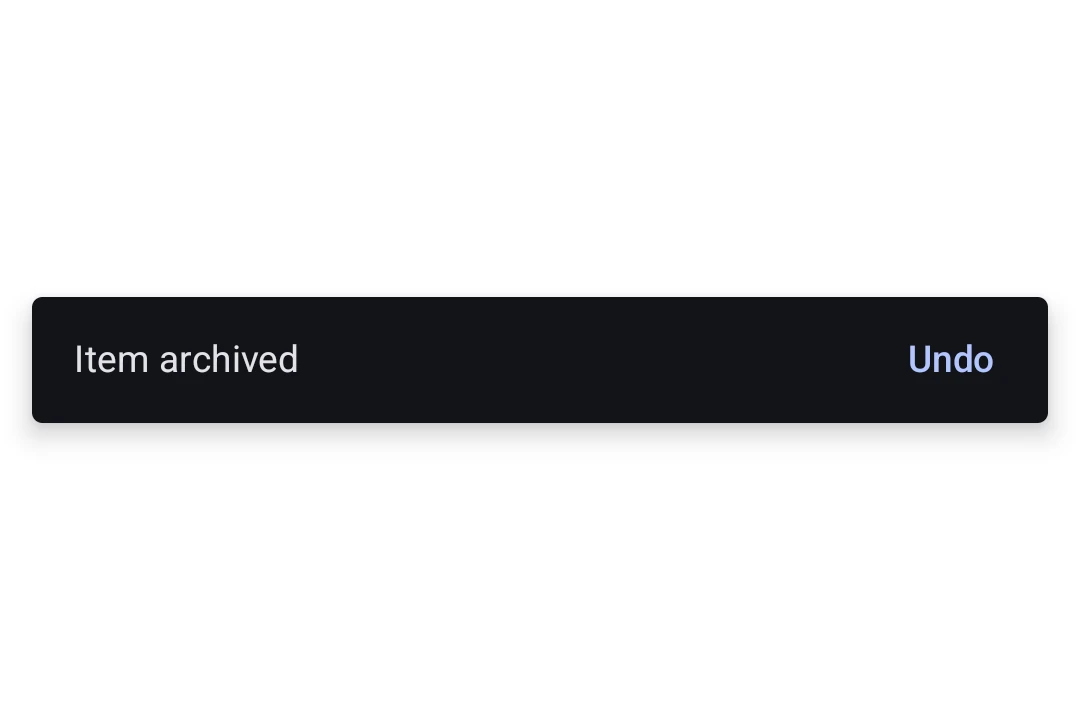
Material 3 snackbar showing the message 'Item archived' with an Undo actionMaterial 3 snackbar showing the message 'Item archived' with an Undo action

Installation

Terminal
- npx expo install @expo/ui
- yarn expo install @expo/ui
- pnpm expo install @expo/ui
- bun expo install @expo/ui

If you are installing this in an existing React Native app, make sure to install expo in your project.

Usage

Showing a snackbar

Place a SnackbarHost once in your layout and call showSnackbar on its ref to display a message. The returned promise resolves with 'actionPerformed' or 'dismissed' once the snackbar goes away.

SnackbarExample.tsx
import { useRef } from 'react'; import { Box, Button, Column, Host, SnackbarHost, Text, type SnackbarHostRef, } from '@expo/ui/jetpack-compose'; import { align, fillMaxSize, fillMaxWidth, padding, } from '@expo/ui/jetpack-compose/modifiers'; export default function SnackbarExample() { const hostRef = useRef<SnackbarHostRef>(null); const onArchive = async () => { const result = await hostRef.current?.showSnackbar({ message: 'Item archived', actionLabel: 'Undo', duration: 'short', }); if (result === 'actionPerformed') { // The user tapped Undo, restore the item. } }; return ( <Host style={{ flex: 1 }}> <Box modifiers={[fillMaxSize()]}> <Column modifiers={[padding(16, 16, 16, 16)]}> <Button onClick={onArchive}> <Text>Archive</Text> </Button> </Column> <Box modifiers={[align('bottomCenter'), fillMaxWidth()]}> <SnackbarHost ref={hostRef} /> </Box> </Box> </Host> ); }

Custom styling

Pass a Snackbar child to SnackbarHost to override colors or place the action on a new line. The Snackbar itself takes no content, the message and action come from each showSnackbar call.
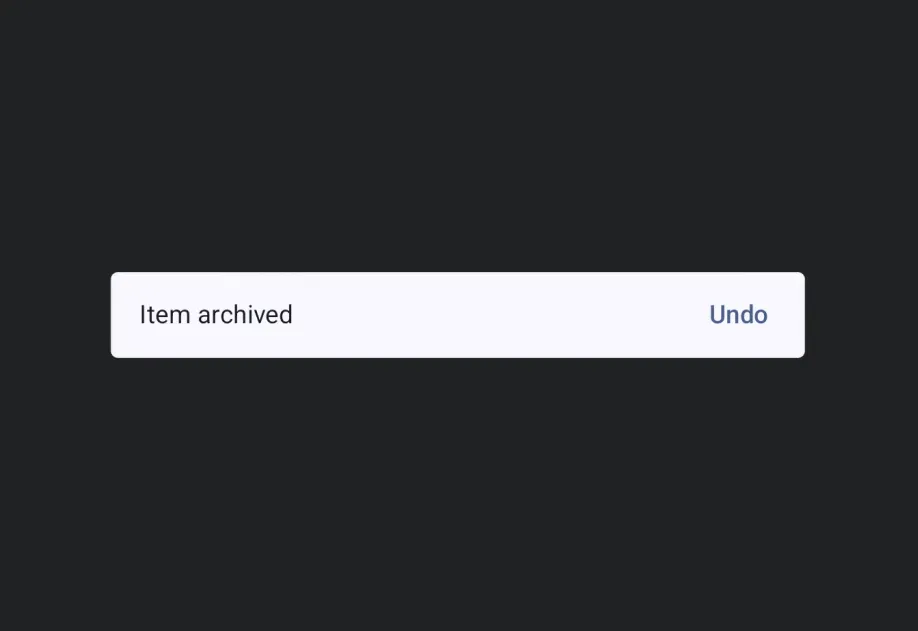
StyledSnackbar.tsx
import { useRef } from 'react'; import { Box, Button, Column, Host, Snackbar, SnackbarHost, Text, type SnackbarHostRef, } from '@expo/ui/jetpack-compose'; import { align, fillMaxSize, fillMaxWidth, padding, } from '@expo/ui/jetpack-compose/modifiers'; export default function StyledSnackbar() { const hostRef = useRef<SnackbarHostRef>(null); const onSave = () => { hostRef.current?.showSnackbar({ message: 'Saved', actionLabel: 'Undo', withDismissAction: true, }); }; return ( <Host style={{ flex: 1 }}> <Box modifiers={[fillMaxSize()]}> <Column modifiers={[padding(16, 16, 16, 16)]}> <Button onClick={onSave}> <Text>Save</Text> </Button> </Column> <Box modifiers={[align('bottomCenter'), fillMaxWidth()]}> <SnackbarHost ref={hostRef}> <Snackbar containerColor="#1E1E2E" contentColor="#CDD6F4" actionContentColor="#F38BA8" dismissActionContentColor="#CDD6F4" /> </SnackbarHost> </Box> </Box> </Host> ); }

API

import { Snackbar, SnackbarHost } from '@expo/ui/jetpack-compose';

No API data file found, sorry!