This documentation is available as Markdown for AI agents and LLMs. See the full Markdown index or append .md to any documentation URL.
This is documentation for the next SDK version. For up-to-date documentation, see the latest version (SDK 57).
Text
A Jetpack Compose Text component for displaying styled text.
Android
Included in Expo Go
For cross-platform usage, see the universal Text — it renders the appropriate native component per platform.
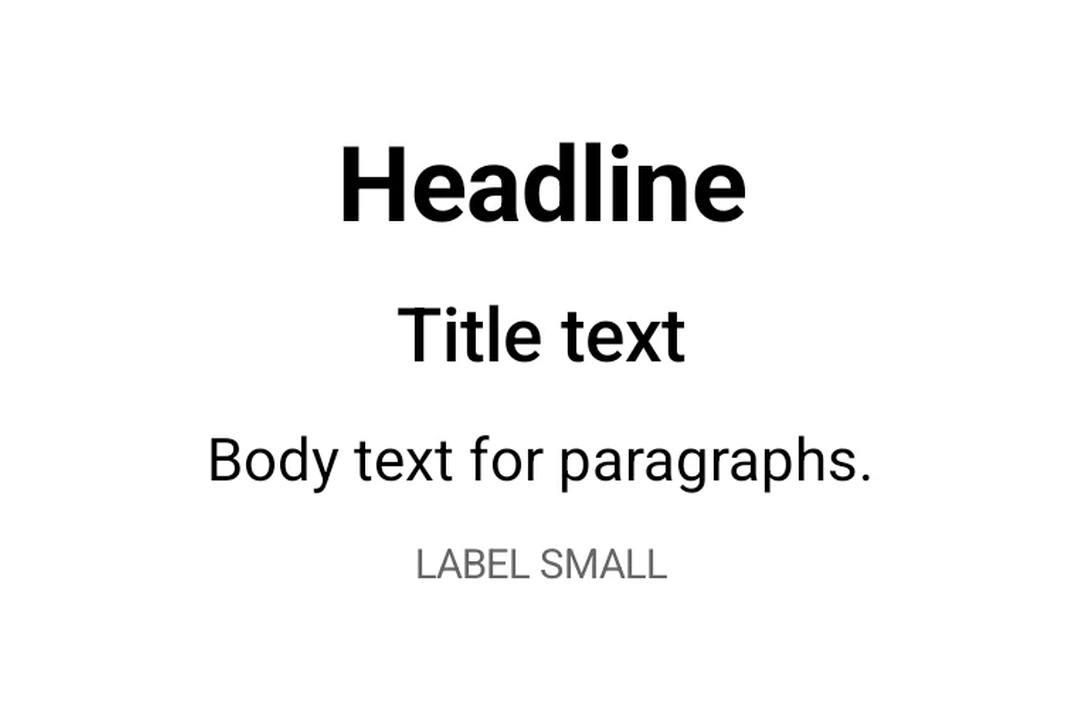
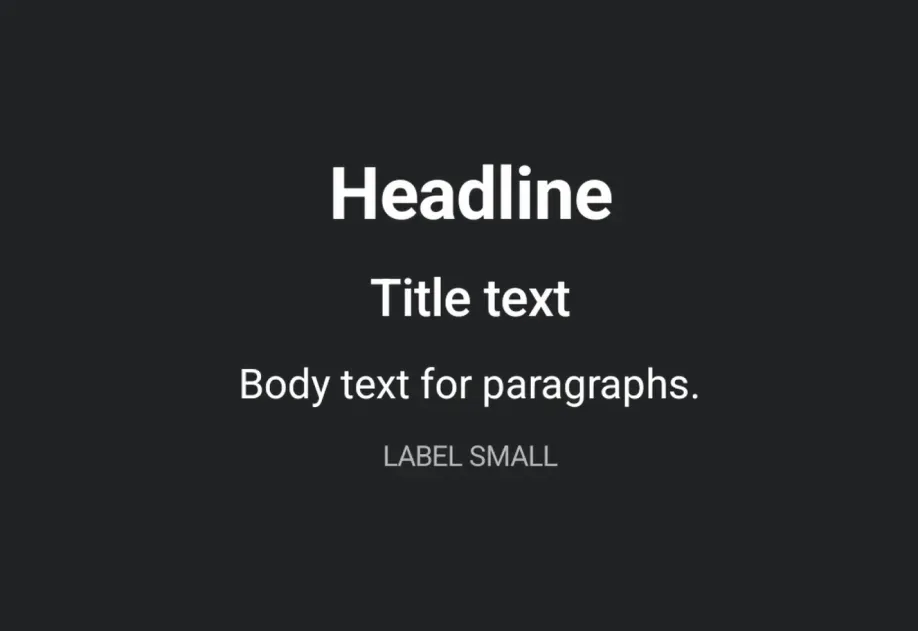
Expo UI Text matches the official Jetpack Compose Text styling API and displays text with Material 3 typography styles, custom fonts, and text formatting options.
Use the style prop with typography to apply Material 3 typography presets.
TypographyExample.tsx
import{Host,Text,Column,
useMaterialColors,}from'@expo/ui/jetpack-compose';import{ paddingAll }from'@expo/ui/jetpack-compose/modifiers';exportdefaultfunctionTypographyExample(){const colors =useMaterialColors();return(<HostmatchContents><Columnmodifiers={[paddingAll(16)]}><Textcolor={colors.onBackground}style={{ typography:'displayLarge'}}>
Display Large
</Text><Textcolor={colors.onBackground}style={{ typography:'headlineMedium'}}>
Headline Medium
</Text><Textcolor={colors.onBackground}style={{ typography:'bodySmall'}}>
Body Small
</Text><Textcolor={colors.onBackground}style={{ typography:'labelLarge'}}>
Label Large
</Text></Column></Host>);}
Text with maxLines and overflow
Control text truncation with maxLines and overflow.
TextOverflowExample.tsx
import{Host,Text,
useMaterialColors,}from'@expo/ui/jetpack-compose';import{ width }from'@expo/ui/jetpack-compose/modifiers';exportdefaultfunctionTextOverflowExample(){const colors =useMaterialColors();return(<HostmatchContents><Textcolor={colors.onBackground}maxLines={2}overflow="ellipsis"modifiers={[width(200)]}>
This is a long paragraph of text that will be truncated
after two lines with an ellipsis at the end to indicate
there is more content.
</Text></Host>);}
Styled text
Apply custom text styles including font weight, style, size, and decoration.
StyledTextExample.tsx
import{Host,Text,Column,
useMaterialColors,}from'@expo/ui/jetpack-compose';import{ paddingAll }from'@expo/ui/jetpack-compose/modifiers';exportdefaultfunctionStyledTextExample(){const colors =useMaterialColors();return(<HostmatchContents><Columnmodifiers={[paddingAll(16)]}><Textcolor={colors.onBackground}style={{ fontWeight:'bold', fontSize:20}}>
Bold text
</Text><Textcolor={colors.onBackground}style={{ fontStyle:'italic'}}>
Italic text
</Text><Textcolor={colors.onBackground}style={{ textDecoration:'underline'}}>
Underlined text
</Text><Textcolor={colors.onBackground}style={{ letterSpacing:4}}>
Spaced out text
</Text><Textcolor="#E91E63"style={{ fontSize:18, textAlign:'center'}}>
Colored and centered
</Text></Column></Host>);}
Nested text
Nest <Text> components to apply inline styles to parts of a sentence. Child spans inherit styles from their parent. For example, a bold parent with an italic child renders the child as bold and italic.
Use fonts loaded via expo-font by passing the font family name to style.fontFamily.
CustomFontExample.tsx
import{Host,Text,Column,
useMaterialColors,}from'@expo/ui/jetpack-compose';import{ paddingAll }from'@expo/ui/jetpack-compose/modifiers';exportdefaultfunctionCustomFontExample(){const colors =useMaterialColors();return(<HostmatchContents><Columnmodifiers={[paddingAll(16)]}><Textcolor={colors.onBackground}style={{ fontFamily:'serif', fontSize:16}}>
System serif font
</Text><Textcolor={colors.onBackground}style={{ fontFamily:'monospace', fontSize:16}}>
System monospace font
</Text><Textcolor={colors.onBackground}style={{ fontFamily:'Inter-Bold', fontSize:16}}>
Custom Inter Bold font
</Text></Column></Host>);}