This documentation is available as Markdown for AI agents and LLMs. See the full Markdown index or append .md to any documentation URL.
AlertDialog
用于显示原生警告对话框的 Jetpack Compose AlertDialog 组件。
Expo UI AlertDialog 与官方 Jetpack Compose AlertDialog API 相匹配。内容通过插槽子组件(AlertDialog.Title、AlertDialog.Text、AlertDialog.ConfirmButton、AlertDialog.DismissButton、AlertDialog.Icon)提供,这些子组件直接映射到 Compose 的插槽参数。
🌐 Expo UI AlertDialog matches the official Jetpack Compose AlertDialog API. Content is provided via slot sub-components (AlertDialog.Title, AlertDialog.Text, AlertDialog.ConfirmButton, AlertDialog.DismissButton, AlertDialog.Icon) that map directly to Compose's slot parameters.
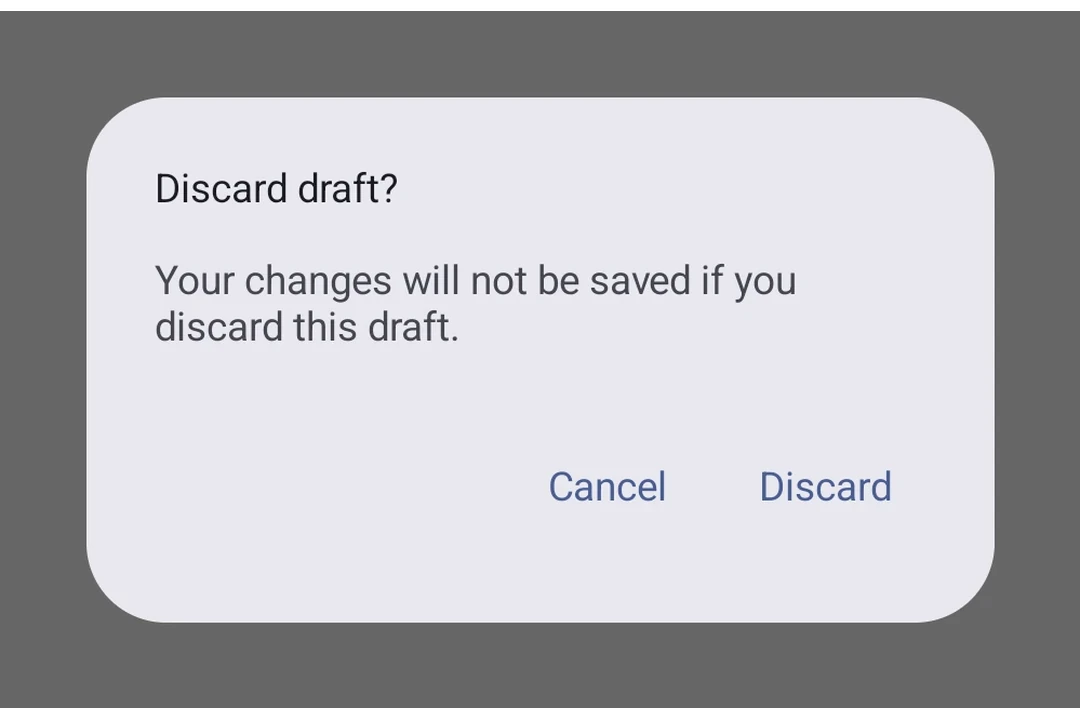
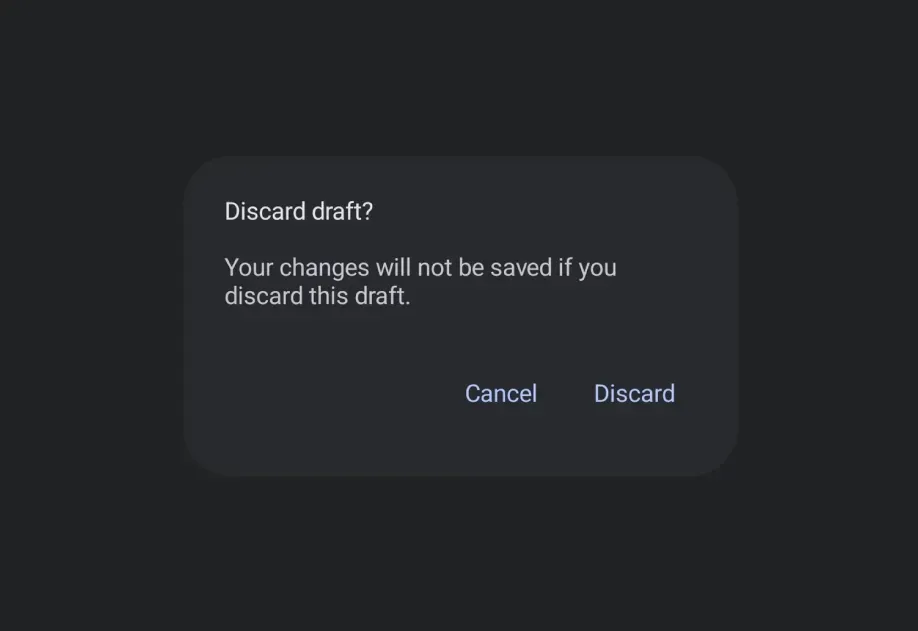
安装
🌐 Installation
If you are installing this in an existing React Native app, make sure to install expo in your project.
用法
🌐 Usage
基本警告对话框
🌐 Basic alert dialog
自定义颜色
🌐 Custom colors
带图标
🌐 With icon
应用接口
🌐 API
import { AlertDialog } from '@expo/ui/jetpack-compose';
Component
Type: React.Element<AlertDialogProps>
Renders an AlertDialog component with slot-based content matching the Compose API.
Content is provided via slot sub-components: AlertDialog.Title, AlertDialog.Text,
AlertDialog.ConfirmButton, AlertDialog.DismissButton, and AlertDialog.Icon.
ReactNodeChildren containing slot sub-components (AlertDialog.Title, AlertDialog.Text,
AlertDialog.ConfirmButton, AlertDialog.DismissButton, AlertDialog.Icon).
() => voidCallback that is called when the user tries to dismiss the dialog (for example, by tapping outside of it or pressing the back button).