This documentation is available as Markdown for AI agents and LLMs. See the full Markdown index or append .md to any documentation URL.
滑块
一个用于从范围中选择值的 Jetpack Compose 滑块组件。
信息 有关跨平台使用,请参阅通用
Slider—— 它会根据平台呈现相应的原生组件。
Expo UI 滑块与官方 Jetpack Compose Slider API 相匹配,并允许从有界范围中选择数值。
🌐 Expo UI Slider matches the official Jetpack Compose Slider API and allows selecting values from a bounded range.
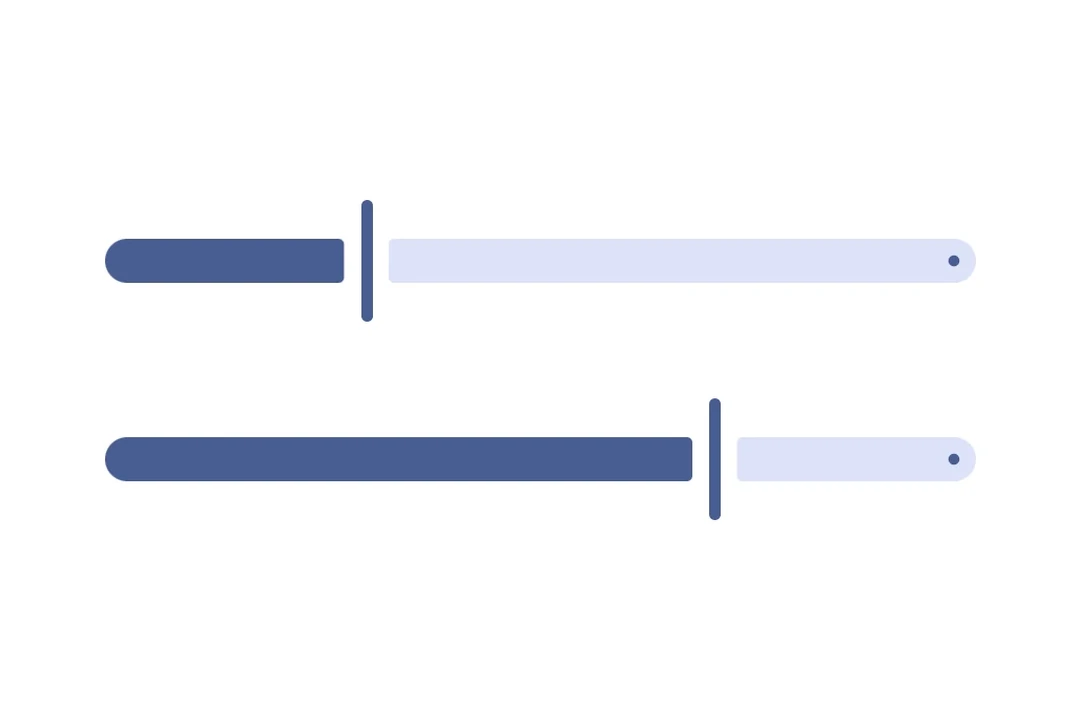
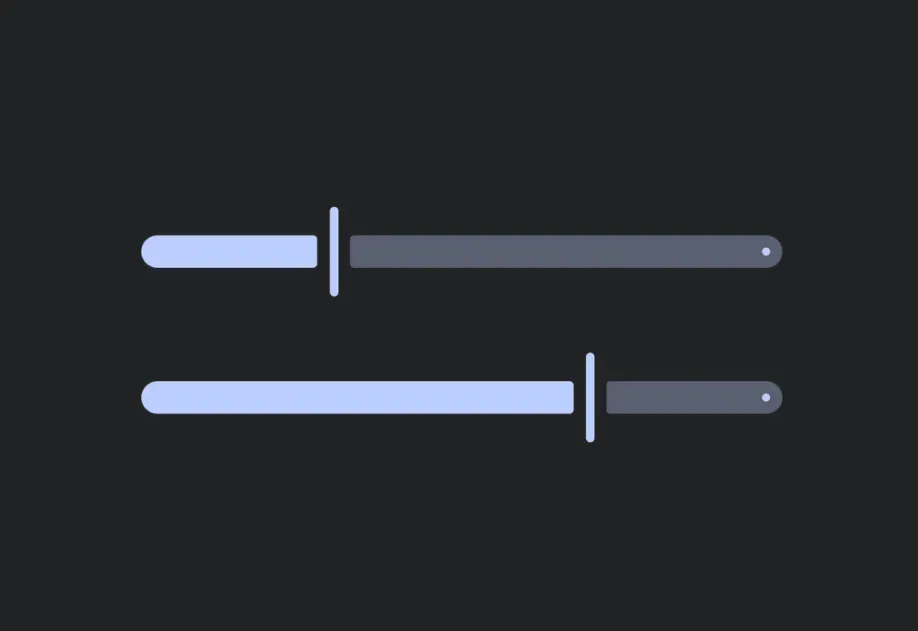
安装
🌐 Installation
If you are installing this in an existing React Native app, make sure to install expo in your project.
用法
🌐 Usage
基础滑块
🌐 Basic slider
自定义范围滑块
🌐 Slider with custom range
使用 min 和 max 属性来定义滑块的数值范围。
🌐 Use the min and max props to define the slider's value range.
带步骤的滑块
🌐 Slider with steps
使用 steps 属性来定义离散增量。将 steps 设置为 0 以获得连续值。
🌐 Use the steps prop to define discrete increments. Set steps to 0 for continuous values.
自定义颜色
🌐 Custom colors
使用 colors 属性来覆盖滑块拇指、轨道和刻度线的默认 Material3 颜色。
🌐 Use the colors prop to override the default Material3 colors for the slider's thumb, track, and tick marks.
自定义滑块和轨道
🌐 Custom thumb and track
同时使用 Slider.Thumb 和 Slider.Track 插槽来实现完全自定义的滑块外观。
🌐 Use both Slider.Thumb and Slider.Track slots for a fully custom slider appearance.
应用接口
🌐 API
import { Slider } from '@expo/ui/jetpack-compose';
Component
Type: React.Element<SliderProps>
A slider component that wraps Material3's Slider.
SliderColorsColors for slider elements. Maps to Material3's SliderDefaults.colors().
boolean • Default: trueWhether the slider is enabled for user interaction.
numberLower limit the user can drag the thumb to. The visible track still
spans min..max, but the thumb stops at lowerLimit during drag.
number • Default: 1The maximum value of the slider. Updating this value does not trigger callbacks if the current value is above max.
number • Default: 0The minimum value of the slider. Updating this value does not trigger callbacks if the current value is below min.
(value: number) => voidCallback triggered on dragging along the slider.
() => voidCallback triggered when the user finishes changing the value (for example, lifts a finger).
Maps to Material3's onValueChangeFinished.
number • Default: 0The number of steps between the minimum and maximum values, 0 signifies infinite steps.
numberUpper limit the user can drag the thumb to. The visible track still
spans min..max, but the thumb stops at upperLimit during drag.