This documentation is available as Markdown for AI agents and LLMs. See the full Markdown index or append .md to any documentation URL.
滑块
用于从连续或分步范围中选择值的控件。
一个用于在范围内选择数值的受控滑块。将 value 与 onValueChange 配对以从 React 管理状态。
🌐 A controlled slider for selecting a numeric value within a range. Pair value with onValueChange to manage state from React.

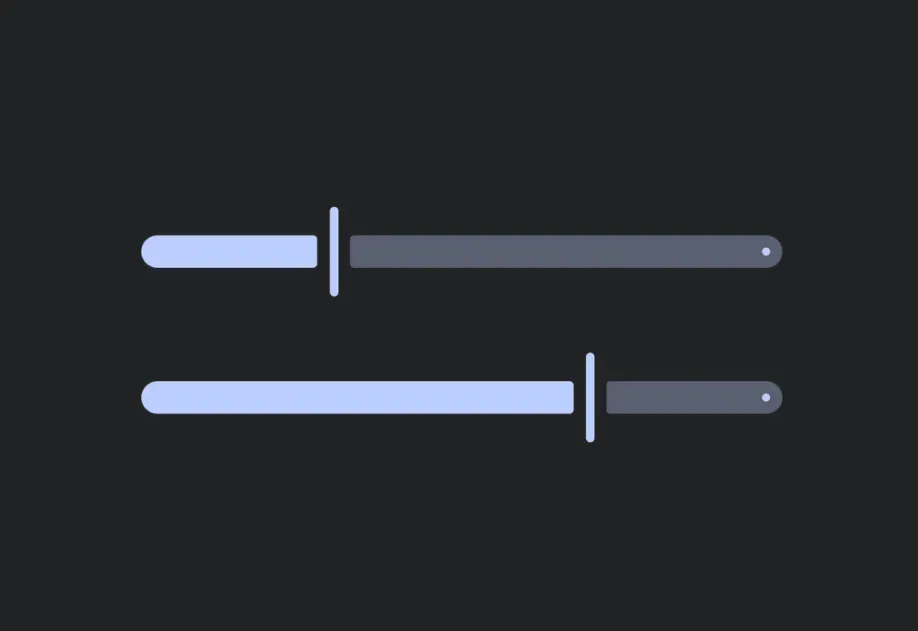
安装
🌐 Installation
If you are installing this in an existing React Native app, make sure to install expo in your project.
用法
🌐 Usage
连续滑块
🌐 Continuous slider
默认范围是 [0, 1]。
🌐 The default range is [0, 1].
具有自定义范围的分步滑块
🌐 Stepped slider with custom range
使用 min、max 和 step 来限制滑块产生的数值。
🌐 Use min, max, and step to constrain the values produced by the slider.
应用接口
🌐 API
import { Slider } from '@expo/ui';
Component
Type: React.Element<SliderProps>
A control for selecting a value from a continuous or stepped range.
Props for the Slider component.
booleanWhether the slider is disabled. Disabled sliders do not respond to user interaction.
ModifierConfig[]Platform-specific modifier escape hatch. Pass an array of modifier configs
from @expo/ui/swift-ui/modifiers or @expo/ui/jetpack-compose/modifiers.
(value: number) => voidCalled when the user changes the slider value.
numberIncrement size. For example, step={10} with min={0} and max={100} produces values 0, 10, 20, …, 100.
stringIdentifier used to locate the component in end-to-end tests.