This documentation is available as Markdown for AI agents and LLMs. See the full Markdown index or append .md to any documentation URL.
间隔器
一个在兄弟元素之间产生空白空间的布局间隔器。
一个布局间隔器,用于在 Row 或 Column 内的兄弟元素之间产生空白空间。使用 size 可以创建固定间距,或使用 flexible 来填充剩余的主轴空间。
🌐 A layout spacer that produces empty space between siblings inside a Row or Column. Use size for a fixed gap, or flexible to fill the remaining main-axis space.
安装
🌐 Installation
If you are installing this in an existing React Native app, make sure to install expo in your project.
用法
🌐 Usage
固定尺寸间隔
🌐 Fixed-size spacer
弹性垫片
🌐 Flexible spacer
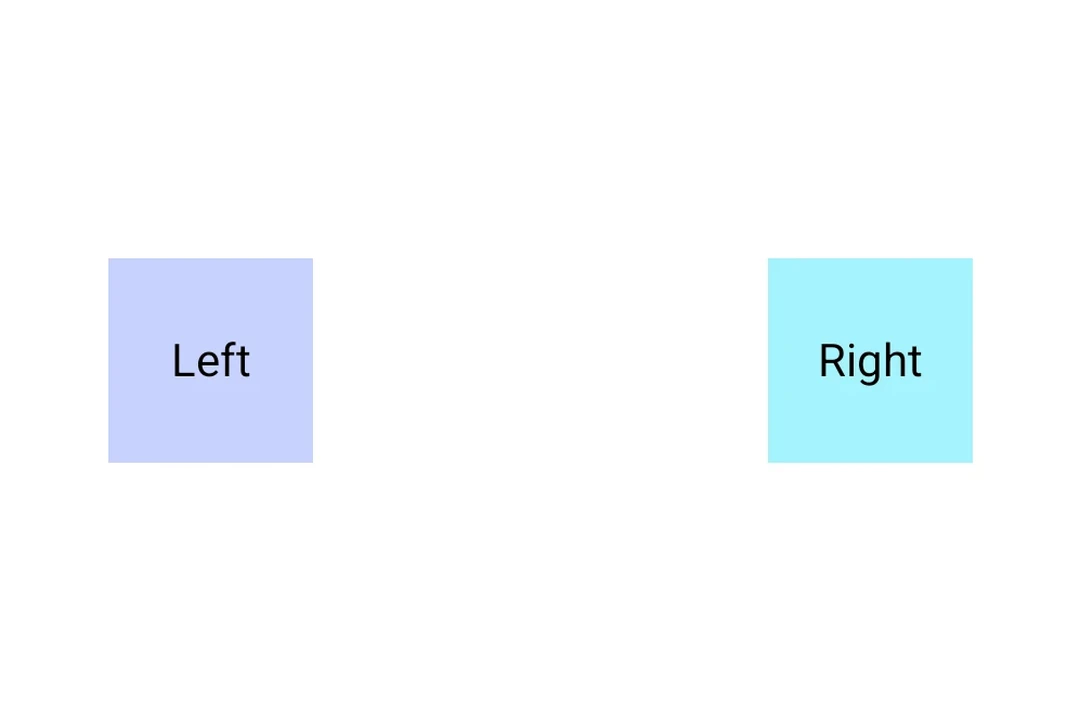
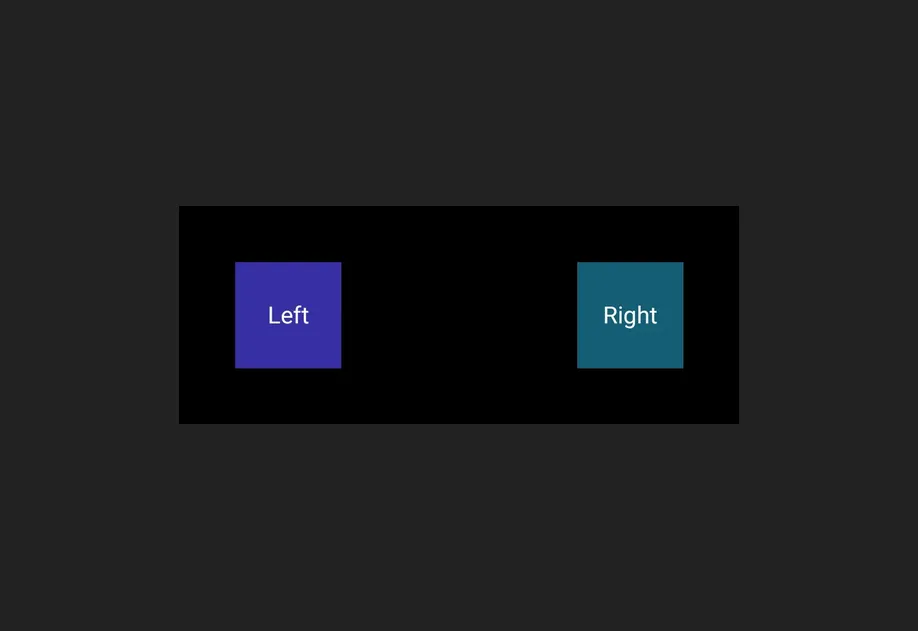
一个灵活的间隔器填充父元素主轴上剩余的空间,将周围的内容推向相反的两端。
🌐 A flexible spacer fills the remaining space along its parent's main axis, pushing the surrounding content to opposite ends.
应用接口
🌐 API
import { Spacer } from '@expo/ui';
Component
Type: React.Element<SpacerProps>
A layout spacer that produces empty space between siblings in a
Row or Column.
Props for the Spacer component.
A Spacer produces empty space between siblings in a Row or
Column. Use size for a fixed amount of space, or flexible
to fill the remaining space along the parent's main axis.
booleanWhether the component is disabled. Disabled components do not respond to user interaction.
boolean • Default: falseWhen true, the spacer expands to fill the available space along the
parent's main axis, pushing sibling content to the opposite end.
ModifierConfig[]Platform-specific modifier escape hatch. Pass an array of modifier configs
from @expo/ui/swift-ui/modifiers or @expo/ui/jetpack-compose/modifiers.
A modifier supplied here replaces any modifier of the same type that the
component derives from style or other props.
() => voidCalled when the component is removed from screen.
numberFixed size in density-independent pixels. Interpreted as width in a horizontal container and as height in a vertical container.
Pick<ViewStyle, 'padding' | 'paddingHorizontal' | 'paddingVertical' | 'paddingTop' | 'paddingBottom' | 'paddingLeft' | 'paddingRight' | 'backgroundColor' | 'borderRadius' | 'borderWidth' | 'borderColor' | 'opacity' | 'width' | 'height'>Platform-agnostic style properties. These are translated to SwiftUI modifiers on iOS and Jetpack Compose modifiers on Android.