This documentation is available as Markdown for AI agents and LLMs. See the full Markdown index or append .md to any documentation URL.
挑选器
具有菜单和滚轮外观的单选输入。
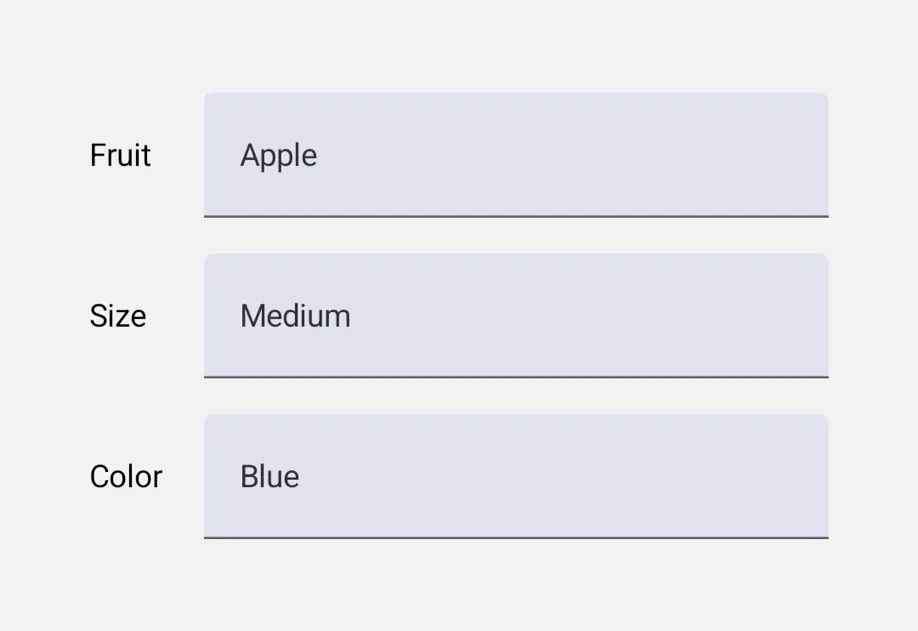
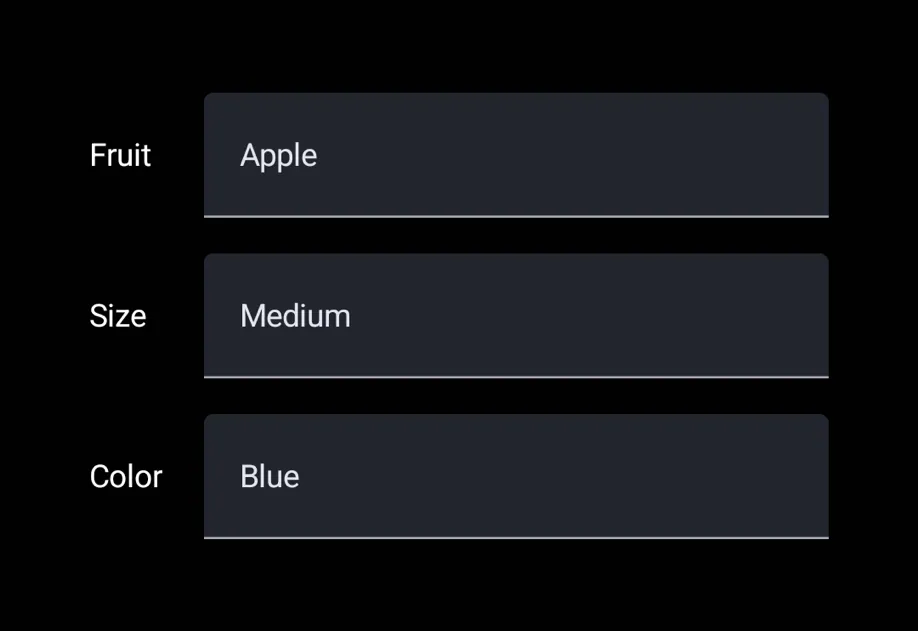
Picker 是单选输入。你可以使用 <Picker.Item label value /> 子元素来声明选项,以便父 Picker 读取它们并呈现适合平台的下拉菜单或旋转器。
通用的 Picker 独立于 @expo/ui/community/picker,后者仍然是 @react-native-picker/picker 的兼容层。除非你特别需要 RN-Picker API 接口,否则在新代码中优先使用这个通用的 Picker。
🌐 The universal Picker is independent of @expo/ui/community/picker, which remains a compat shim for @react-native-picker/picker. Prefer this universal Picker for new code unless you specifically need the RN-Picker API surface.
安装
🌐 Installation
If you are installing this in an existing React Native app, make sure to install expo in your project.
用法
🌐 Usage
菜单外观(默认)
🌐 Menu appearance (default)
轮毂外观
🌐 Wheel appearance
appearance="wheel" 在 iOS 上呈现一个可滚动的内联旋转选择器。在 Android 和网页上,则会回退到平台的默认下拉菜单(Material 3 并未提供轮式选择器)。
应用接口
🌐 API
import { Picker } from '@expo/ui';
Component
Type: React.Element<PickerProps<T>>
A single-selection input.
Declare options via <Picker.Item label value /> children.
Props for the Picker component, a single-selection input.
PickerAppearance • Default: 'menu'Visual appearance of the picker.
See PickerAppearance.
ReactNode<Picker.Item> children that declare the available options.
TThe currently selected value.
Must match the value of one of the <Picker.Item> children.
Interfaces
Types
Literal type: string
Visual appearance of the picker.
'menu'— Compact button that opens a popup/dropdown on tap. Cross-platform default.'wheel'— Scrollable rotor UI that's always visible inline. iOS only; on Android and web this falls back to the platform's default dropdown.
Acceptable values are: 'wheel' | 'menu'
Literal type: union
The type of values a Picker.Item can carry.
Acceptable values are: string | number