This documentation is available as Markdown for AI agents and LLMs. See the full Markdown index or append .md to any documentation URL.
可折叠
一个带标签的可点击标题,可切换其内容的可见性。
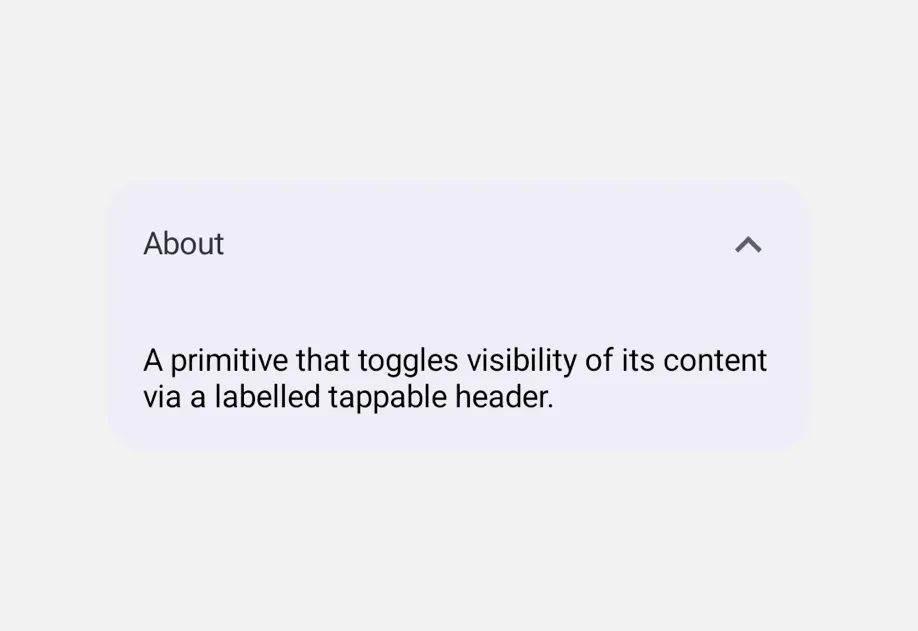
Collapsible 是一个原件,可以通过点击带标签的标题来显示或隐藏其内容。通过 isOpen 和 onOpenChange 控制——每个 Collapsible 管理独立状态。

安装
🌐 Installation
If you are installing this in an existing React Native app, make sure to install expo in your project.
用法
🌐 Usage
基本可折叠
🌐 Basic collapsible
手风琴(一次只打开一个部分)
🌐 Accordion (one section open at a time)
将每个 Collapsible 的 isOpen 连接到共享的父级值。组件不强制排他性 — 组合由使用者决定。
🌐 Wire each Collapsible's isOpen to a shared parent value. The component doesn't enforce exclusivity — composition is up to the consumer.
应用接口
🌐 API
import { Collapsible } from '@expo/ui';
Component
Type: React.Element<CollapsibleProps>
A primitive that toggles visibility of its content via a labelled tappable
header. Controlled via isOpen + onOpenChange.
Props for the Collapsible component, a primitive that
shows or hides its content with a tap on a labelled header.
{
  color: string,
  fontFamily: string,
  fontSize: number,
  fontWeight: 'normal' | 'bold' | '100' | '200' | '300' | '400' | '500' | '600' | '700' | '800' | '900',
  letterSpacing: number,
  lineHeight: number,
  textAlign: 'center' | 'left' | 'right'
}
Text-specific styling for the tappable header label.