This documentation is available as Markdown for AI agents and LLMs. See the full Markdown index or append .md to any documentation URL.
Expo UI
一组组件,允许你直接使用 Jetpack Compose 和 SwiftUI 从 React 构建用户界面。
@expo/ui 是一套原生输入组件,允许你使用 Jetpack Compose 和 SwiftUI 构建完全原生的界面。它旨在提供典型应用所需的常用功能和组件。
特性
🌐 Features
- 原生原语:Expo UI 不是另一个 UI 库。它将 Jetpack Compose 和 SwiftUI 的原语带入 React Native。
- 一对一映射:组件与其原生对应组件一一对应。要浏览 Jetpack Compose 和 SwiftUI 组件的目录,请参见下面的 可用组件。
- 全应用支持:Expo UI 在组件层面进行集成。你可以用它编写整个应用,也可以一次只在一个屏幕上使用它。你还可以混合使用 React Native 组件、DOM 组件 和用
react-native-skia绘制的 2D 组件。
可用平台
🌐 Available platforms
组件适用于以下平台:
🌐 Components are available for the following platforms:
- Jetpack Compose:使用 Jetpack Compose 组件构建原生 Android 界面
- SwiftUI:使用 SwiftUI 组件构建原生 iOS 界面
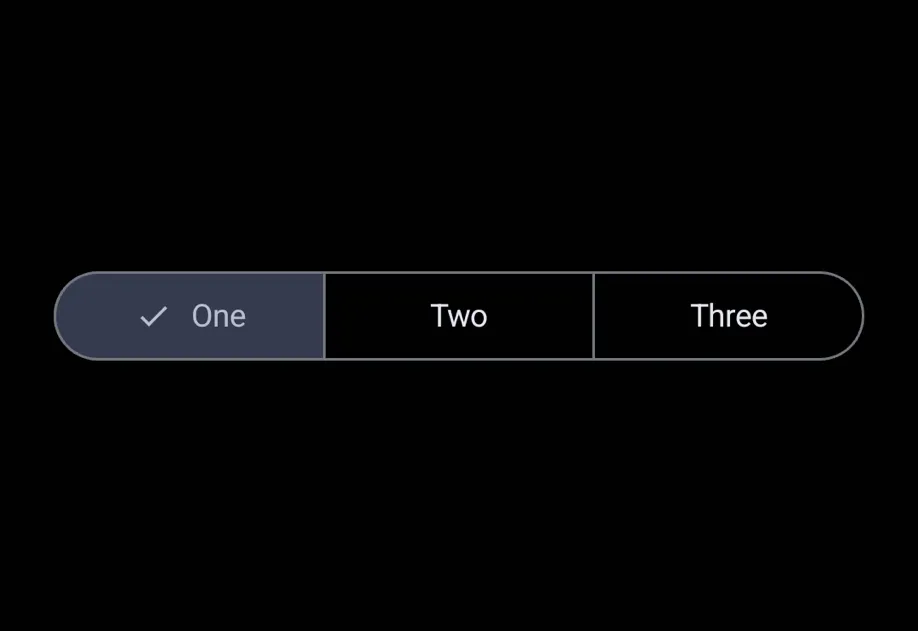
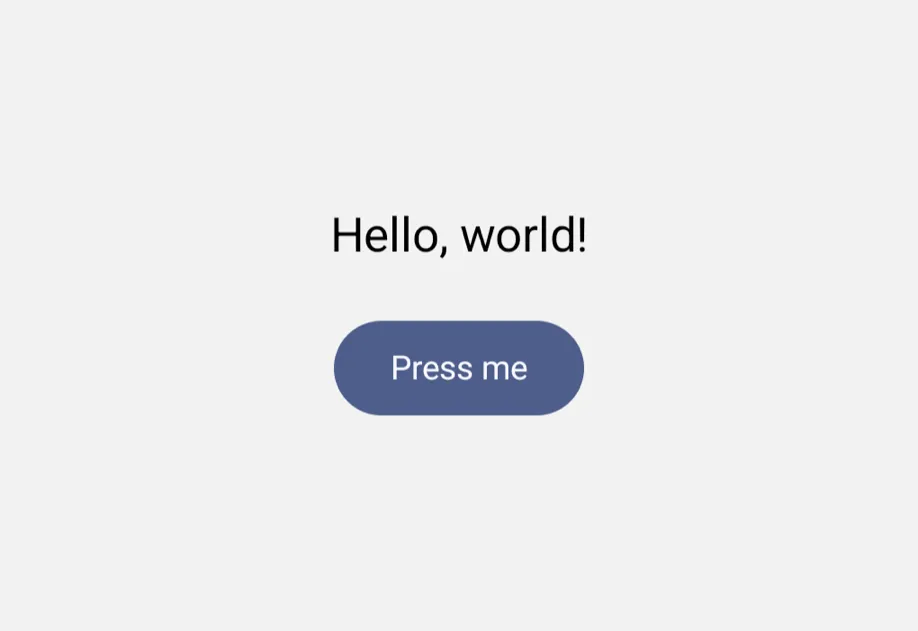
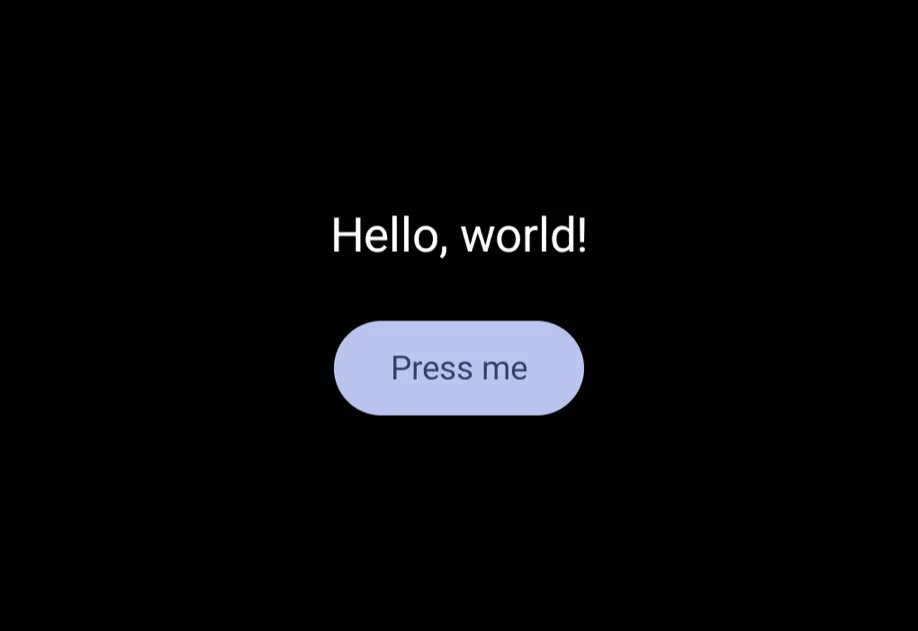
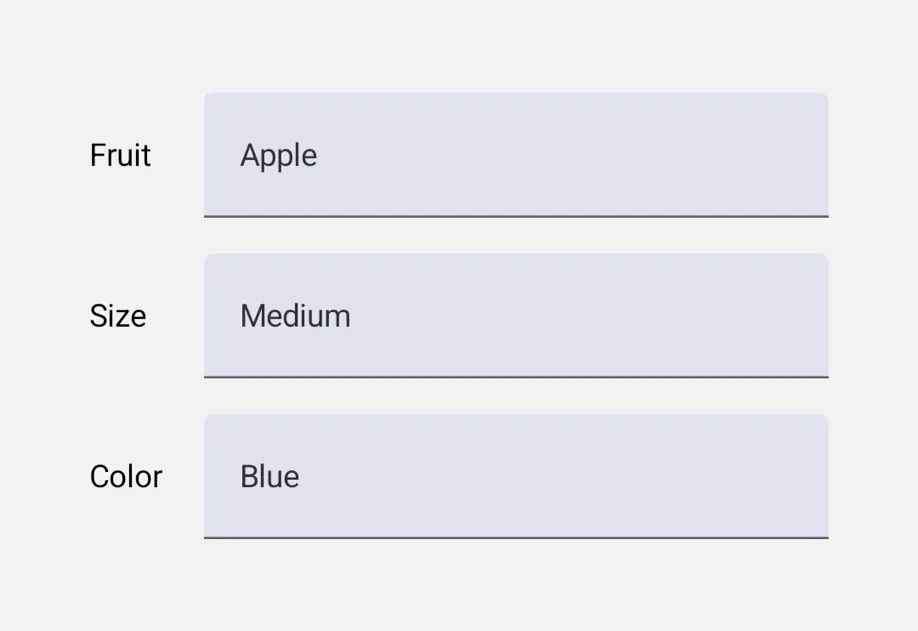
- 通用:可从单一来源运行在 Android、iOS 和网页上的跨平台组件
当你想要一个在 Android、iOS 和网页上都能不修改运行的组件树时,可以从 Universal 开始。当你需要 Universal API 不支持的平台特定控件、修饰符或行为时,可以直接使用 Jetpack Compose 或 SwiftUI。
🌐 Start with Universal when you want one component tree that runs unmodified on Android, iOS, and web. Reach for Jetpack Compose or SwiftUI directly when you need platform-specific controls, modifiers, or behavior that the universal API doesn't cover.
直接替代品
🌐 Drop-in replacements
请参阅 即插即用替代品,了解与流行的 React Native 社区库兼容的 API 替代方案。
🌐 See Drop-in replacements for API-compatible replacements for popular React Native community libraries.
AI代理的 Expo 技能
🌐 Expo Skills for AI agents
如果你使用 AI 代理,安装 Expo Skills 来教它如何构建原生感的界面:
🌐 If you use an AI agent, install Expo Skills to teach it how to build native-feeling screens:
Build native UI with the @expo/ui package: real SwiftUI on iOS and Jetpack Compose on Android.
Build beautiful, native-feeling Expo screens.
可用组件
🌐 Available components
Jetpack 组合
🌐 Jetpack Compose






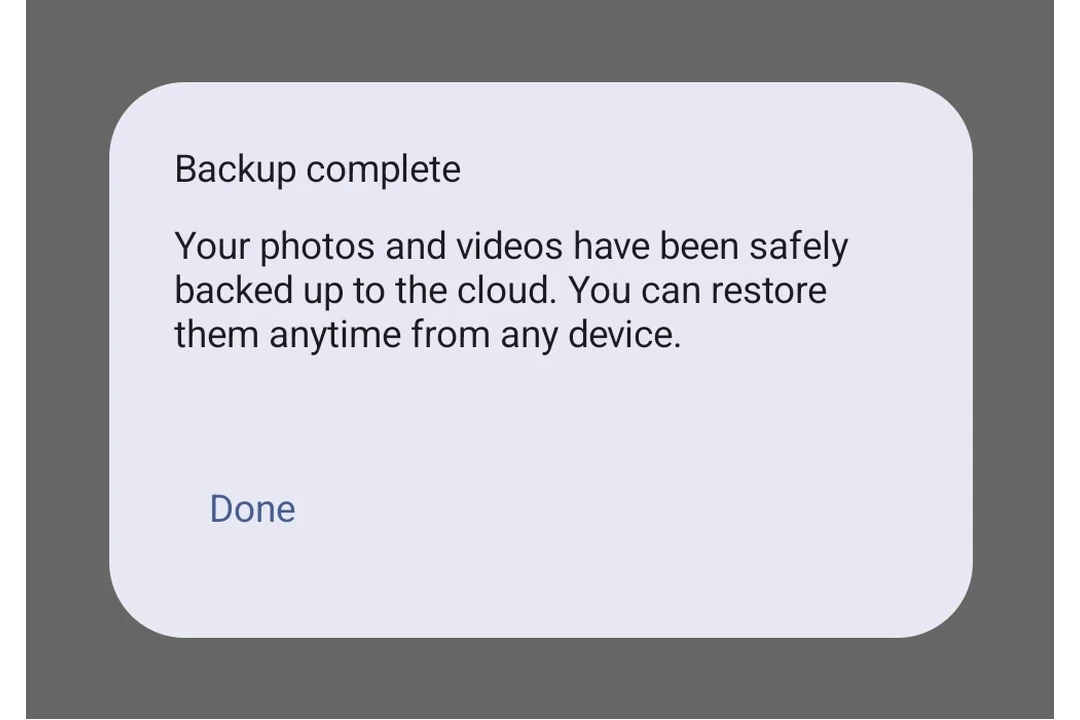





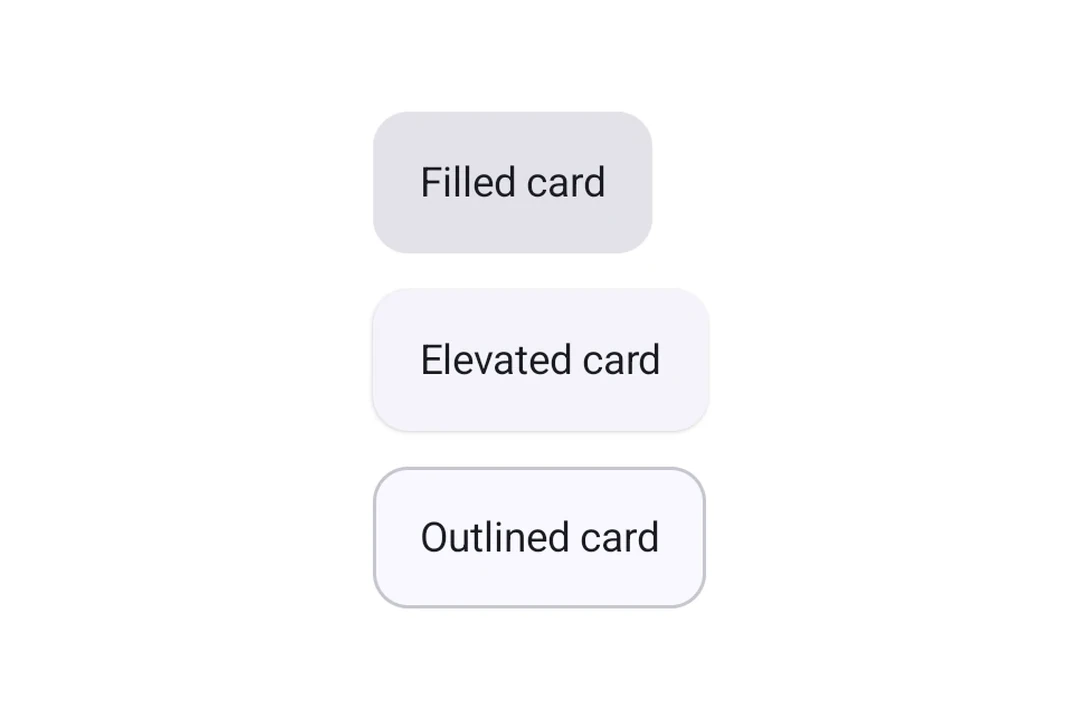
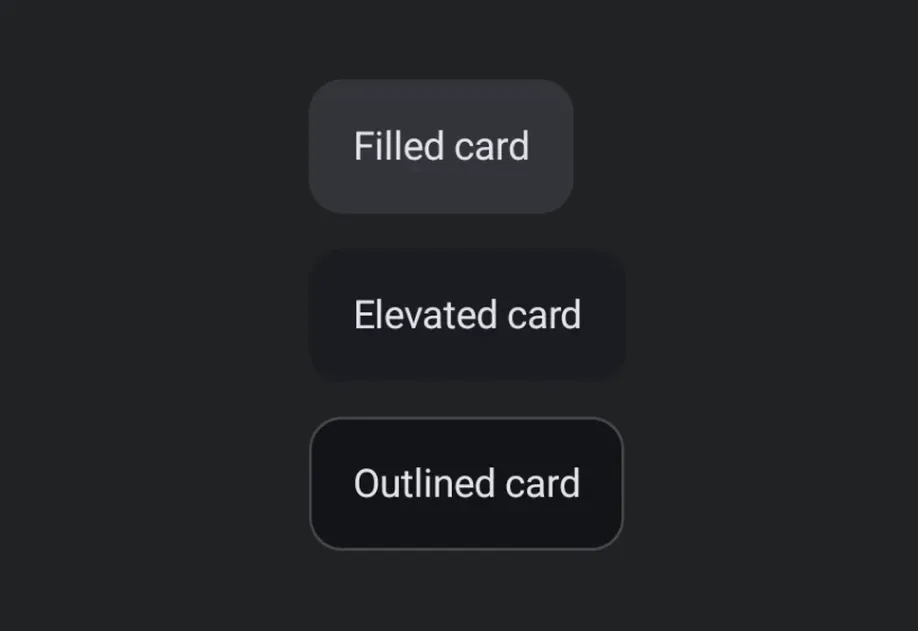








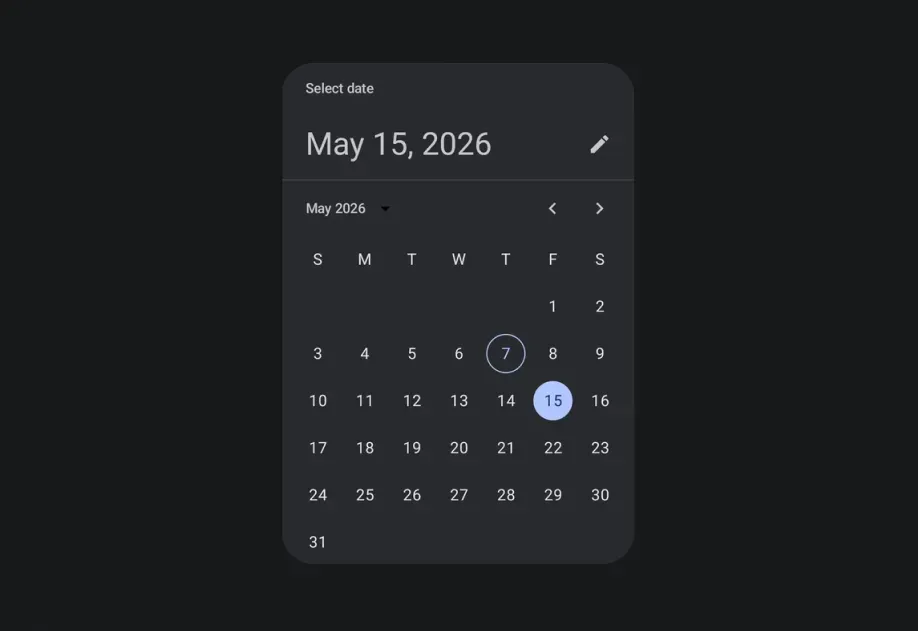




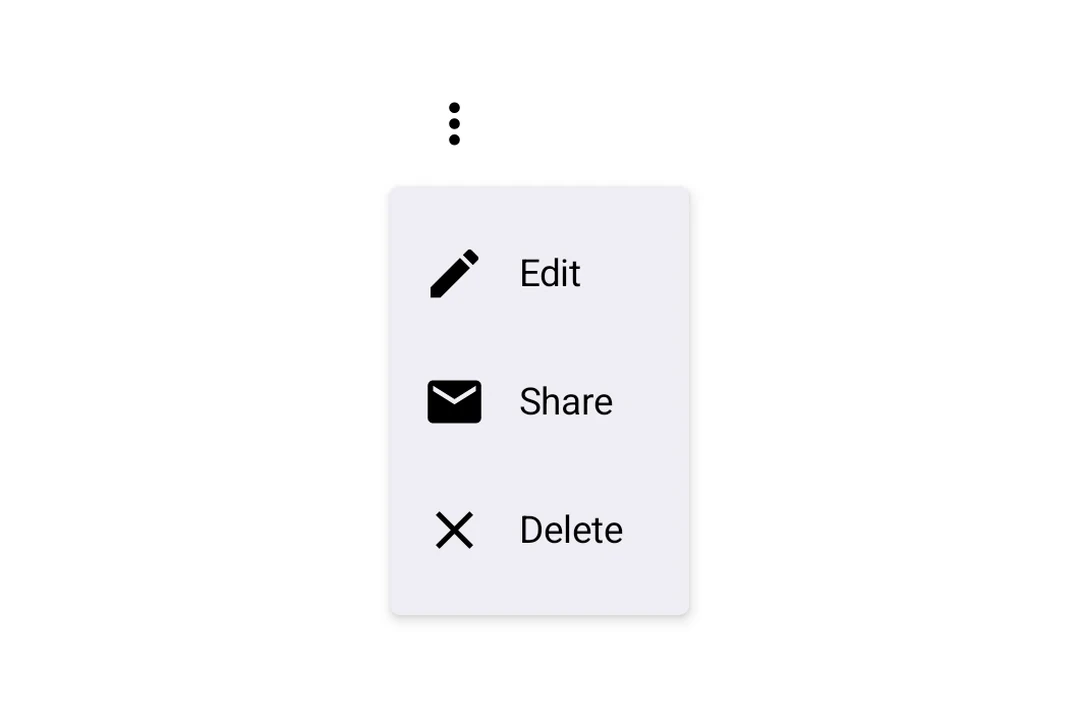

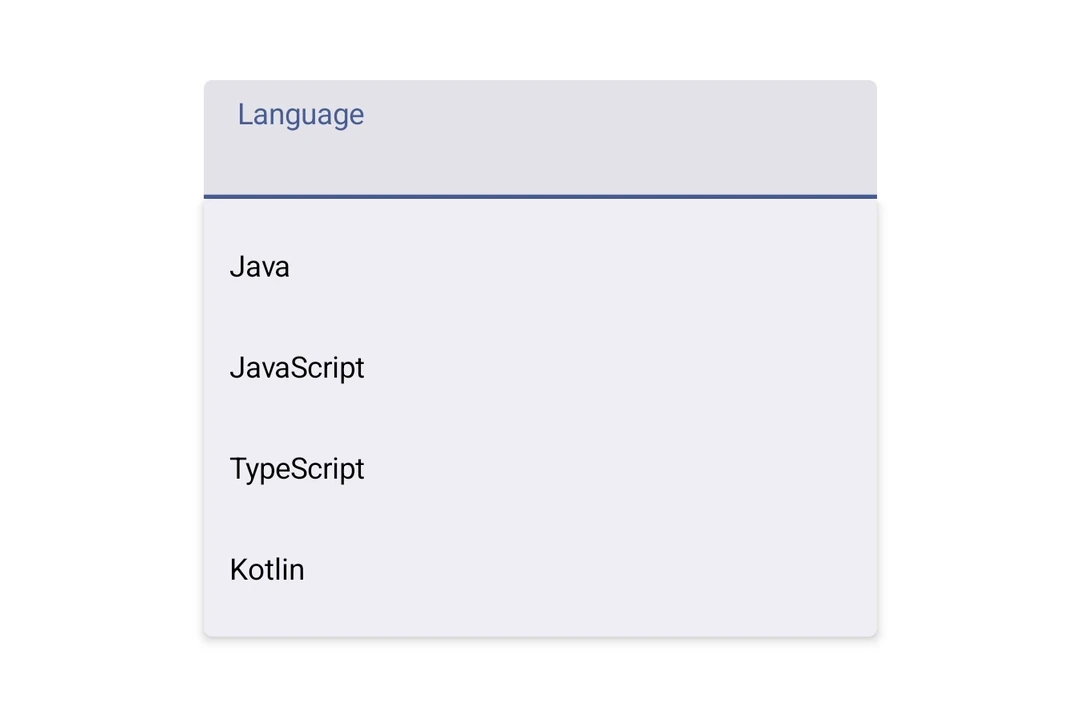
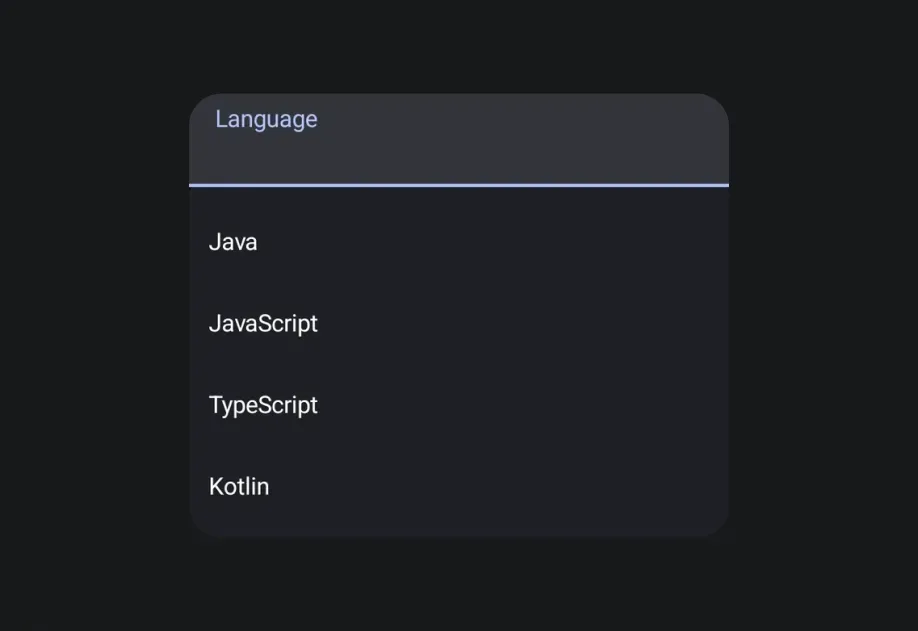


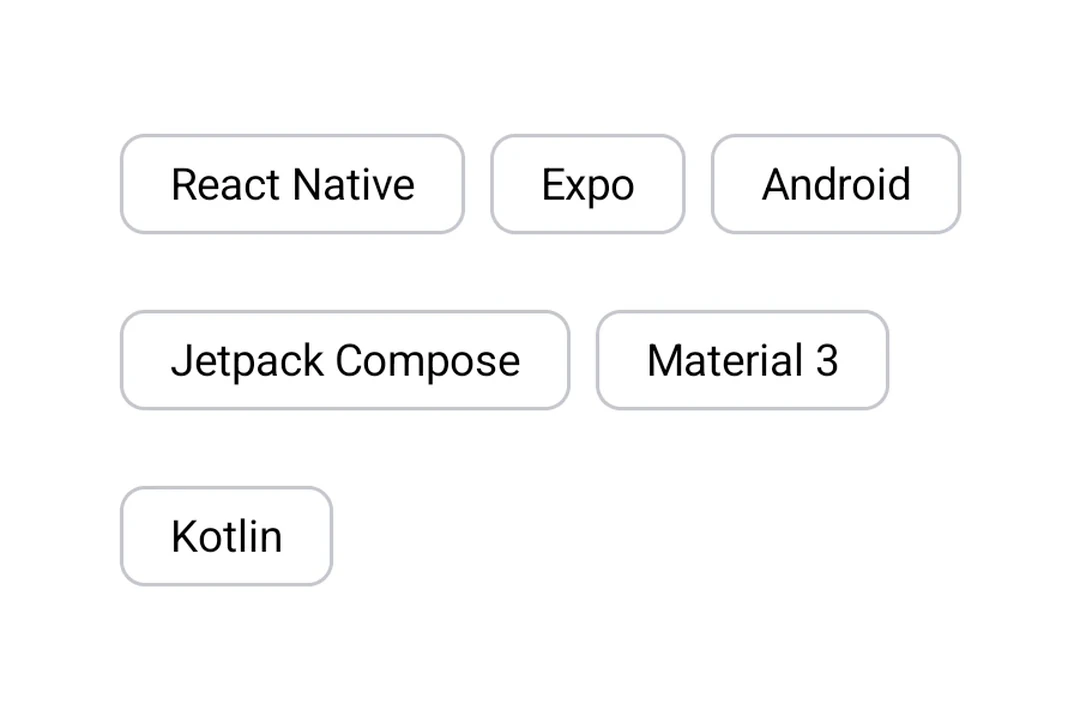
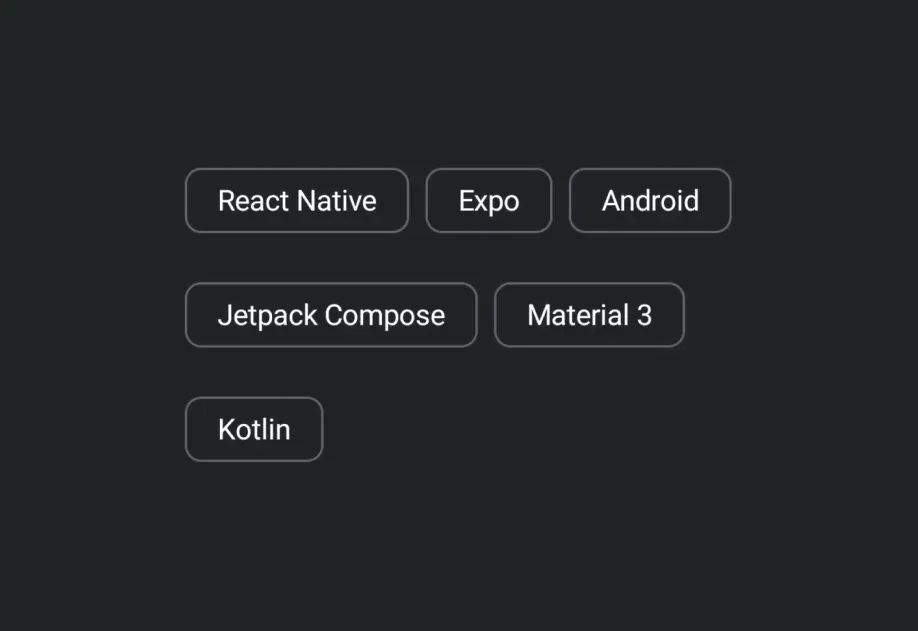









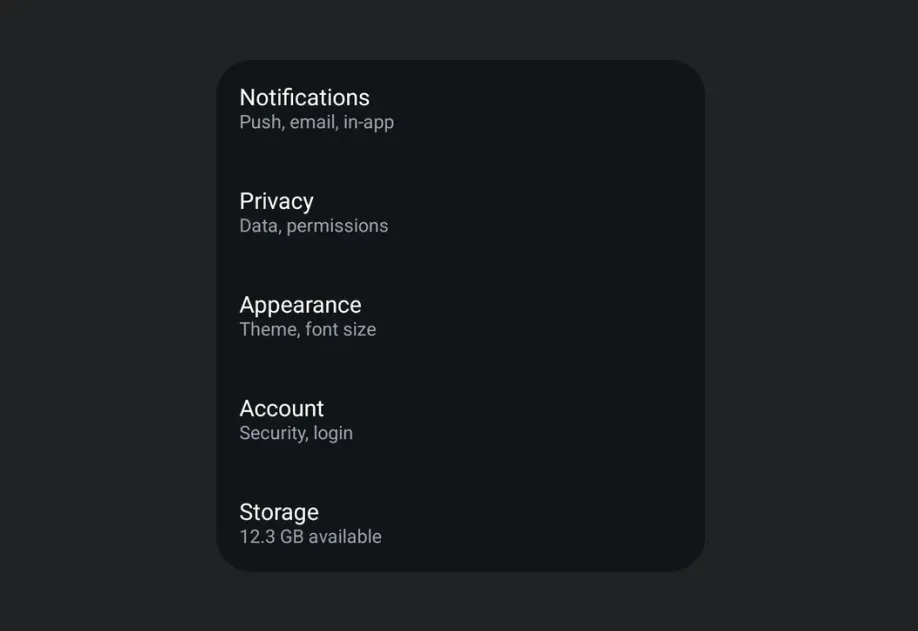


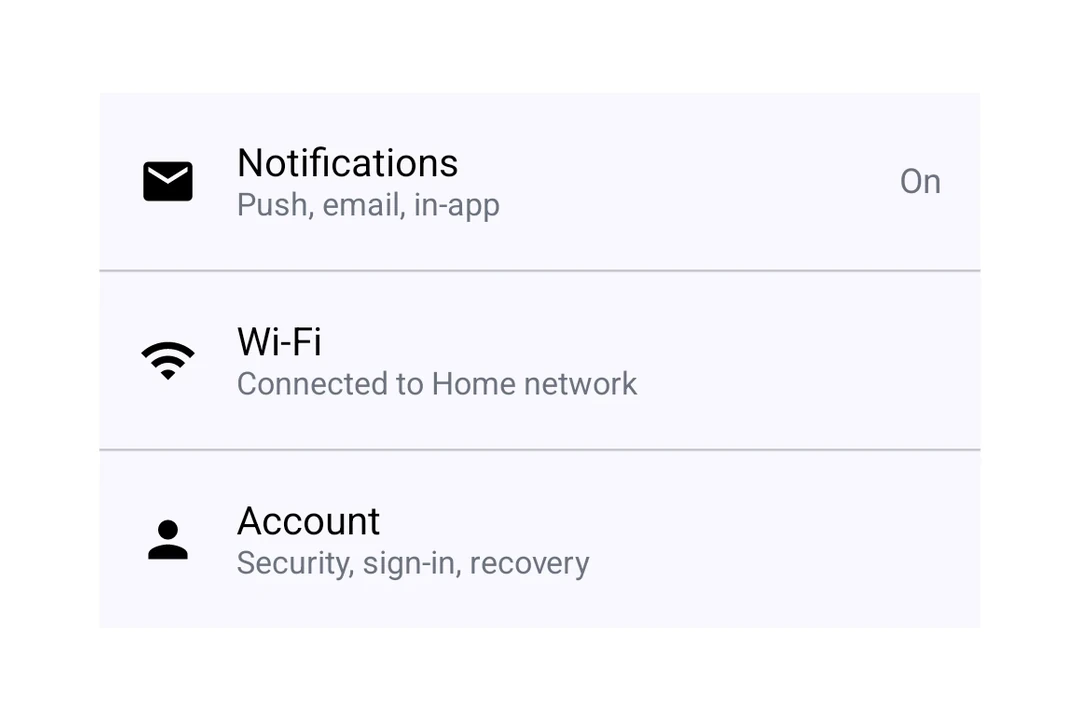

































SwiftUI










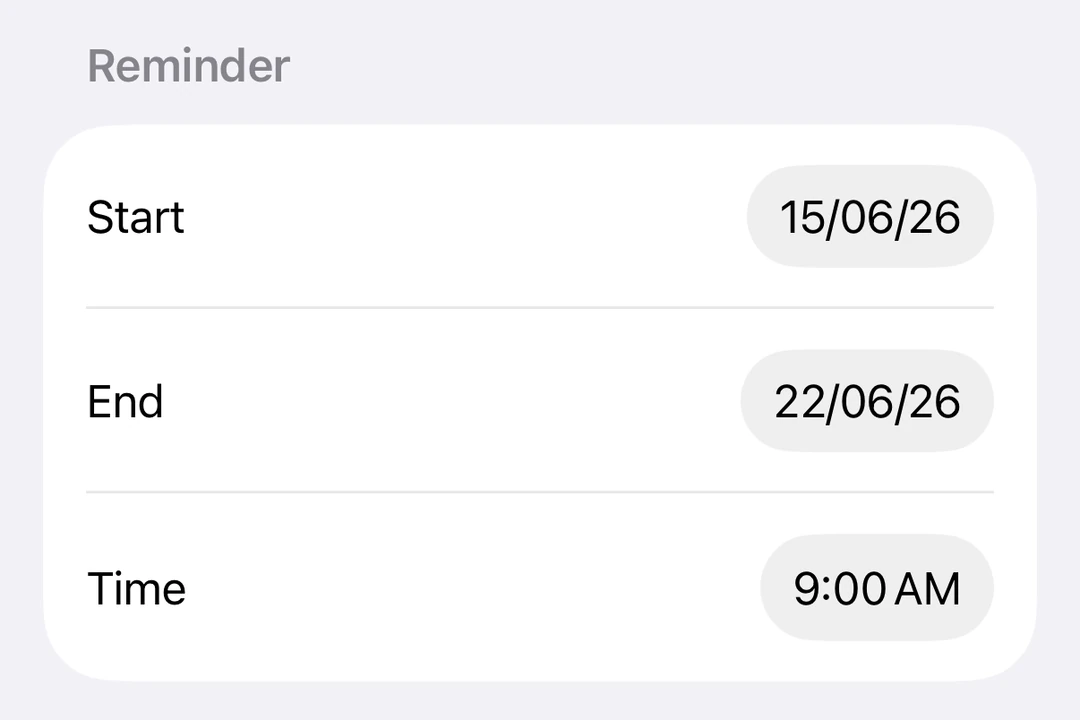
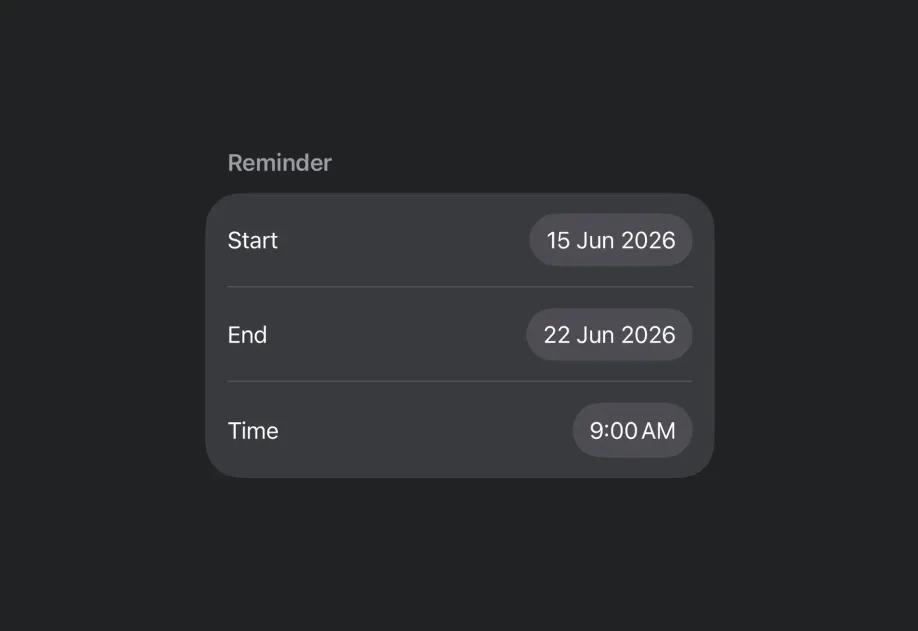
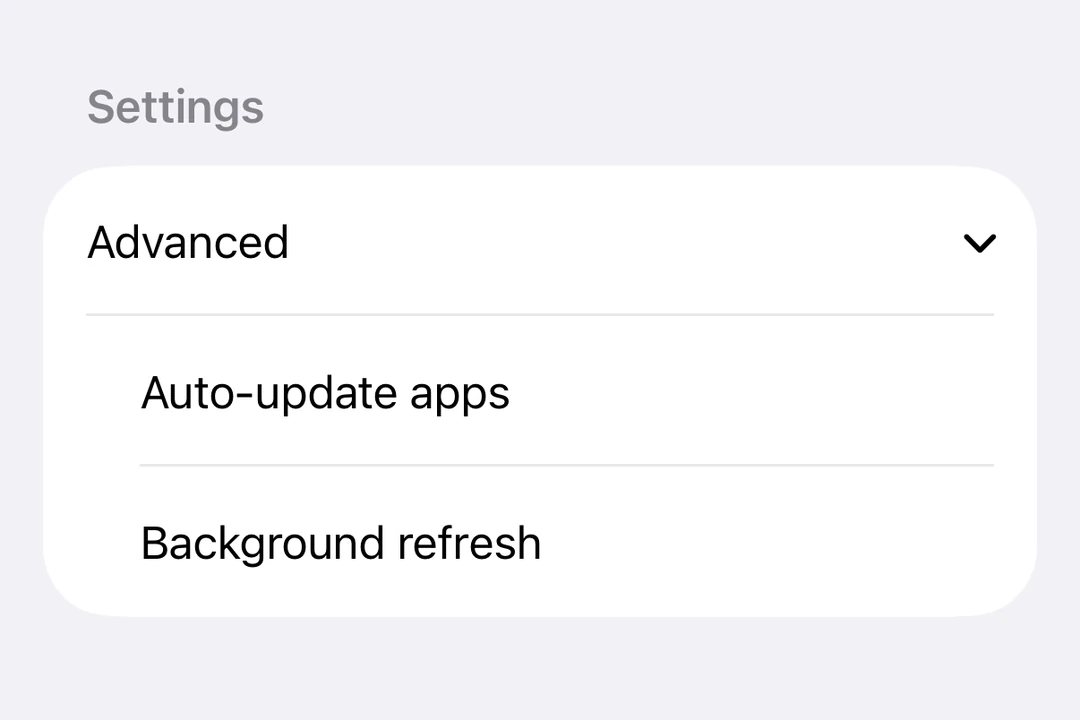



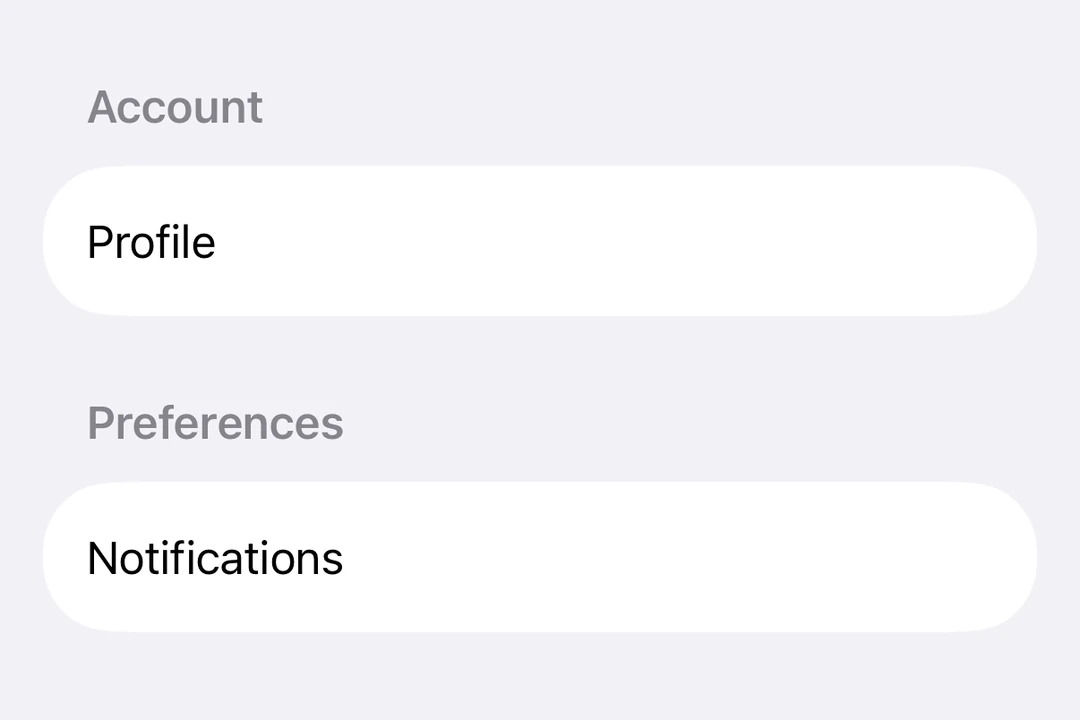

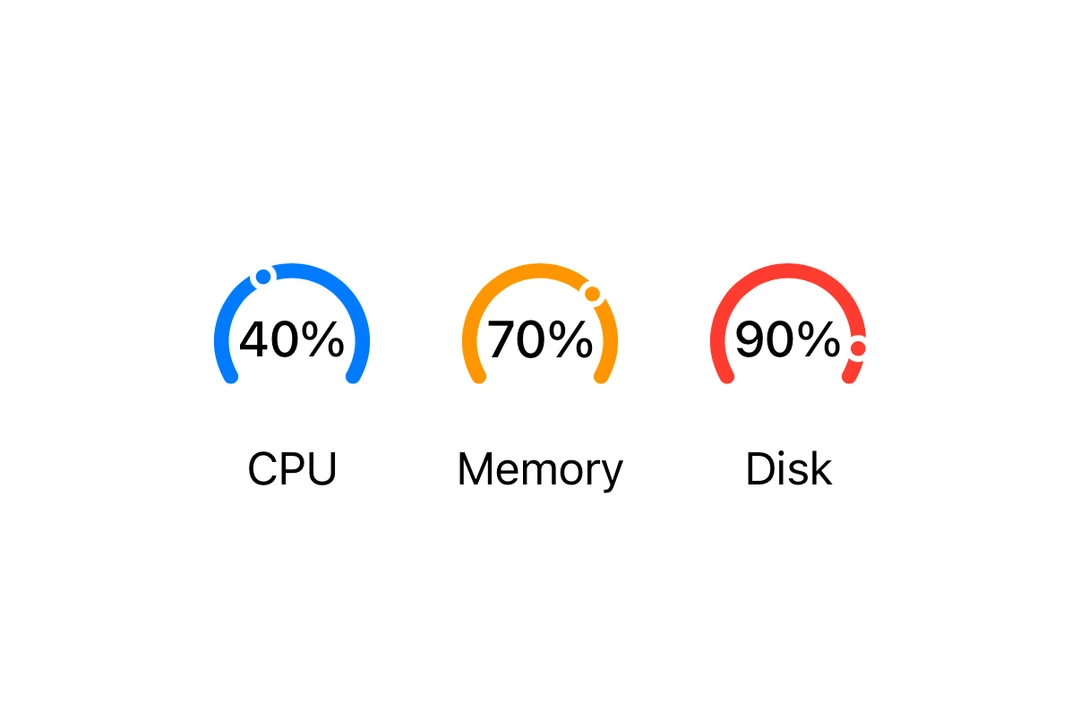
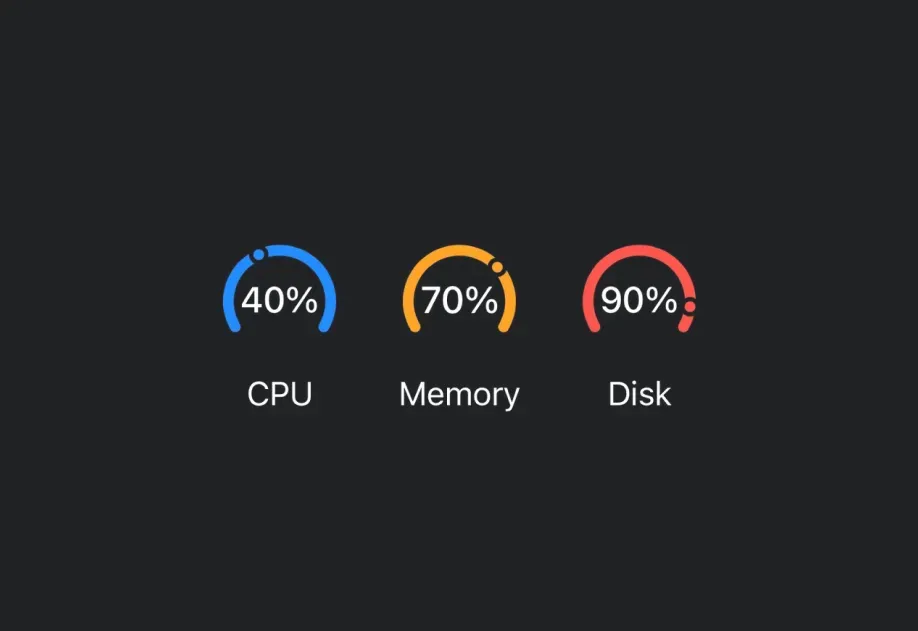








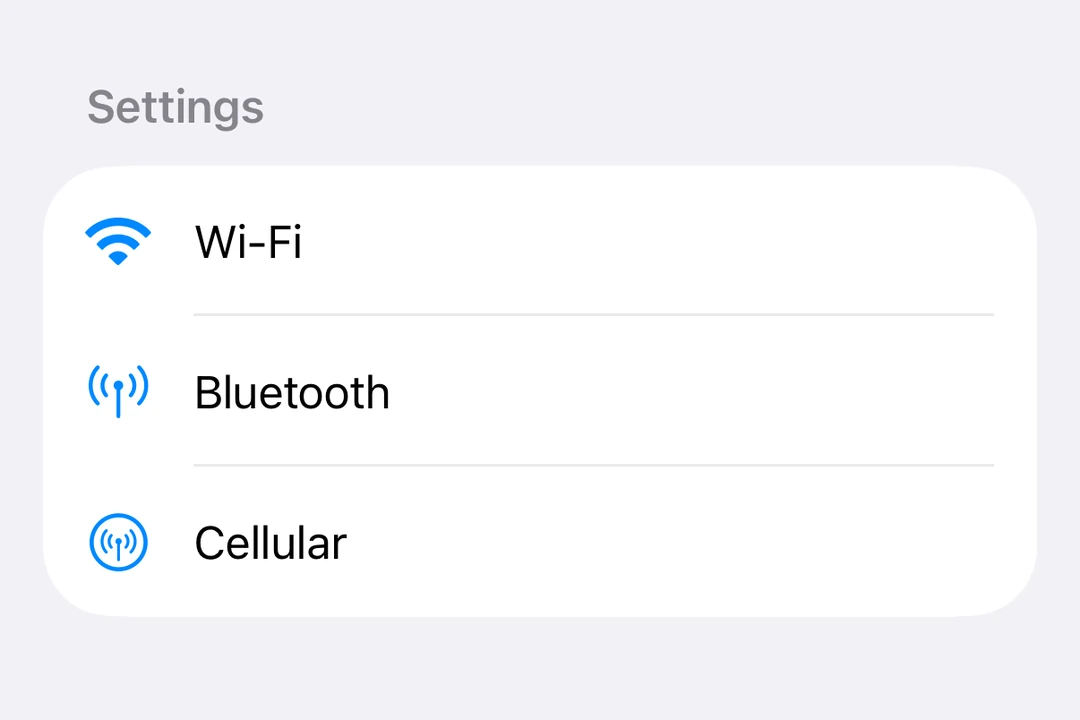
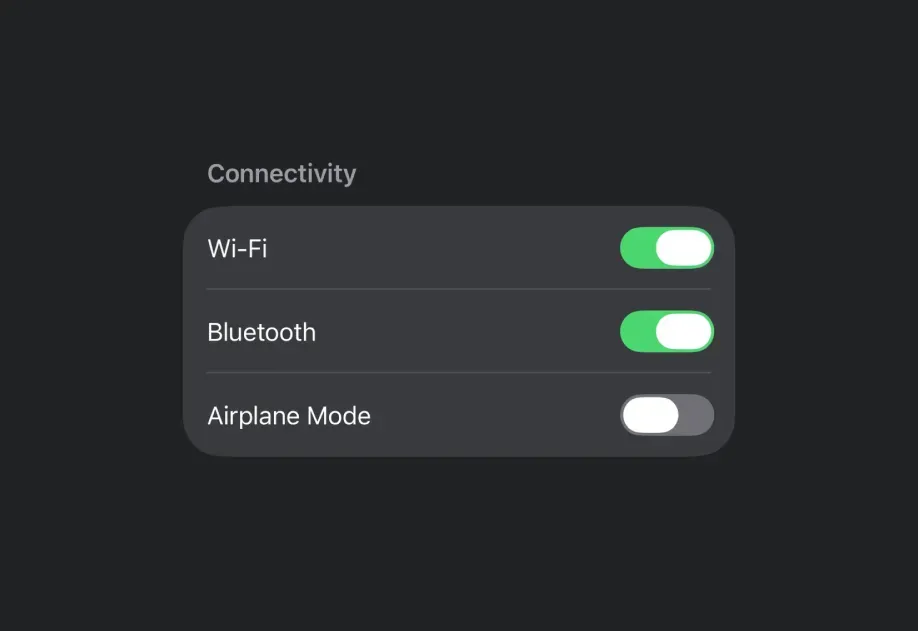
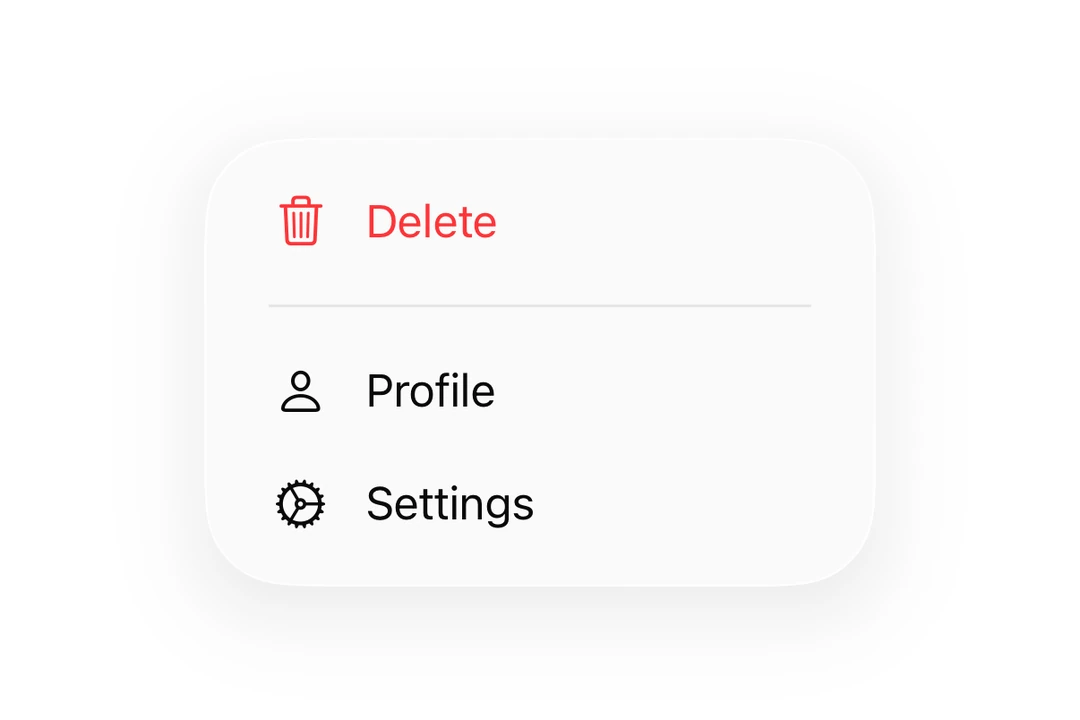
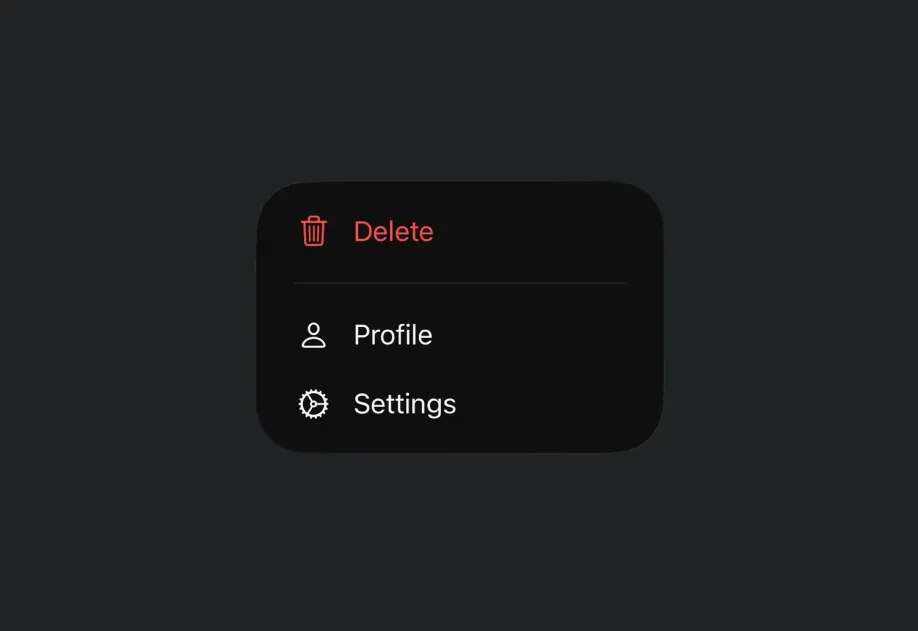


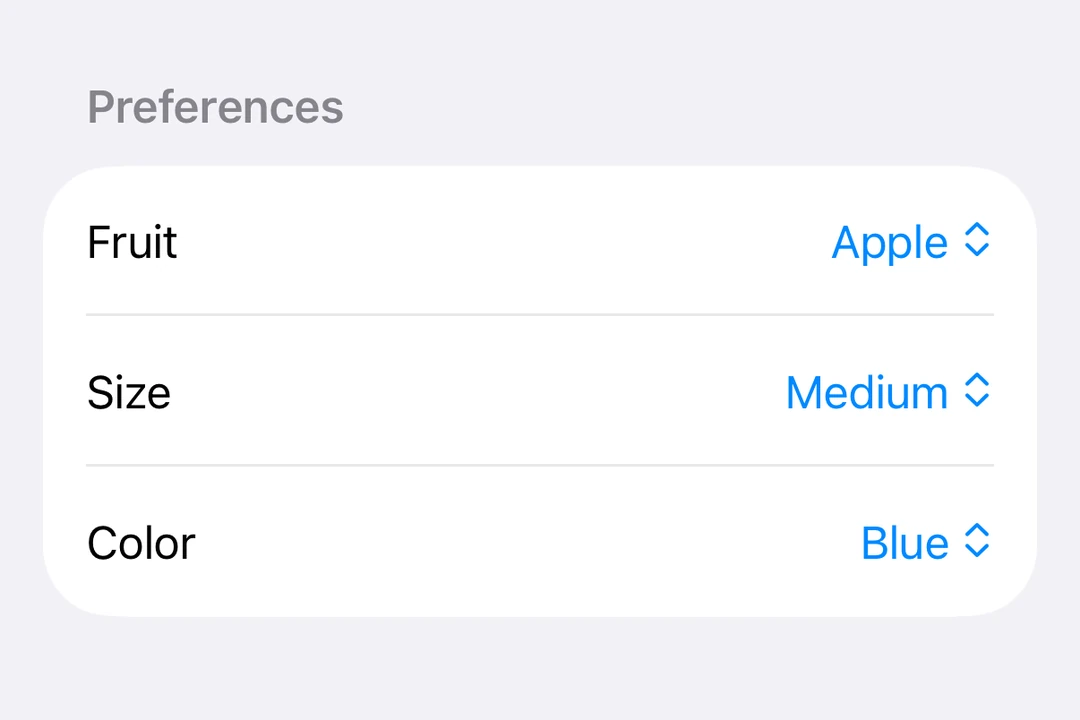
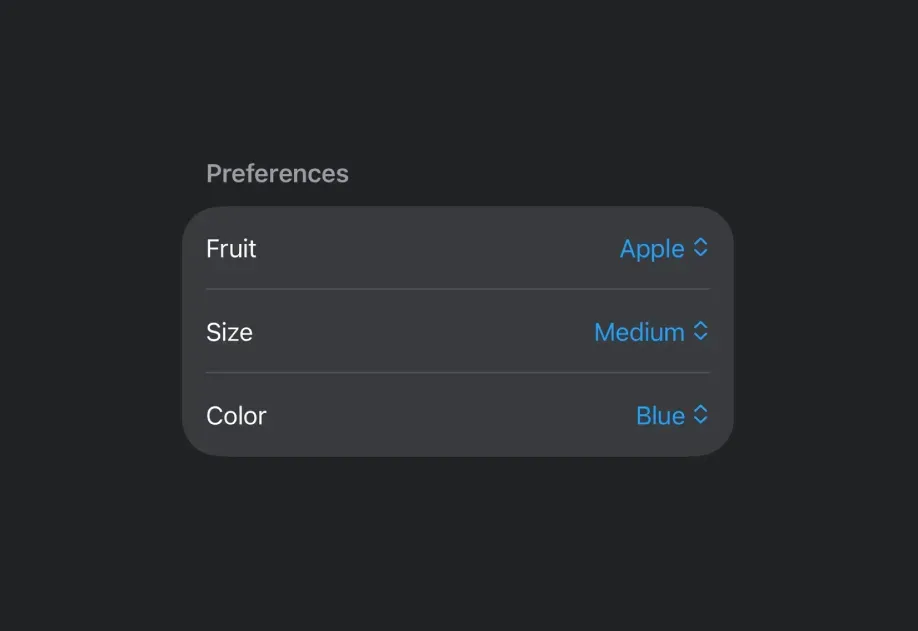
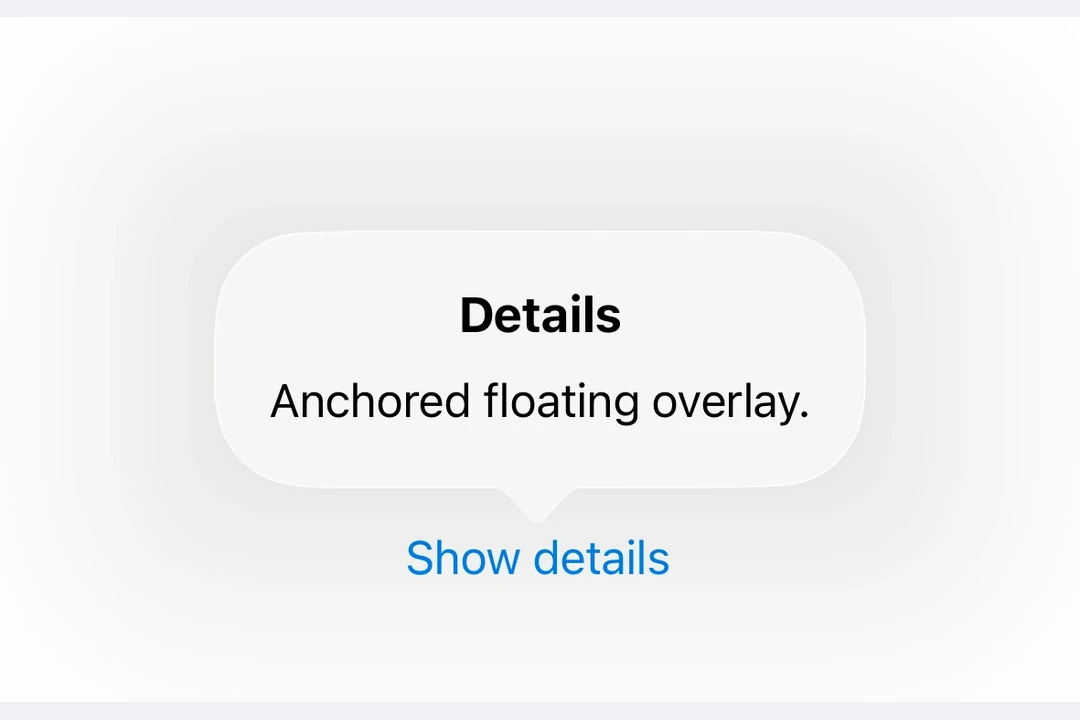





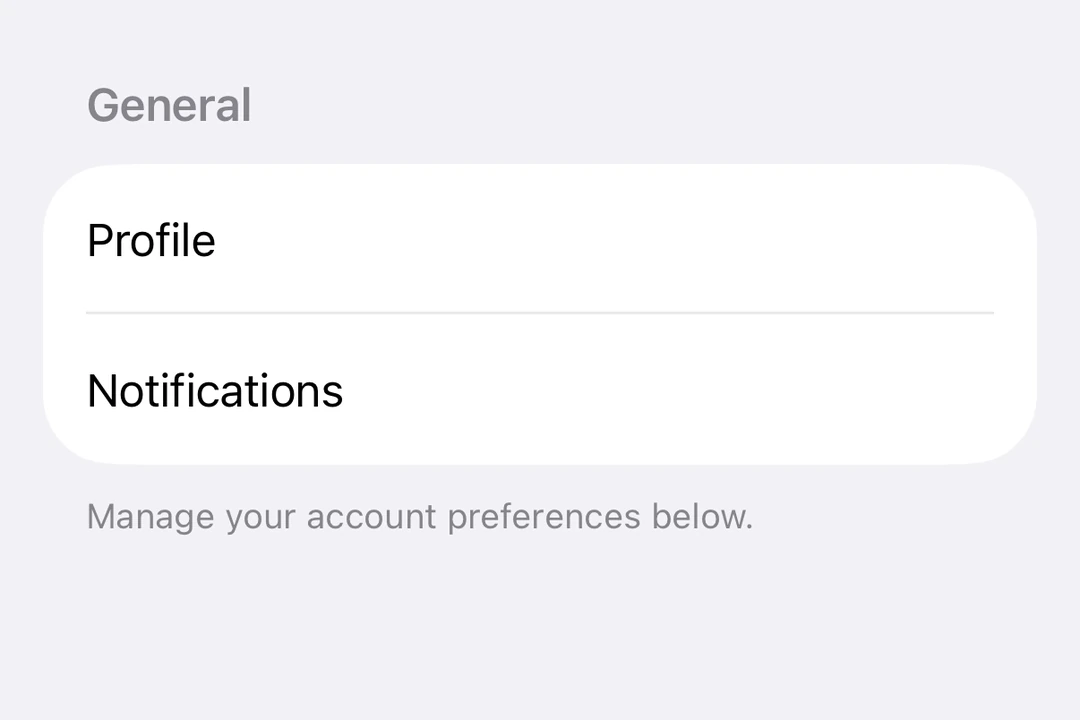









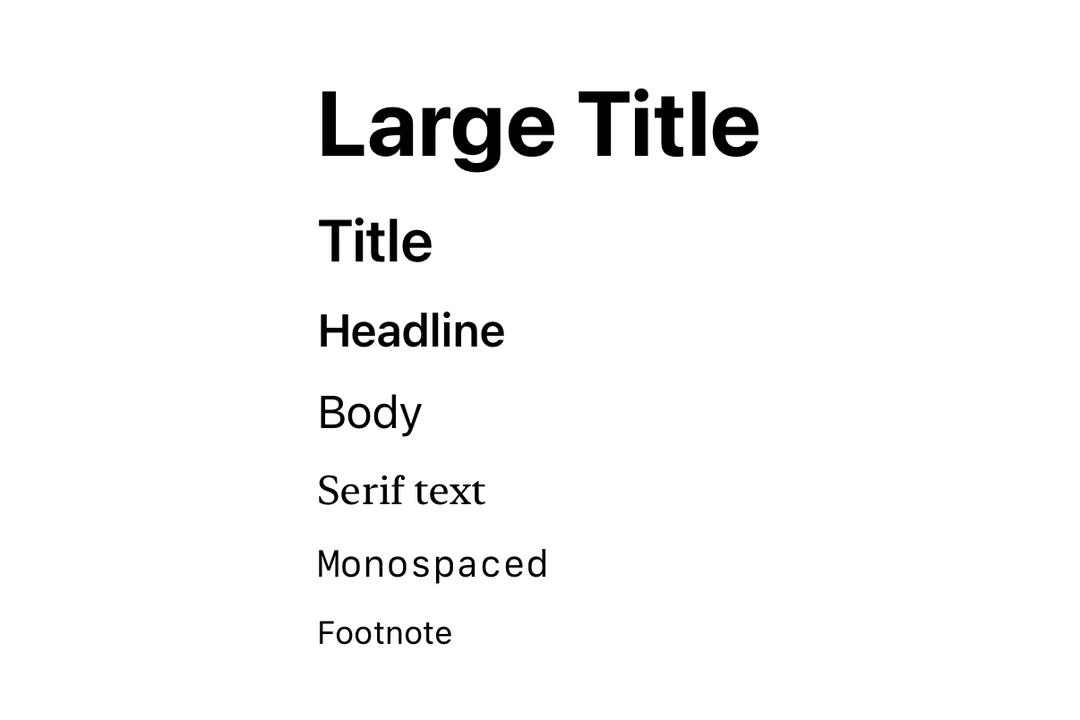

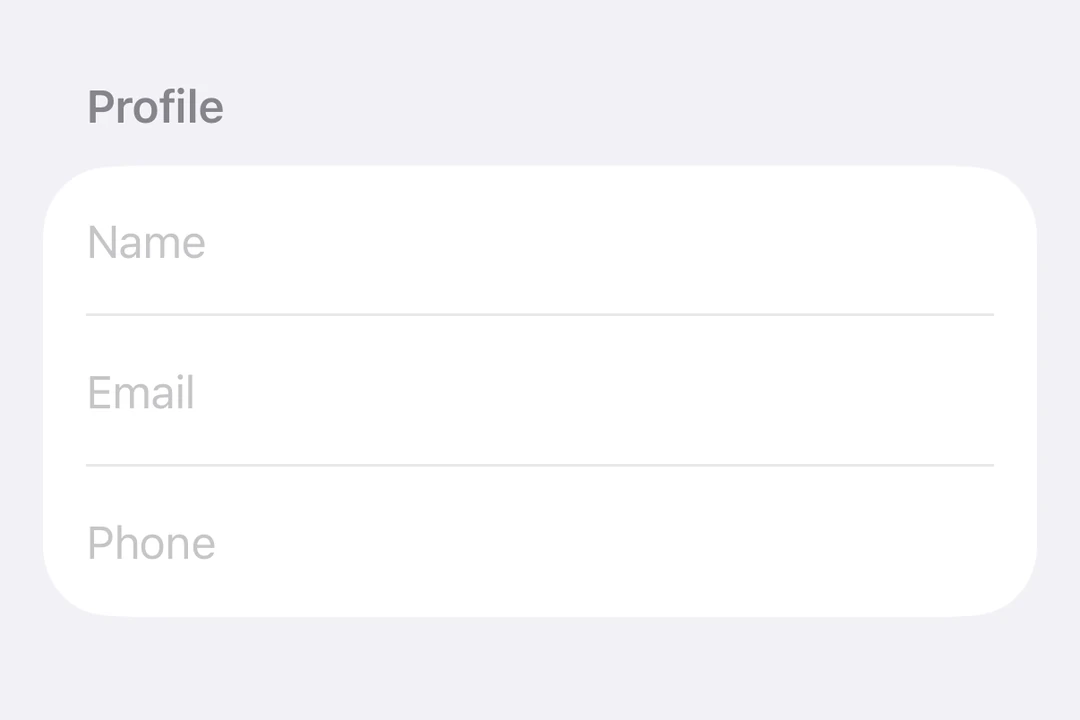

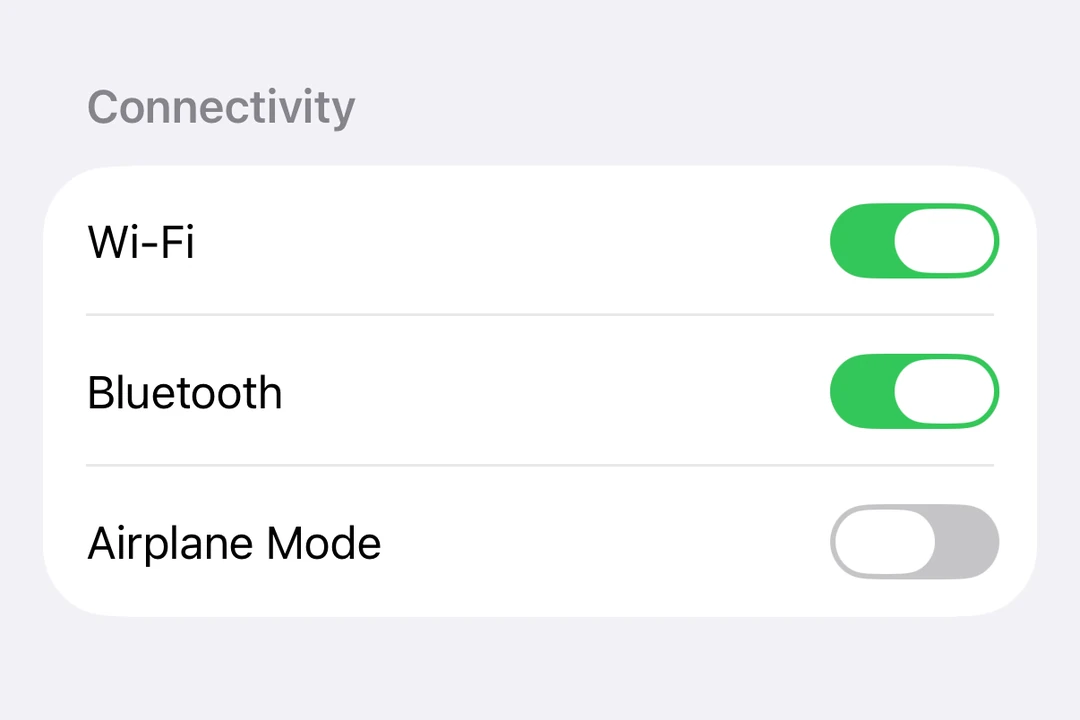
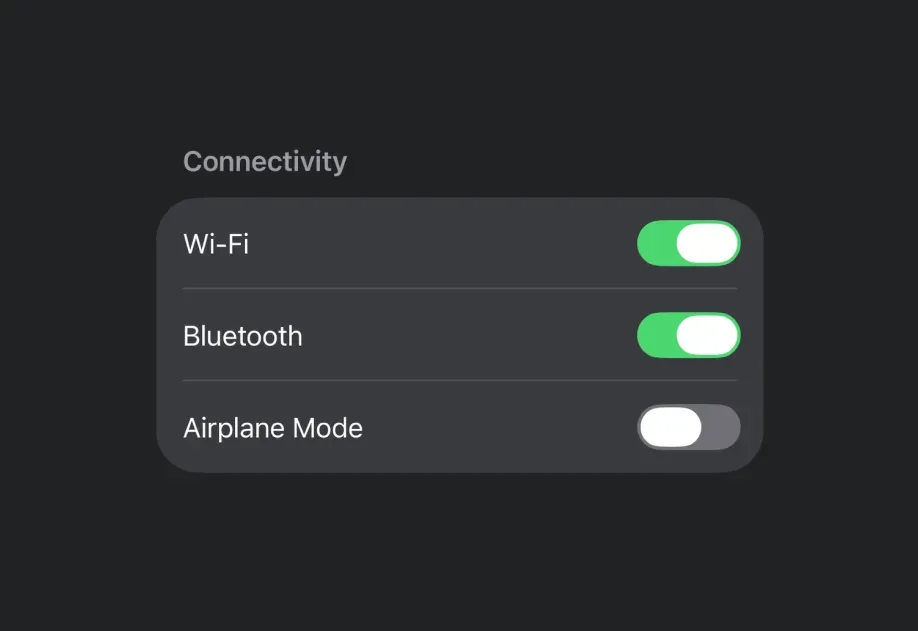




直接替代品
🌐 Drop-in replacements
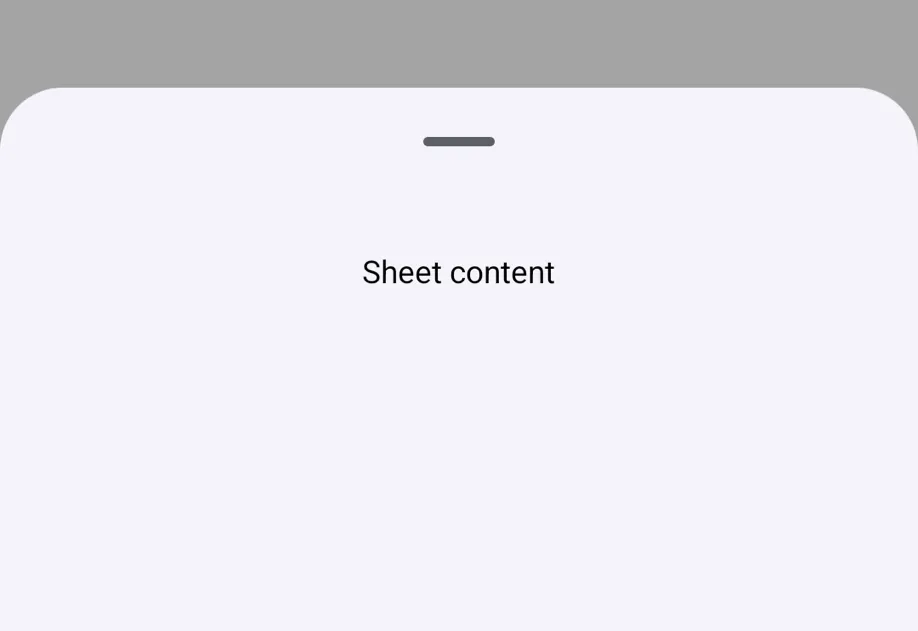











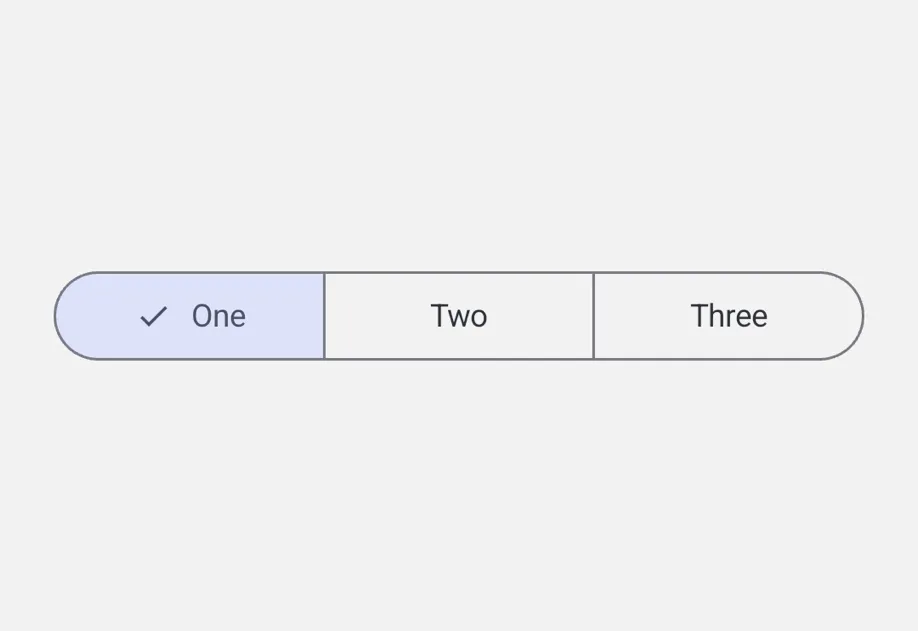


通用
🌐 Universal






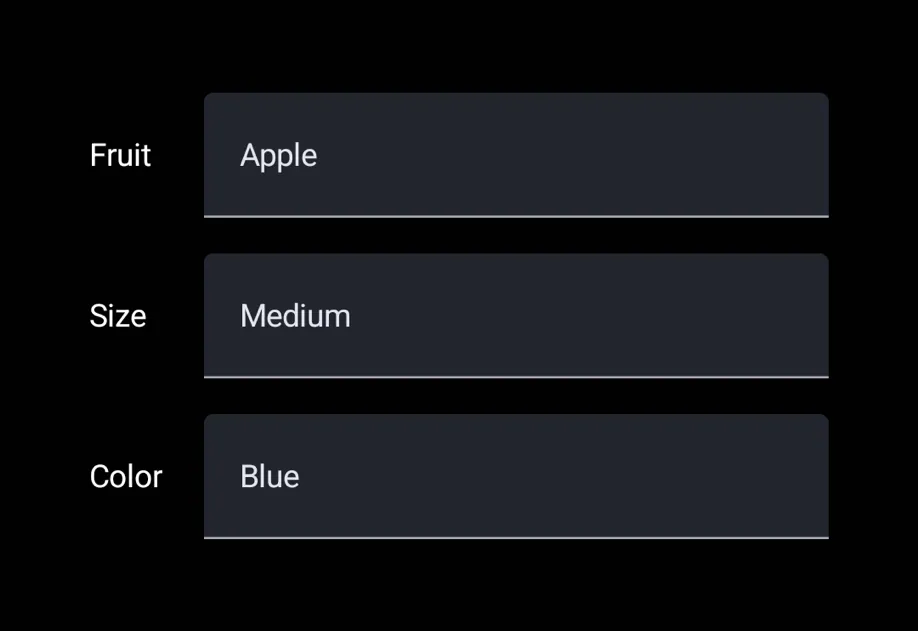



常见问题
🌐 Common questions
什么是 Host 组件?
Host 是 React Native 和原生 UI 工具包之间的桥梁。你必须用它来封装每一个 Expo UI 组件。你可以把它想成 DOM 里的 <svg> 或者 <Canvas> 在 react-native-skia 里的作用。在 iOS 上,它使用 UIHostingController 在 UIKit 中渲染 SwiftUI 视图。想要跨平台使用的话,可以看看通用的 Host。
Expo UI 与像 react-native-paper 或 react-native-elements 这样的库有何不同?
Expo UI 不是“又一个”UI库,也不是一个有固定设计风格的设计工具包。它是一个基础组件库。它直接将原生的 Jetpack Compose 和 SwiftUI 组件暴露给 JavaScript,而不是在 JavaScript 中重新实现或模拟UI。
🌐 Expo UI is not "yet another" UI library and not an opinionated design kit. Instead, it's a primitives library. It exposes native Jetpack Compose and SwiftUI components directly to JavaScript, rather than re-implementing or simulating UI in JavaScript.
我可以在 Android 或网页上使用 @expo/ui/swift-ui 吗?
不行。@expo/ui/swift-ui 渲染的是 SwiftUI 视图,只存在于 Apple 平台上。安卓的话用 @expo/ui/jetpack-compose。如果你想要一个适用于 Android、iOS 和网页的统一组件树,就用 通用组件。
🌐 No. @expo/ui/swift-ui renders SwiftUI views, which exist only on Apple platforms. Use @expo/ui/jetpack-compose for Android. Use the universal components when you want one component tree for Android, iOS, and web.
我可以在 SwiftUI 组件中使用 React Native 组件吗?
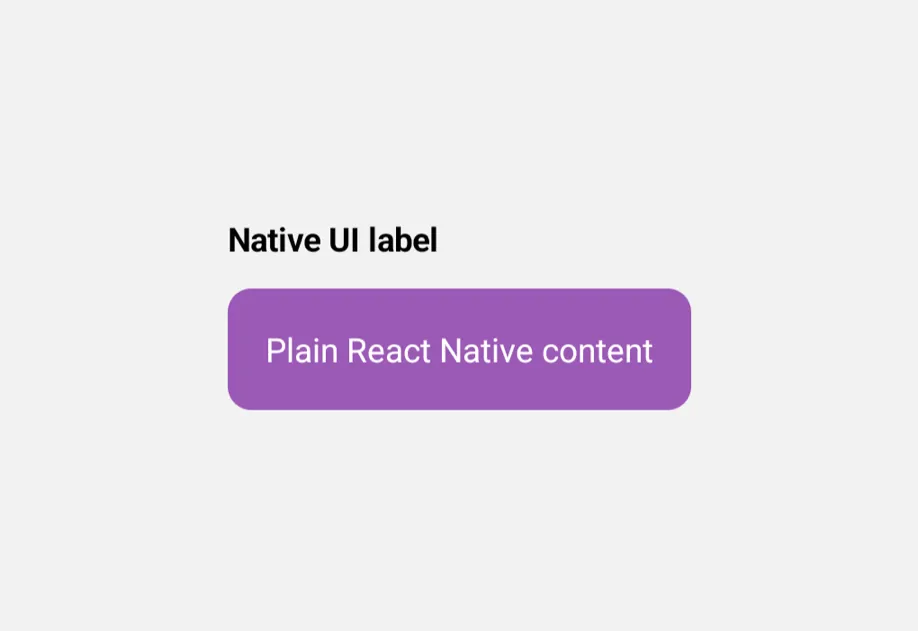
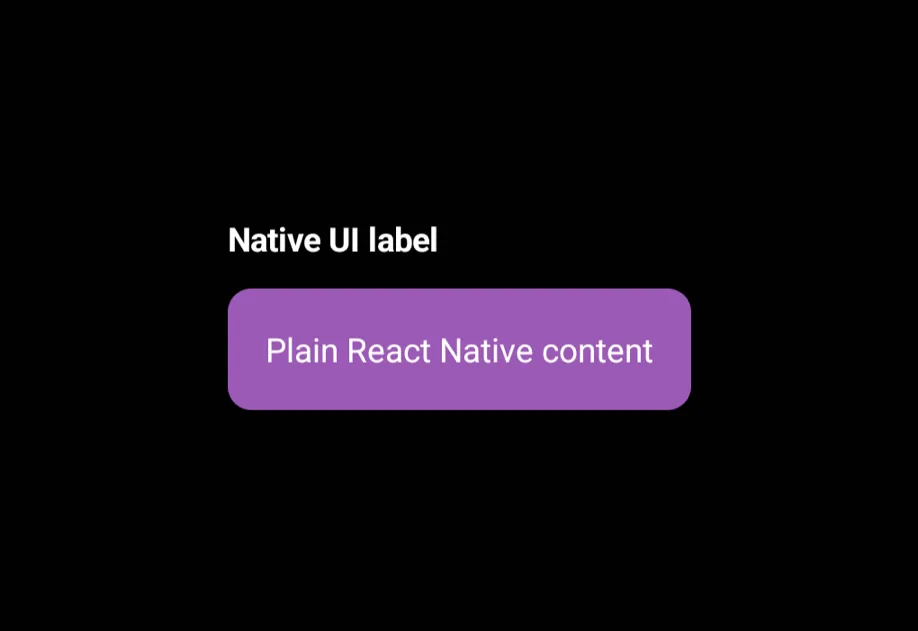
是的,你可以将 React Native 组件作为 JSX 子组件放置在 Expo UI 组件中。Expo UI 会自动为你创建一个 UIViewRepresentable 封装器。
然而,请记住,SwiftUI 布局系统的工作方式与 UIKit 不同,并且存在一些限制。根据苹果的文档:
🌐 Yes, you can place React Native components as JSX children of Expo UI components. Expo UI automatically creates a UIViewRepresentable wrapper for you.
However, keep in mind that the SwiftUI layout system works differently from UIKit and has some limitations. According to Apple's documentation:
警告 SwiftUI 完全控制 UIKit 视图的
center、bounds、frame和transform属性的布局。不要在你自己的代码中直接设置由UIViewRepresentable实例管理的视图的这些布局相关属性,因为这样会与 SwiftUI 产生冲突,并导致未定义的行为。
另外注意,一旦你渲染了 React Native 组件,就离开了 SwiftUI 的上下文。要再次添加 Expo UI 组件,需要重新引入一个 Host 封装器。
🌐 Also note that once you render React Native components, you're leaving the SwiftUI context. To add Expo UI components again, reintroduce a Host wrapper.
保持 SwiftUI 布局自成一体。虽然可以互操作,但当边界清楚时效果最好。
🌐 Keep SwiftUI layouts self-contained. Interop is possible, but it works best when boundaries are clearly defined.
我是一个 Jetpack Compose 或 SwiftUI 开发者。那我为什么要学 Expo UI 呢?
React 所承诺的“学习一次,到处编写”现在也适用于 Jetpack Compose 和 SwiftUI。你可以运用现有的知识来构建在 React Native 生态系统中运行的应用。同一个应用可以通过 DOM 组件 扩展到网页,还可以使用 react-native-skia 添加 2D 渲染,或使用 react-native-webgpu 添加 3D 渲染。应用的不同部分可以使用不同的方法,因为集成是在组件级别进行的。
🌐 React's promise of "learn once, write anywhere" now extends to Jetpack Compose and SwiftUI. You can apply your existing knowledge to build apps that run in the React Native ecosystem. The same app can extend to the web through DOM components, and add 2D rendering with react-native-skia or 3D rendering with react-native-webgpu. Different parts of your app can use different approaches, because the integration works at the component level.
其他资源
🌐 Additional resources
最新的 Expo UI 示例。
一个使用 Expo UI 复制 YVR 热巧克力节应用的示例应用。
这是一个演示在 SDK 56 及更高版本中可用的生产就绪 Expo UI 包的项目。该项目可以在电视(Android TV、Apple TV)和移动设备(Android、iOS)上运行。演示界面包括了大多数 Jetpack Compose 和 SwiftUI 的可用组件。