This documentation is available as Markdown for AI agents and LLMs. See the full Markdown index or append .md to any documentation URL.
部分 SwiftUI 的 Section 组件,用于在列表和表单中分组内容。
Recommended version:
~57.0.22
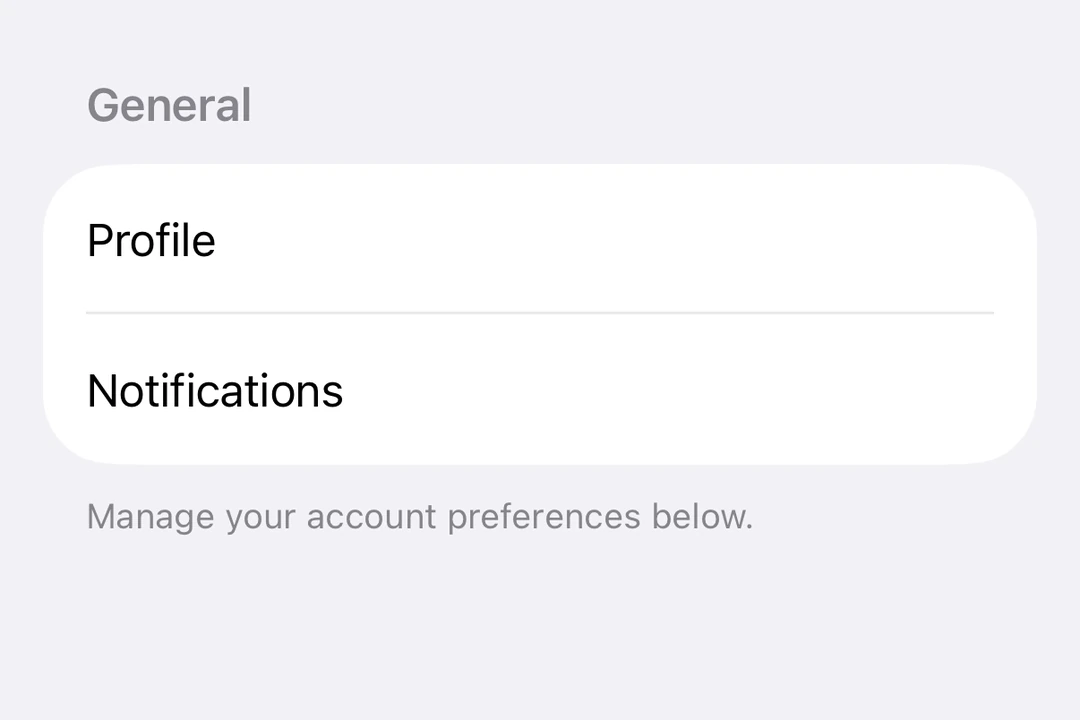
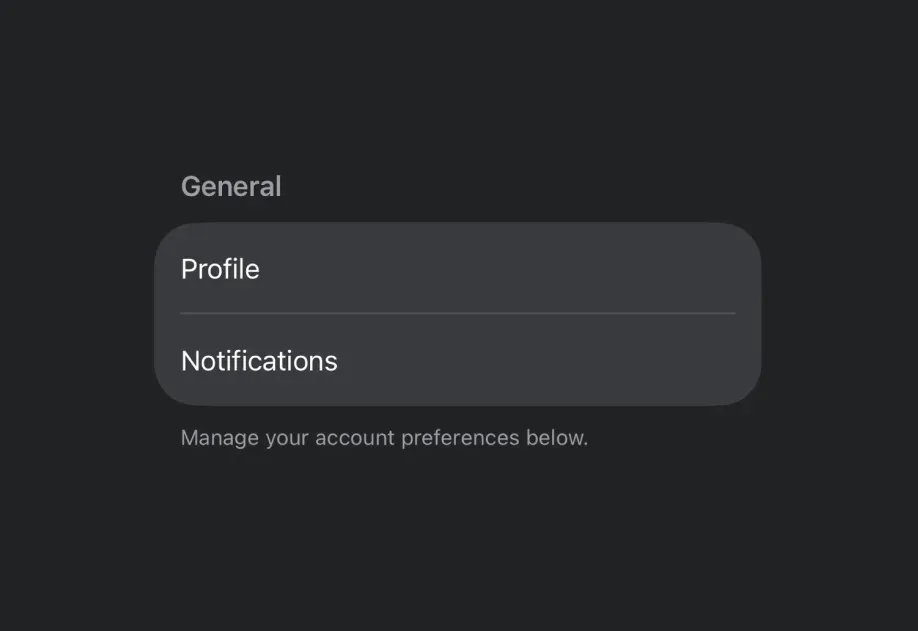
Expo UI 段落(Section)与官方 SwiftUI Section API 相匹配,用于在 ListFormPicker
🌐 Expo UI Section matches the official SwiftUI Section API and is used to group related content within ListFormPicker
安装
🌐 Installation
- npx expo install @expo/ui
- yarn expo install @expo/ui
- pnpm expo install @expo/ui
- bun expo install @expo/ui
If you are installing this in an existing React Native app , make sure to install expo in your project.
用法
🌐 Usage
带标题的基本部分
🌐 Basic section with title
对于带有文本标题的简单部分,请使用 title 属性。
🌐 Use the title prop for simple sections with a text header.
import { Host , List , Section , Text } from '@expo/ui/swift-ui' ;
export default function BasicSectionExample ( ) {
return (
< Host style = { { flex: 1 } } >
< List >
< Section title = " 设置" >
< Text > General </ Text >
< Text > Privacy </ Text >
< Text > Notifications </ Text >
</ Section >
</ List >
</ Host > ) ;
}
带自定义页眉和页脚的部分
🌐 Section with custom header and footer
使用 header 和 footer 属性来实现自定义视图。只有在未提供 title 时才会使用这些属性。
🌐 Use the header and footer props for custom views. These props are only used when title is not provided.
CustomHeaderFooterExample.tsx import {
Host ,
List ,
Section ,
Toggle ,
Text ,
HStack ,
Image ,
} from '@expo/ui/swift-ui' ;
import { useState } from 'react' ;
export default function CustomHeaderFooterExample ( ) {
const [ locationEnabled, setLocationEnabled] = useState ( false ) ;
return (
< Host style = { { flex: 1 } } >
< List >
< Section header = {
< HStack >
< Image systemName = " location.fill" color = " blue" size = { 16 } />
< Text > Location Services </ Text >
</ HStack > } footer = {
< Text >
Enabling location services allows the app to provide
personalized recommendations.
</ Text > } >
< Toggle label = " Enable location" isOn = { locationEnabled} onIsOnChange = { setLocationEnabled} />
</ Section >
</ List >
</ Host > ) ;
}
可折叠部分
🌐 Collapsible section
使用 isExpanded 属性来控制该部分是展开还是折叠。提供该属性后,该部分将可折叠。使用 onIsExpandedChange 来处理状态变化。
🌐 Use the isExpanded prop to control whether the section is expanded or collapsed. When provided, the section becomes collapsible. Use onIsExpandedChange to handle state changes.
注意: 可折叠部分需要 iOS 17 及以上版本和 tvOS 17 及以上版本,并且列表必须使用 sidebar 样式。可折叠部分不支持页脚。
CollapsibleSectionExample.tsx import { useState } from 'react' ;
import { Host , List , Section , Text } from '@expo/ui/swift-ui' ;
import { listStyle } from '@expo/ui/swift-ui/modifiers' ;
export default function CollapsibleSectionExample ( ) {
const [ favoritesExpanded, setFavoritesExpanded] = useState ( false ) ;
const [ recentsExpanded, setRecentsExpanded] = useState ( false ) ;
return (
< Host style = { { flex: 1 } } >
< List modifiers = { [ listStyle ( 'sidebar' ) ] } >
< Section title = " 收藏夹" isExpanded = { favoritesExpanded} onIsExpandedChange = { setFavoritesExpanded} >
< Text > Home </ Text >
< Text > Work </ Text >
< Text > Gym </ Text >
</ Section >
< Section title = " 最近" isExpanded = { recentsExpanded} onIsExpandedChange = { setRecentsExpanded} >
< Text > Coffee Shop </ Text >
< Text > Library </ Text >
< Text > Park </ Text >
</ Section >
</ List >
</ Host > ) ;
}
表单中的多个部分
🌐 Multiple sections in a form
Sections 在 Form 组件中用于将表单控件组织成逻辑组。
🌐 Sections work within Form components to organize form controls into logical groups.
import { useState } from 'react' ;
import {
Host ,
Form ,
Section ,
Toggle ,
Picker ,
Text ,
Button ,
} from '@expo/ui/swift-ui' ;
import { pickerStyle, tag } from '@expo/ui/swift-ui/modifiers' ;
export default function FormSectionsExample ( ) {
const [ darkMode, setDarkMode] = useState ( false ) ;
const [ notifications, setNotifications] = useState ( true ) ;
const [ language, setLanguage] = useState ( 0 ) ;
const languages = [ 'English' , 'Spanish' , 'French' , 'German' ] ;
return (
< Host style = { { flex: 1 } } >
< Form >
< Section title = " 外观" >
< Toggle label = " Dark Mode" isOn = { darkMode} onIsOnChange = { setDarkMode} />
< Picker label = " Language" selection = { language} onSelectionChange = { setLanguage} modifiers = { [ pickerStyle ( 'menu' ) ] } >
{ languages. map ( ( lang, index) => (
< Text key = { index} modifiers = { [ tag ( index) ] } >
{ lang}
</ Text > ) ) }
</ Picker >
</ Section >
< Section title = " 通知" >
< Toggle label = " Push Notifications" isOn = { notifications} onIsOnChange = { setNotifications} />
</ Section >
< Section title = " 账户" >
< Button label = " Sign out" role = " destructive" onPress = { ( ) => alert ( 'Signed out' ) } />
</ Section >
</ Form >
</ Host > ) ;
}
应用接口
🌐 API
import { Section } from '@expo/ui/swift-ui' ;
Component Type: React.Element < SectionProps >
Section component uses the native Section component.
The content of the section.
Optional • Type:
ReactNode Sets a custom footer for the section.
Optional • Type:
ReactNode Sets a custom header for the section.
Optional • Type: boolean
Controls whether the section is expanded or collapsed.
When provided, the section becomes collapsible.
Note : Available only when the list style is set to sidebar.
Optional • Type: ( isExpanded: boolean ) => void
Callback triggered when the section's expanded state changes.
Optional • Type: string
The title of the section.