This documentation is available as Markdown for AI agents and LLMs. See the full Markdown index or append .md to any documentation URL.
表格 一个用于在结构化布局中收集用户输入的 SwiftUI 表单组件。
Recommended version:
~57.0.22
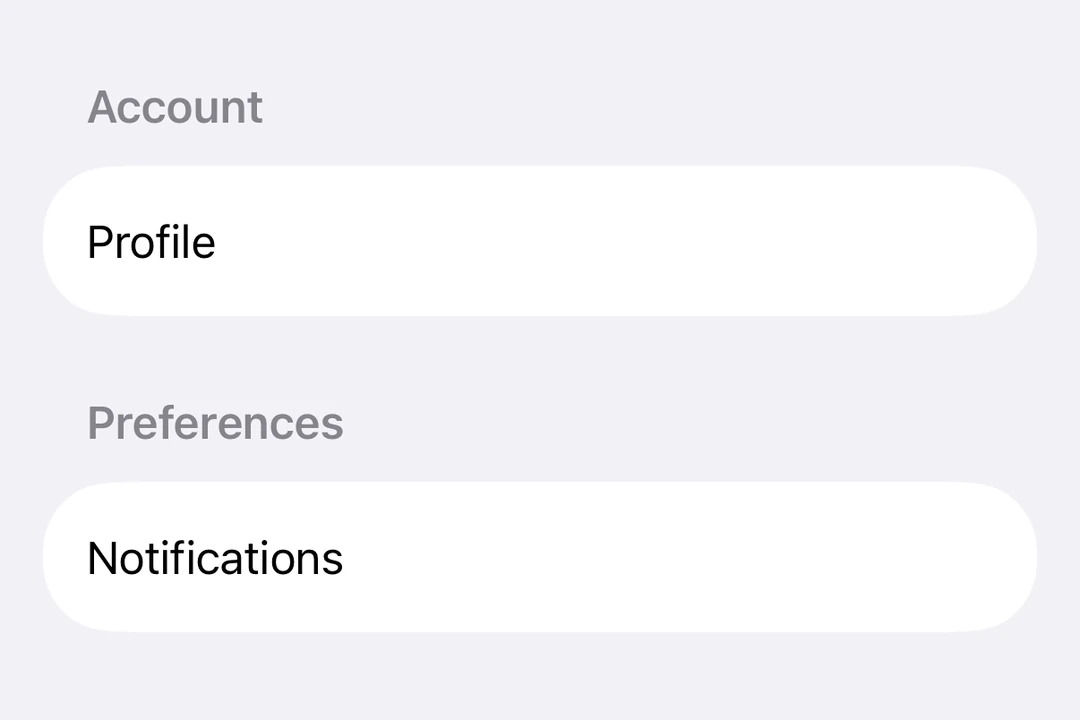
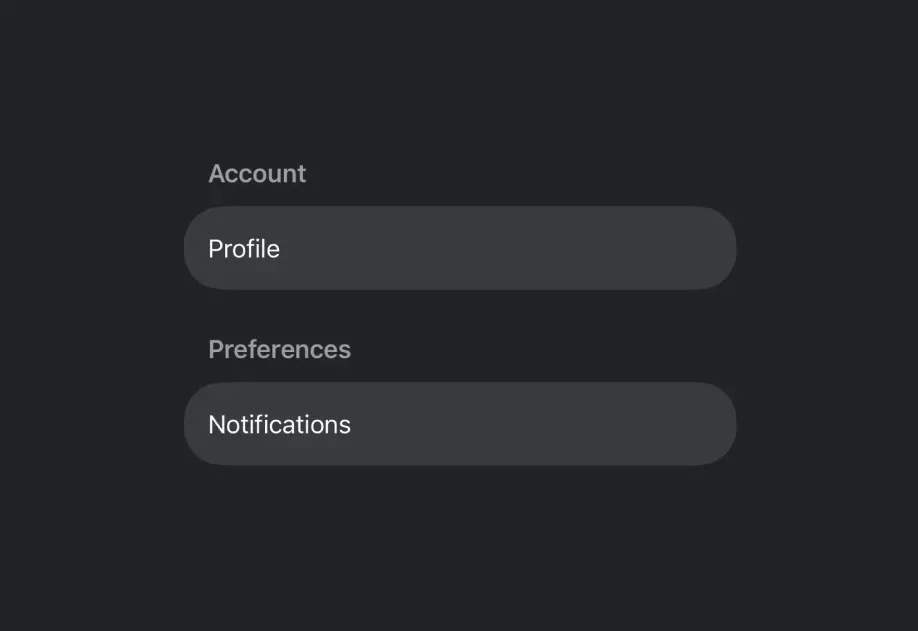
Expo UI 表单与官方 SwiftUI Form API 相匹配。它提供了一个容器,用于对用于数据输入的控件进行分组,例如在设置或检查面板中。
🌐 Expo UI Form matches the official SwiftUI Form API . It provides a container for grouping controls used for data entry, such as in settings or inspection panes.
安装
🌐 Installation
- npx expo install @expo/ui
- yarn expo install @expo/ui
- pnpm expo install @expo/ui
- bun expo install @expo/ui
If you are installing this in an existing React Native app , make sure to install expo in your project.
用法
🌐 Usage
基本形式
🌐 Basic form
import { Host , Form , TextField } from '@expo/ui/swift-ui' ;
export default function BasicFormExample ( ) {
return (
< Host style = { { flex: 1 } } >
< Form >
< TextField placeholder = " Enter your name" />
</ Form >
</ Host > ) ;
}
带有部分的表格
🌐 Form with sections
使用 Section
🌐 Use the Section
FormWithSectionsExample.tsx import { useState } from 'react' ;
import {
Host ,
Form ,
Section ,
TextField ,
Toggle ,
Button ,
} from '@expo/ui/swift-ui' ;
export default function FormWithSectionsExample ( ) {
const [ notifications, setNotifications] = useState ( false ) ;
const [ darkMode, setDarkMode] = useState ( false ) ;
return (
< Host style = { { flex: 1 } } >
< Form >
< Section title = " 个人资料" >
< TextField placeholder = " Name" />
< TextField placeholder = " Email" />
</ Section >
< Section title = " 偏好" >
< Toggle label = " Enable notifications" isOn = { notifications} onIsOnChange = { setNotifications} />
< Toggle label = " Dark mode" isOn = { darkMode} onIsOnChange = { setDarkMode} />
</ Section >
< Section >
< Button label = " Save changes" onPress = { ( ) => console . log ( 'Saved!' ) } />
</ Section >
</ Form >
</ Host > ) ;
}
自定义背景表单
🌐 Form with custom background
使用 scrollContentBackground 修饰符来自定义或隐藏表单的背景。
🌐 Use the scrollContentBackground modifier to customize or hide the form's background.
FormBackgroundExample.tsx import { Host , Form , Section , TextField } from '@expo/ui/swift-ui' ;
import {
scrollContentBackground,
background,
} from '@expo/ui/swift-ui/modifiers' ;
export default function FormBackgroundExample ( ) {
return (
< Host style = { { flex: 1 } } >
< Form modifiers = { [
scrollContentBackground ( 'hidden' ) ,
background ( '#F0F0F0' ) ,
] } >
< Section title = " 自定义背景" >
< TextField placeholder = " Enter text" />
</ Section >
</ Form >
</ Host > ) ;
}
不可滚动表单
🌐 Non-scrollable form
使用 scrollDisabled
🌐 Use the scrollDisabled
注意: scrollDisabled 修饰符仅在 iOS 16 及以上版本和 tvOS 16 及以上版本可用。
NonScrollableFormExample.tsx import { useState } from 'react' ;
import {
Host ,
Form ,
Section ,
TextField ,
Toggle ,
} from '@expo/ui/swift-ui' ;
import { scrollDisabled } from '@expo/ui/swift-ui/modifiers' ;
export default function NonScrollableFormExample ( ) {
const [ isOn, setIsOn] = useState ( false ) ;
return (
< Host style = { { flex: 1 } } >
< Form modifiers = { [ scrollDisabled ( ) ] } >
< Section title = " 设置" >
< Toggle label = " Enable feature" isOn = { isOn} onIsOnChange = { setIsOn} />
</ Section >
</ Form >
</ Host > ) ;
}
下拉刷新表单
🌐 Pull-to-refresh form
使用 refreshable 修饰符来添加下拉刷新功能。
🌐 Use the refreshable modifier to add pull-to-refresh functionality.
RefreshableFormExample.tsx import { useState, useCallback } from 'react' ;
import { Host , Form , Section , Text } from '@expo/ui/swift-ui' ;
import { refreshable } from '@expo/ui/swift-ui/modifiers' ;
export default function RefreshableFormExample ( ) {
const [ lastRefresh, setLastRefresh] = useState ( new Date ( ) ) ;
const handleRefresh = useCallback ( async ( ) => {
await new Promise ( resolve => setTimeout ( resolve, 1500 ) ) ;
setLastRefresh ( new Date ( ) ) ;
} , [ ] ) ;
return (
< Host style = { { flex: 1 } } >
< Form modifiers = { [ refreshable ( handleRefresh) ] } >
< Section title = " 下拉刷新" >
< Text >
Last refreshed: { lastRefresh. toLocaleTimeString ( ) }
</ Text >
</ Section >
</ Form >
</ Host > ) ;
}
应用接口
🌐 API
import { Form } from '@expo/ui/swift-ui' ;
Component