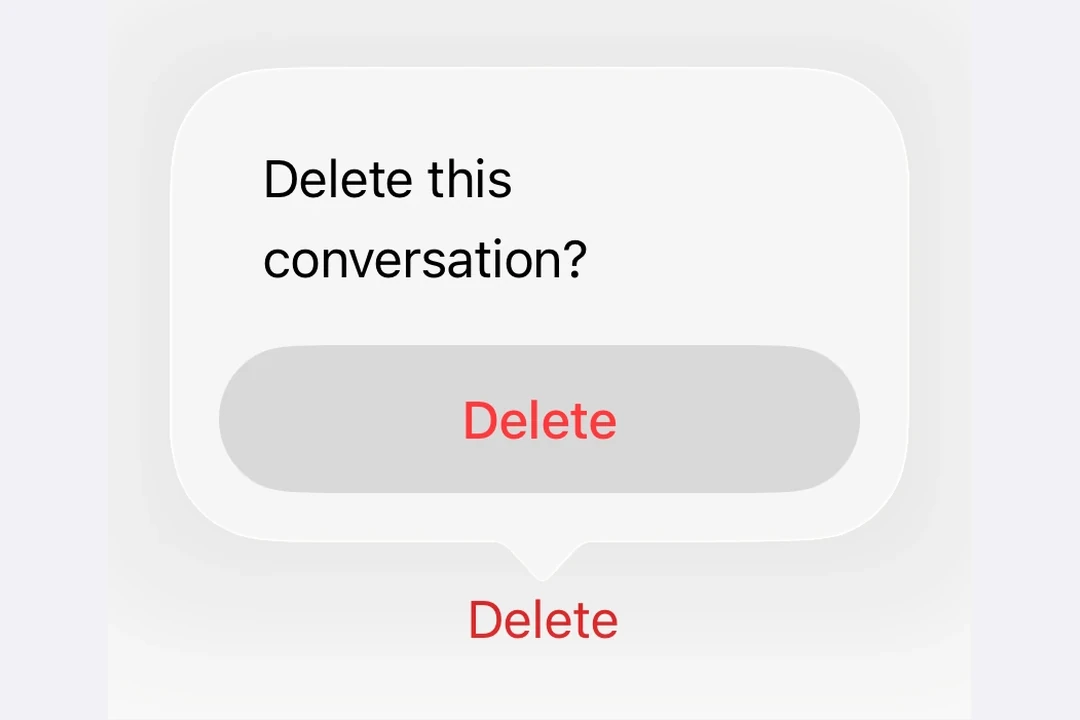
🌐 Use ConfirmationDialog.Message to display a descriptive message below the title, and include multiple action buttons for different choices.
MultiActionConfirmationDialogExample.tsx
import{ useState }from'react';import{Host,ConfirmationDialog,Button,Text,}from'@expo/ui/swift-ui';exportdefaultfunctionMultiActionConfirmationDialogExample(){const[isPresented, setIsPresented]=useState(false);return(<Hoststyle={{ flex:1}}><ConfirmationDialogtitle="保存更改?"isPresented={isPresented}onIsPresentedChange={setIsPresented}titleVisibility="visible"><ConfirmationDialog.Trigger><Buttonlabel="Close document"onPress={()=>setIsPresented(true)}/></ConfirmationDialog.Trigger><ConfirmationDialog.Actions><Buttonlabel="Save"onPress={()=>console.log('Saved')}/><Buttonlabel="Discard"role="destructive"onPress={()=>console.log('Discarded')}/><Buttonlabel="Cancel"role="cancel"/></ConfirmationDialog.Actions><ConfirmationDialog.Message><Text>
You have unsaved changes. What would you like to do?
</Text></ConfirmationDialog.Message></ConfirmationDialog></Host>);}
隐藏标题
🌐 Hidden title
将 titleVisibility="hidden" 设置为隐藏对话框标题,同时仍显示操作和消息。你仍然应该提供一个 title 以便无障碍访问。
🌐 Set titleVisibility="hidden" to hide the dialog title while still showing the actions and message. You should still provide a title for accessibility.
HiddenTitleConfirmationDialogExample.tsx
import{ useState }from'react';import{Host,ConfirmationDialog,Button,Text,}from'@expo/ui/swift-ui';exportdefaultfunctionHiddenTitleConfirmationDialogExample(){const[isPresented, setIsPresented]=useState(false);return(<Hoststyle={{ flex:1}}><ConfirmationDialogtitle="隐藏标题"isPresented={isPresented}onIsPresentedChange={setIsPresented}titleVisibility="hidden"><ConfirmationDialog.Trigger><Buttonlabel="Show dialog"onPress={()=>setIsPresented(true)}/></ConfirmationDialog.Trigger><ConfirmationDialog.Actions><Buttonlabel="OK"onPress={()=>setIsPresented(false)}/><Buttonlabel="Cancel"role="cancel"/></ConfirmationDialog.Actions><ConfirmationDialog.Message><Text>Only the message and actions are visible.</Text></ConfirmationDialog.Message></ConfirmationDialog></Host>);}
The contents of the confirmation dialog.
Should include ConfirmationDialog.Trigger, ConfirmationDialog.Actions, and optionally ConfirmationDialog.Message.
isPresented
iOS
tvOS
Optional • Type: boolean
Whether the confirmation dialog is presented.
onIsPresentedChange
iOS
tvOS
Optional • Type: (isPresented: boolean) => void
A callback that is called when the isPresented state changes.