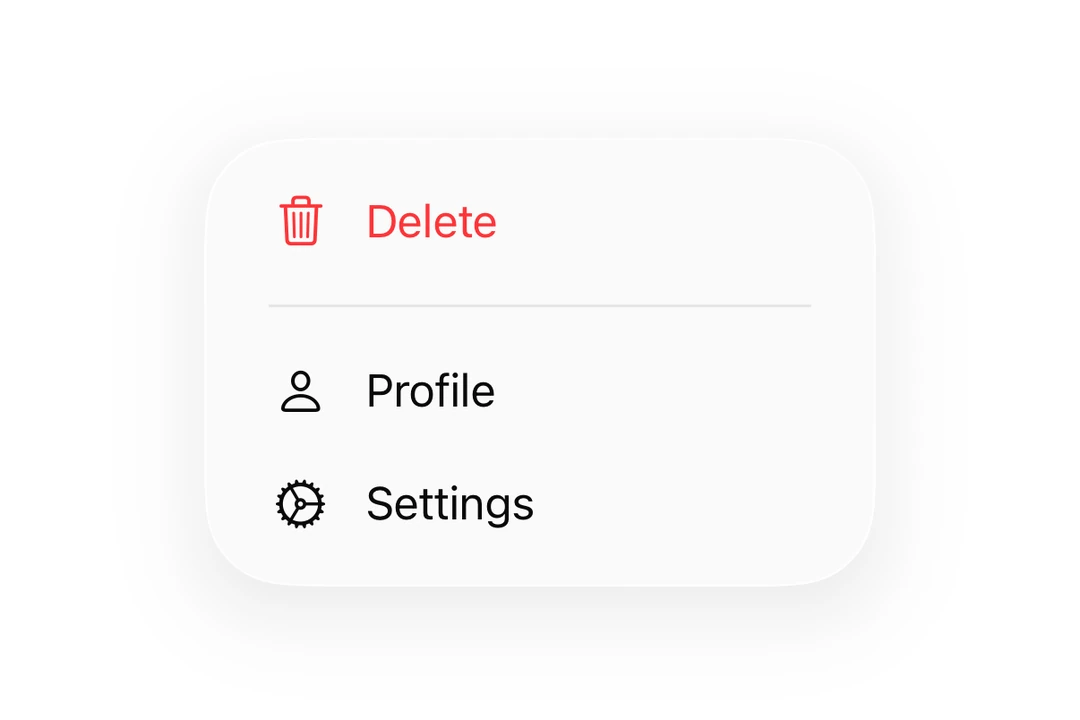
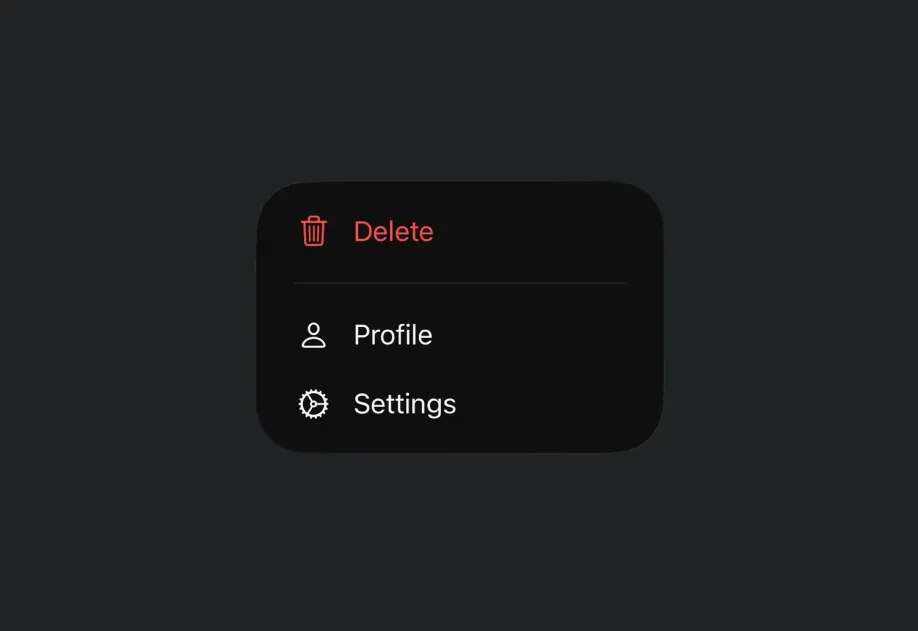
🌐 Expo UI Menu matches the official SwiftUI Menu API and supports styling via the buttonStyle modifier. Menu opens on a single tap. For long-press interactions, use ContextMenu instead.
在菜单中使用ControlGroup来渲染一行水平的图标按钮,类似于 Apple Music 或 Safari 菜单中的快速操作行。
🌐 Use a ControlGroup inside a menu to render a horizontal row of icon buttons, similar to the quick actions row in Apple Music or Safari menus.
MenuWithControlGroupExample.tsx
import{Host,Menu,ControlGroup,Button,Section,Divider,}from'@expo/ui/swift-ui';exportdefaultfunctionMenuWithControlGroupExample(){return(<Hoststyle={{ flex:1}}><Menulabel="Song Options"systemImage="ellipsis.circle"><ControlGroup><ButtonsystemImage="plus"label="Add"onPress={()=>console.log('Add')}/><ButtonsystemImage="star"label="Favorite"onPress={()=>console.log('Favorite')}/><ButtonsystemImage="square.and.arrow.up"label="Share"onPress={()=>console.log('Share')}/></ControlGroup><Section><ButtonsystemImage="text.badge.plus"label="Add to a playlist"onPress={()=>console.log('Add to playlist')}/><ButtonsystemImage="antenna.radiowaves.left.and.right"label="Create station"onPress={()=>console.log('Create station')}/></Section><Divider/><ButtonsystemImage="hand.thumbsdown"label="Suggest less"onPress={()=>console.log('Suggest less')}/></Menu></Host>);}
🌐 Use the disabled(true) modifier on a menu Button to render it greyed-out and non-interactive. The button still appears in the menu but won't fire onPress.
DisabledMenuItemExample.tsx
import{Host,Menu,Button}from'@expo/ui/swift-ui';import{ disabled }from'@expo/ui/swift-ui/modifiers';exportdefaultfunctionDisabledMenuItemExample(){return(<Hoststyle={{ flex:1}}><Menulabel="Options"><Buttonlabel="Available"onPress={()=>console.log('Available')}/><Buttonlabel="Locked"systemImage="lock"modifiers={[disabled(true)]}onPress={()=>console.log('This never fires')}/></Menu></Host>);}
可选择的项目(勾选项)
🌐 Selectable items (checkmarks)
一个 SwiftUI Toggle 放在 Menu 里面时,会自动渲染成一行,并显示它的 SF 符号(当 systemImage 被设置时),而且当 isOn 是 true 时,该符号前会显示一个勾选标记。使用这个模式,而不是自己去发明一个自定义的勾选项。
🌐 A SwiftUI Toggle placed inside a Menu automatically renders as a row with its SF Symbol (when systemImage is set) and a checkmark before that symbol when isOn is true. Use this pattern instead of inventing a custom checkmark item.
🌐 Use the labelStyle('iconOnly') modifier to display only the icon without the label text. The label prop should still be provided for accessibility purposes.
The label for the menu trigger. Can be a string for simple text labels,
or a ReactNode for custom label content.
onPrimaryAction
iOS
tvOS
Optional • Type: () => void
A callback that is invoked when the user taps the menu label.
When provided, a single tap triggers this action, while a long-press shows the menu.
When not provided, a single tap shows the menu.
systemImage
iOS
tvOS
Optional • Type: string
An SF Symbol name to display alongside the label.
Only used when label is a string.