This documentation is available as Markdown for AI agents and LLMs. See the full Markdown index or append .md to any documentation URL.

List

A virtualized vertical container of rows, paired with a tappable ListItem primitive.

Android
iOS
Web
Included in Expo Go

List provides a virtualized vertical container of rows, typically populated with ListItem children. It provides the platform-native chrome (separators, inset styling, pull-to-refresh). ListItem is a tappable row with leading/trailing/supportingText slots.

Native implementations

PlatformBacking component
AndroidJetpack Compose LazyColumn. When you provide onRefresh, List wraps it in PullToRefreshBox.
iOSSwiftUI List. When you provide onRefresh, List applies the refreshable modifier.
WebReact Native View with scrolling overflow.
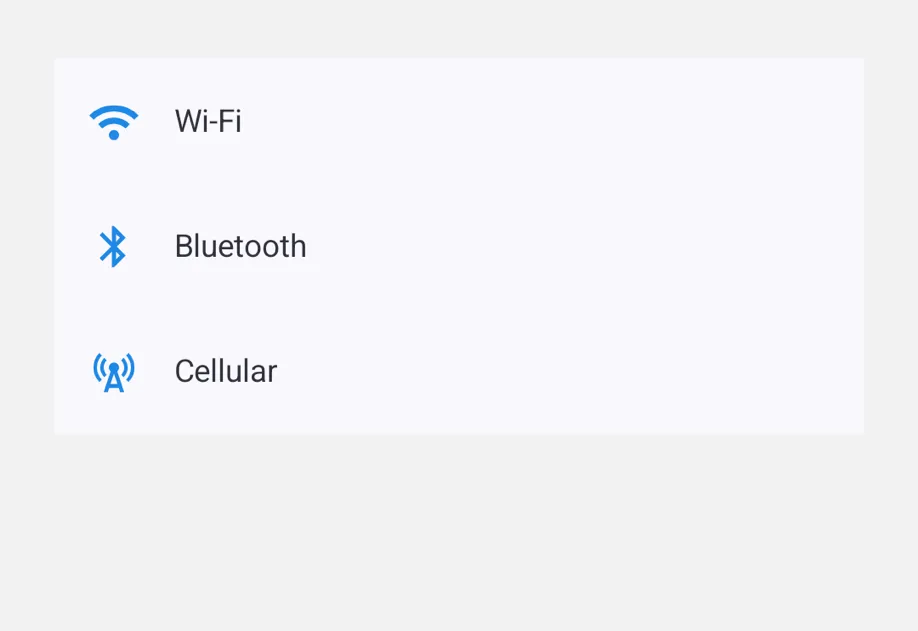
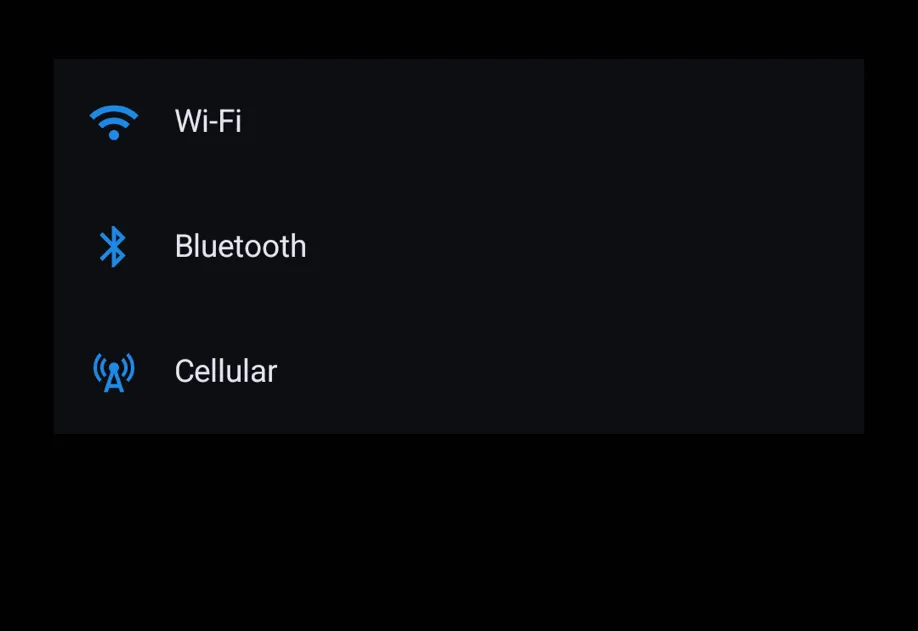
A list with Wi-Fi, Bluetooth, and Cellular rows, each with a blue iconA list with Wi-Fi, Bluetooth, and Cellular rows, each with a blue icon

Installation

Terminal
- npx expo install @expo/ui
- yarn expo install @expo/ui
- pnpm expo install @expo/ui
- bun expo install @expo/ui

If you are installing this in an existing React Native app, make sure to install expo in your project.

Usage

Basic list

ListExample.tsx
import { useState } from 'react'; import { useColorScheme } from 'react-native'; import { Host, List, ListItem, Text } from '@expo/ui'; const ITEMS = [ { id: 1, name: 'Avocado toast' }, { id: 2, name: 'Bagel with cream cheese' }, { id: 3, name: 'Cappuccino' }, ]; export default function ListExample() { const [selected, setSelected] = useState<string | null>(null); const colorScheme = useColorScheme(); const ink = { color: colorScheme === 'dark' ? '#FFFFFF' : '#000000' }; return ( <Host style={{ flex: 1 }}> <List> {ITEMS.map(item => ( <ListItem key={item.id} onPress={() => setSelected(item.name)}> {item.name} </ListItem> ))} </List> {selected != null && <Text textStyle={ink}>{`Selected: ${selected}`}</Text>} </Host> ); }

Rows with slots

ListItem accepts leading, trailing, and supportingText shorthand props for the common case. Pass a ReactNode for any of them when richer content is needed.

ListItemSlotsExample.tsx
import { Host, Icon, List, ListItem } from '@expo/ui'; const CHEVRON = Icon.select({ ios: 'chevron.right', android: require('@expo/material-symbols/chevron_right.xml'), }); export default function ListItemSlotsExample() { return ( <Host style={{ flex: 1 }}> <List> <ListItem onPress={() => {}} trailing={<Icon name={CHEVRON} size={14} color="gray" />} supportingText="Secondary line below the headline"> Profile </ListItem> <ListItem onPress={() => {}} trailing={<Icon name={CHEVRON} size={14} color="gray" />}> Settings </ListItem> </List> </Host> ); }

Compound slot children

For full control over slot content, use the compound API: <ListItem.Leading>, <ListItem.Trailing>, and <ListItem.Supporting>. Anything not wrapped in a slot becomes the headline.
ListItemCompoundExample.tsx
import { useColorScheme } from 'react-native'; import { Host, Icon, List, ListItem, Row, Text } from '@expo/ui'; const STAR = Icon.select({ ios: 'star.fill', android: require('@expo/material-symbols/star.xml'), }); export default function ListItemCompoundExample() { const colorScheme = useColorScheme(); const ink = { color: colorScheme === 'dark' ? '#FFFFFF' : '#000000' }; return ( <Host style={{ flex: 1 }}> <List> <ListItem onPress={() => {}}> <ListItem.Leading> <Icon name={STAR} size={20} color="#FFD60A" /> </ListItem.Leading> <Row spacing={0}> <Text textStyle={{ color: 'gray' }}>{`#42: `}</Text> <Text textStyle={ink}>Composite headline</Text> </Row> <ListItem.Supporting>Richer slot content</ListItem.Supporting> </ListItem> </List> </Host> ); }

Pull-to-refresh

Pass an async onRefresh handler. The platform-native refresh indicator stays visible until the returned promise settles (resolves or rejects).

ListRefreshExample.tsx
import { useState } from 'react'; import { Host, List, ListItem } from '@expo/ui'; export default function ListRefreshExample() { const [items, setItems] = useState([1, 2, 3]); const handleRefresh = async () => { await new Promise(resolve => setTimeout(resolve, 1500)); setItems(prev => [Math.max(...prev) + 1, ...prev]); }; return ( <Host style={{ flex: 1 }}> <List onRefresh={handleRefresh}> {items.map(id => ( <ListItem key={id}>{`Item #${id}`}</ListItem> ))} </List> </Host> ); }

API

import { List, ListItem } from '@expo/ui';

No API data file found, sorry!

No API data file found, sorry!