This documentation is available as Markdown for AI agents and LLMs. See the full Markdown index or append .md to any documentation URL.

Spacer

A layout spacer that produces empty space between siblings.

Android
iOS
Web
Included in Expo Go

A layout spacer that produces empty space between siblings inside a Row or Column. Use size for a fixed gap, or flexible to fill the remaining main-axis space.
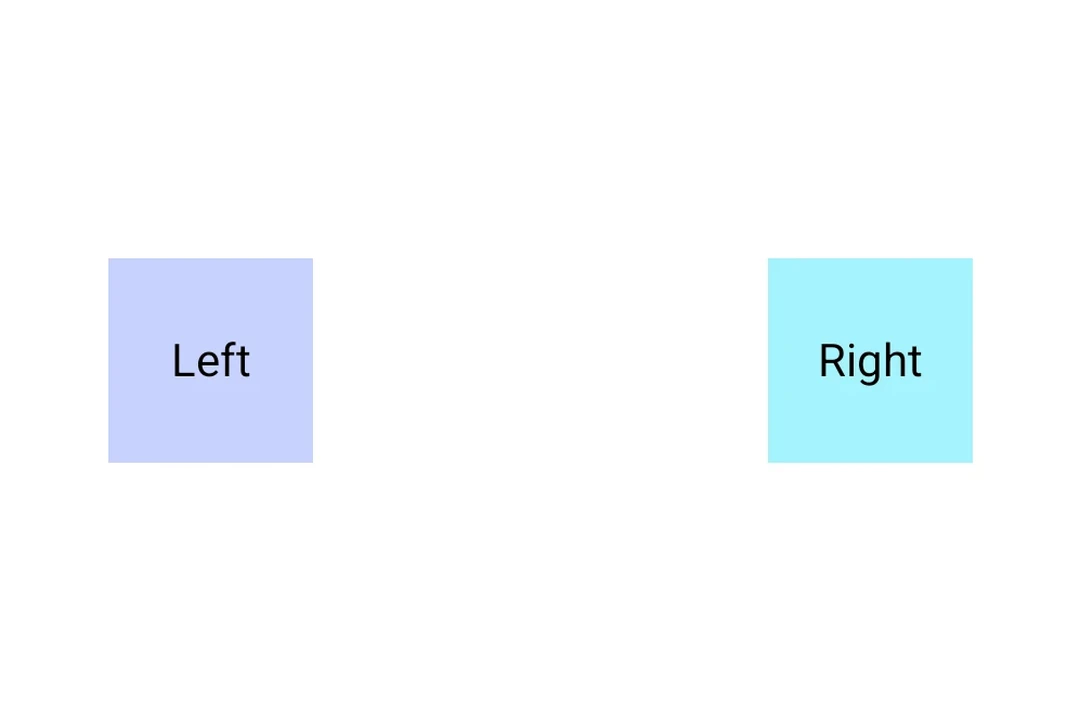
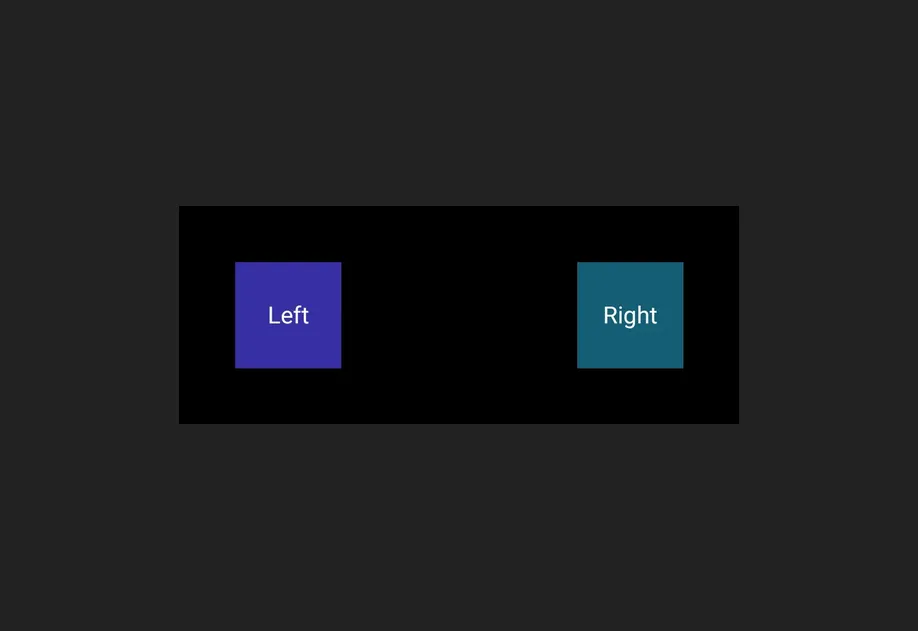
Two boxes pushed to opposite ends of a Row by a Spacer with weight modifierTwo boxes pushed to opposite ends of a Row by a Spacer with weight modifier

Installation

Terminal
- npx expo install @expo/ui
- yarn expo install @expo/ui
- pnpm expo install @expo/ui
- bun expo install @expo/ui

If you are installing this in an existing React Native app, make sure to install expo in your project.

Usage

Fixed-size spacer

FixedSpacerExample.tsx
import { useColorScheme } from 'react-native'; import { Host, Column, Text, Spacer } from '@expo/ui'; export default function FixedSpacerExample() { const colorScheme = useColorScheme(); const ink = { color: colorScheme === 'dark' ? '#FFFFFF' : '#000000' }; return ( <Host matchContents> <Column> <Text textStyle={ink}>Top</Text> <Spacer size={32} /> <Text textStyle={ink}>Bottom</Text> </Column> </Host> ); }

Flexible spacer

A flexible spacer fills the remaining space along its parent's main axis, pushing the surrounding content to opposite ends.

FlexibleSpacerExample.tsx
import { useColorScheme } from 'react-native'; import { Host, Row, Text, Spacer } from '@expo/ui'; export default function FlexibleSpacerExample() { const colorScheme = useColorScheme(); const ink = { color: colorScheme === 'dark' ? '#FFFFFF' : '#000000' }; return ( <Host matchContents={{ vertical: true }} style={{ width: '100%' }}> <Row> <Text textStyle={ink}>Leading</Text> <Spacer flexible /> <Text textStyle={ink}>Trailing</Text> </Row> </Host> ); }

API

import { Spacer } from '@expo/ui';

No API data file found, sorry!