This documentation is available as Markdown for AI agents and LLMs. See the full Markdown index or append .md to any documentation URL.
@stripe/stripe-react-native
A library that provides access to native APIs for integrating Stripe payments.
Expo includes support for @stripe/stripe-react-native, which allows you to build delightful payment experiences in your native Android and iOS apps using React Native and Expo. This library provides powerful and customizable UI screens and elements that can be used out-of-the-box to collect your users' payment details.
Migrating from Expo's
expo-payments-stripemodule? Learn more about how to transition to the new@stripe/stripe-react-nativelibrary.
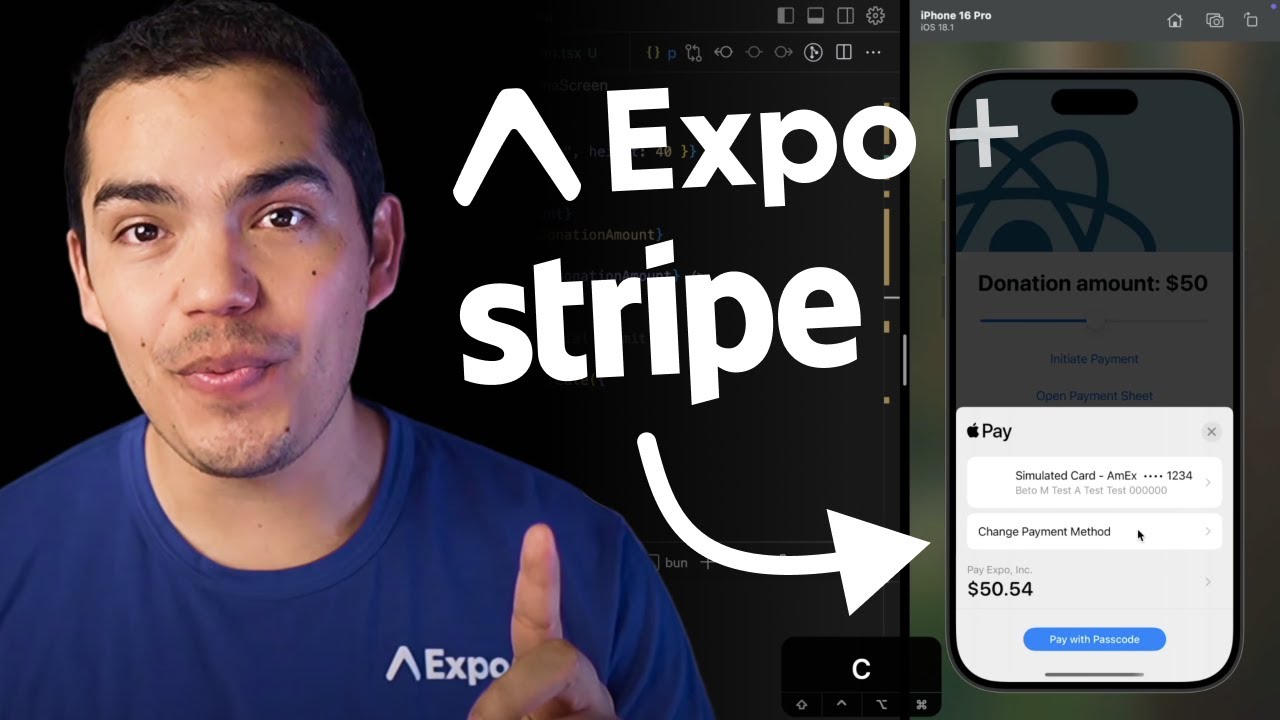
A complete walkthrough for integrating Stripe payments in a universal Expo app across Android, iOS, and web.
Installation
Each Expo SDK version requires a specific @stripe/stripe-react-native version. See the Stripe CHANGELOG for a mapping of versions. To automatically install the correct version for your Expo SDK version, run:
- npx expo install @stripe/stripe-react-nativeIf you are installing this in an existing React Native app, make sure to install expo in your project. Then, follow the installation instructions provided in the library's README or documentation.
Config plugin setup (optional)
If you're using EAS Build, you can do most of your Stripe setup using the @stripe/stripe-react-native config plugin. To set up, just add the config plugin to the plugins array of your app.json or app.config.js as shown below, then rebuild the app.
{
  "expo": {
    %%placeholder-start%%... %%placeholder-end%%
    "plugins": [
      [
        "@stripe/stripe-react-native",
        {
          "merchantIdentifier": string | string [],
          "enableGooglePay": boolean
        }
      ]
    ],
  }
}
- merchantIdentifier: iOS only. This is the Apple merchant ID obtained here. Otherwise, Apple Pay will not work as expected. If you have multiple merchantIdentifiers, you can set them in an array.
- enableGooglePay: Android only. Boolean indicating whether or not Google Pay is enabled. Defaults to
false.
Example
Trying out Stripe takes just a few seconds. Connect to this Snack on your device.
Under the hood, that example connects to this Glitch server code, so you'll need to open that page to spin up the server. Feel free to run your own Glitch server and copy that code!
Usage
For usage information and detailed documentation, see the following resources:
- Stripe's React Native SDK reference
- Stripe's React Native GitHub repo
- Stripe's example React Native app
Common issues
Browser pop-ups are not redirecting back to my app
If you're relying on redirects, you'll need to pass in a urlScheme to initStripe. To make sure you always use the proper urlScheme, pass in:
import * as Linking from 'expo-linking';
import Constants from 'expo-constants';

urlScheme:
  Constants.appOwnership === 'expo'
    ? Linking.createURL('/--/')
    : Linking.createURL(''),
Linking.createURL() will ensure you're using the proper scheme, whether you're running in Expo Go or your production app. '/--/' is necessary in Expo Go because it indicates that the substring after it corresponds to the deep link path, and is not part of the path to the app itself.
PaymentSheet localization on iOS
On Android, the translation of PaymentSheet is automatically detected based on a device's language settings.
On iOS, you must enable CFBundleAllowMixedLocalizations and add the preferred language using CFBundleLocalizations under ios.infoPlist in the app config:
{
  "expo": {
    "ios": {
      "infoPlist": {
        "CFBundleAllowMixedLocalizations": true,
        "CFBundleLocalizations": ["fr"]
        %%placeholder-start%%... %%placeholder-end%%
      }
      %%placeholder-start%%... %%placeholder-end%%
    }
  }
}
Limitations
Google Pay
Google Pay is not supported in Expo Go. To use Google Pay, you must create a development build. This can be done with EAS Build, or locally by running npx expo run:android.
Apple Pay
Apple Pay is not supported in Expo Go. To use Apple Pay, you must create a development build. This can be done with EAS Build, or locally by running npx expo run:ios.