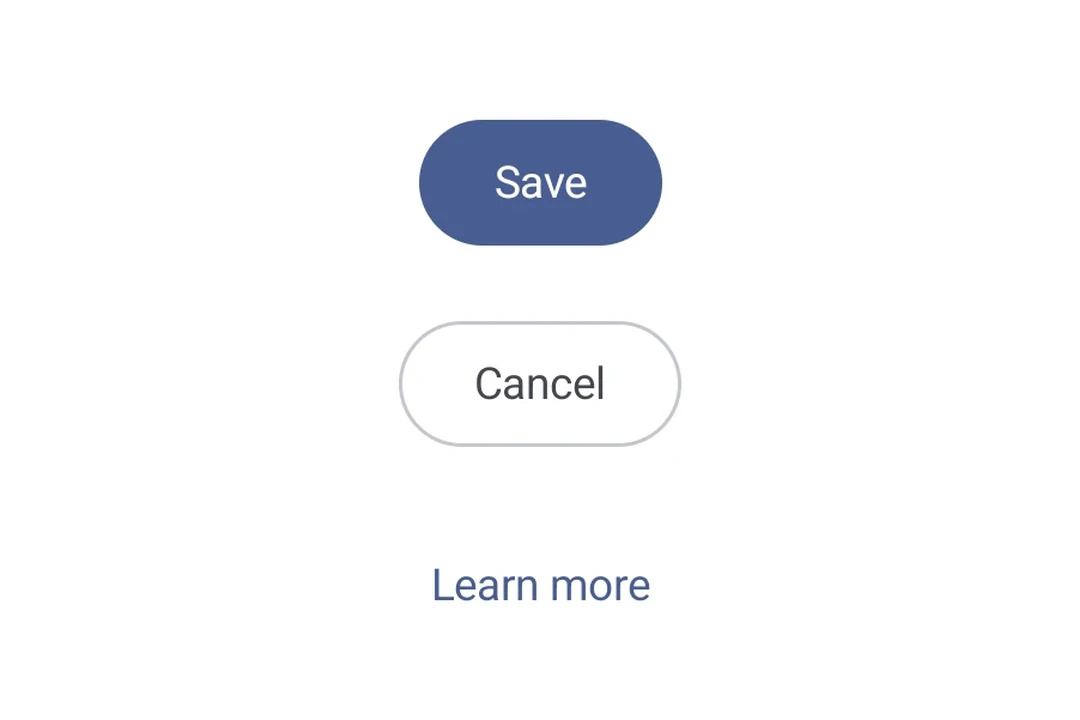
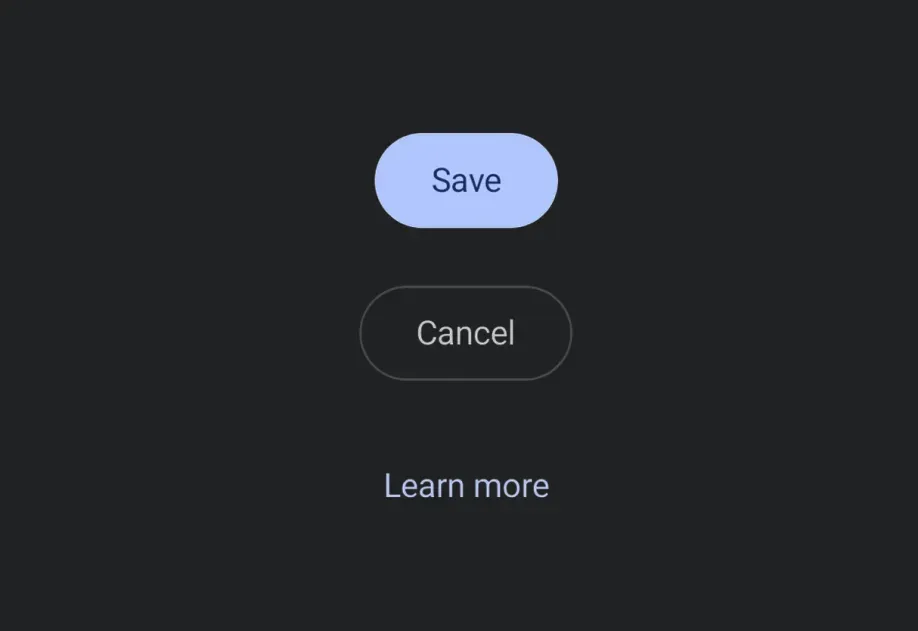
Expo UI 提供五种按钮组件,它们与官方 Jetpack Compose Button API 相匹配:Button(实心),FilledTonalButton,OutlinedButton,ElevatedButton 和 TextButton。所有变体共享相同的属性,并接受可组合子作为内容。
🌐 Expo UI provides five button components that match the official Jetpack Compose Button API: Button (filled), FilledTonalButton, OutlinedButton, ElevatedButton, and TextButton. All variants share the same props and accept composable children for content.
🌐 Since buttons accept composable children, you can add leading and trailing icons using the Icon component. This follows the Material 3 buttons with icon pattern (official sample), use 18dp icon size, 8dp spacing between the icon and label.
ButtonWithIconsExample.tsx
import{Host,Button,OutlinedButton,FilledTonalButton,Column,Icon,Spacer,Text,}from'@expo/ui/jetpack-compose';import{ width }from'@expo/ui/jetpack-compose/modifiers';const addIcon =require('./assets/add.png');const sendIcon =require('./assets/send.png');exportdefaultfunctionButtonWithIconsExample(){return(<HostmatchContents><ColumnverticalArrangement={{ spacedBy:8}}>{/* Leading icon */}<ButtononClick={()=>{}}><Iconsource={addIcon}size={18}tint="#FFFFFF"/><Spacermodifiers={[width(8)]}/><Text>Add item</Text></Button>{/* Trailing icon */}<OutlinedButtononClick={()=>{}}><Text>Send</Text><Spacermodifiers={[width(8)]}/><Iconsource={sendIcon}size={18}/></OutlinedButton>{/* Both leading and trailing icons */}<FilledTonalButtononClick={()=>{}}><Iconsource={addIcon}size={18}/><Spacermodifiers={[width(8)]}/><Text>Create & Send</Text><Spacermodifiers={[width(8)]}/><Iconsource={sendIcon}size={18}/></FilledTonalButton></Column></Host>);}
自定义颜色
🌐 Custom colors
使用 colors 属性覆盖容器和内容颜色。
🌐 Override container and content colors using the colors prop.