This documentation is available as Markdown for AI agents and LLMs. See the full Markdown index or append .md to any documentation URL.
ToggleButton
Jetpack Compose ToggleButton 组件用于显示原生 Material3 切换按钮。
Recommended version:
~57.0.22
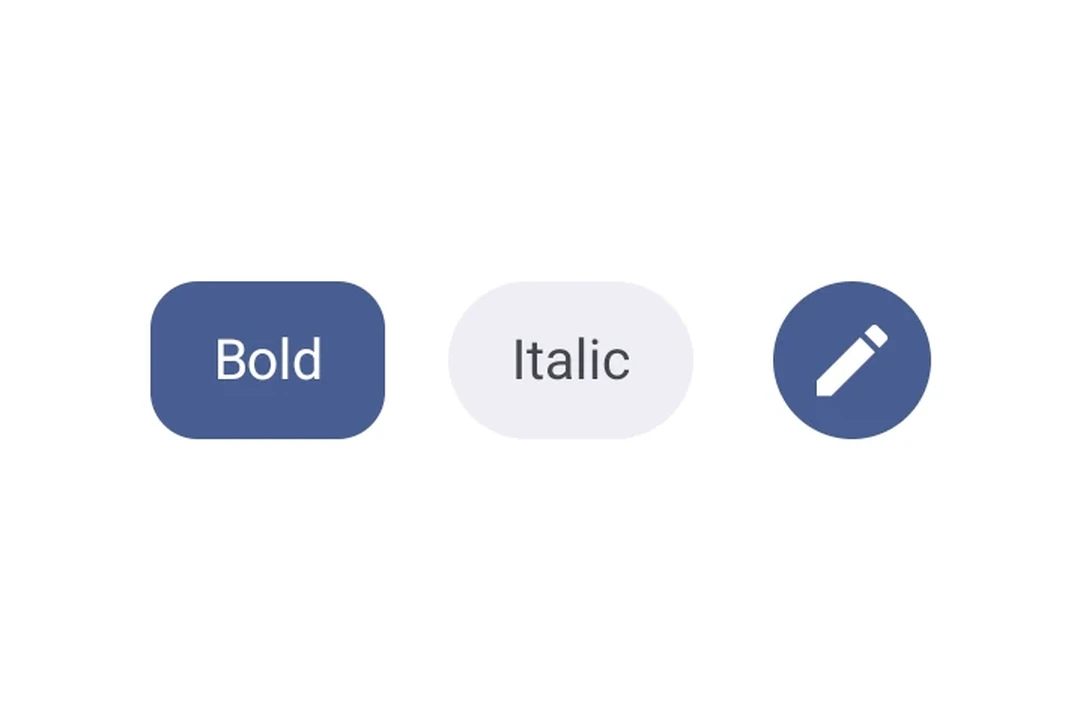
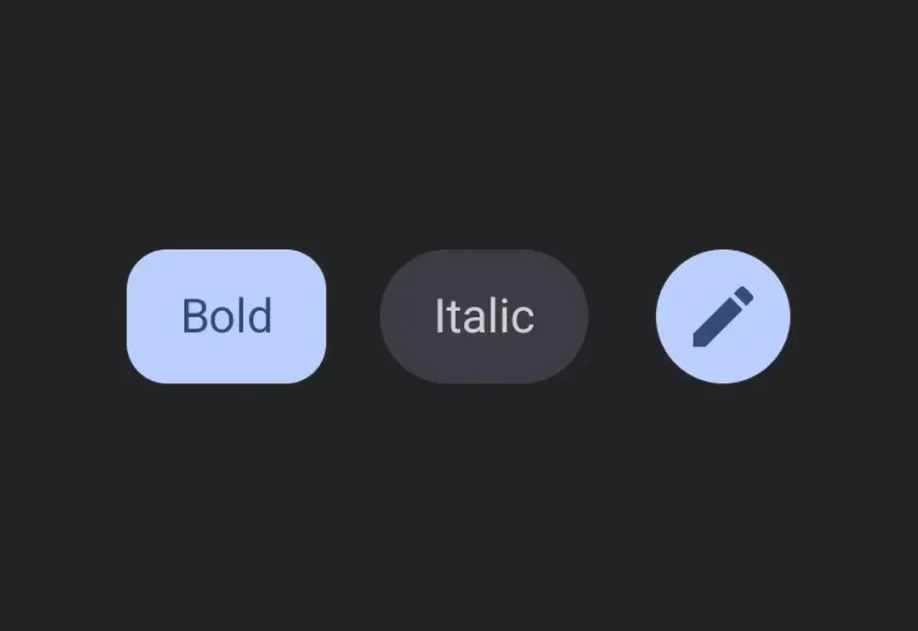
Expo UI 提供四个切换按钮组件,这些组件与官方 Jetpack Compose 切换按钮 API 相匹配:ToggleButton、IconToggleButton、FilledIconToggleButton 和 OutlinedIconToggleButton。
🌐 Expo UI provides four toggle button components that match the official Jetpack Compose Toggle Button API: ToggleButton, IconToggleButton, FilledIconToggleButton, and OutlinedIconToggleButton.
安装
🌐 Installation
- npx expo install @expo/ui
- yarn expo install @expo/ui
- pnpm expo install @expo/ui
- bun expo install @expo/ui
If you are installing this in an existing React Native app, make sure to install expo in your project.
用法
🌐 Usage
基本切换按钮
🌐 Basic toggle button
一个带有文本和图标内容的切换按钮。
🌐 A toggle button with text and icon content.
BasicToggleButtonExample.tsx import { useState } from 'react';
import { Host, ToggleButton, Text } from '@expo/ui/jetpack-compose';
export default function BasicToggleButtonExample() {
const [checked, setChecked] = useState(false);
return (
<Host matchContents>
<ToggleButton checked={checked} onCheckedChange={setChecked}>
<Text>Favorite</Text>
</ToggleButton>
</Host>
);
}
图标切换按钮变体
🌐 Icon toggle button variants
使用不同的图标切换按钮组件来传达不同程度的强调。
🌐 Use different icon toggle button components to convey varying levels of emphasis.
IconToggleButtonVariantsExample.tsx import { useState } from 'react';
import {
Host,
IconToggleButton,
FilledIconToggleButton,
OutlinedIconToggleButton,
Icon,
Row,
Surface,
} from '@expo/ui/jetpack-compose';
const starIcon = require('./assets/star.png');
export default function IconToggleButtonVariantsExample() {
const [checked1, setChecked1] = useState(false);
const [checked2, setChecked2] = useState(true);
const [checked3, setChecked3] = useState(false);
return (
<Host matchContents>
<Surface>
<Row horizontalArrangement={{ spacedBy: 8 }}>
<IconToggleButton
checked={checked1}
onCheckedChange={setChecked1}>
<Icon source={starIcon} size={24} />
</IconToggleButton>
<FilledIconToggleButton
checked={checked2}
onCheckedChange={setChecked2}>
<Icon source={starIcon} size={24} />
</FilledIconToggleButton>
<OutlinedIconToggleButton
checked={checked3}
onCheckedChange={setChecked3}>
<Icon source={starIcon} size={24} />
</OutlinedIconToggleButton>
</Row>
</Surface>
</Host>
);
}
自定义颜色
🌐 Custom colors
使用 colors 属性覆盖选中和未选中时的颜色。
🌐 Override checked and unchecked colors using the colors prop.
CustomColorsToggleButtonExample.tsx import { useState } from 'react';
import { Host, ToggleButton, Text } from '@expo/ui/jetpack-compose';
export default function CustomColorsToggleButtonExample() {
const [checked, setChecked] = useState(true);
return (
<Host matchContents>
<ToggleButton
checked={checked}
onCheckedChange={setChecked}
colors={{
checkedContainerColor: '#4CAF50',
checkedContentColor: '#FFFFFF',
containerColor: '#E0E0E0',
contentColor: '#333333',
}}>
<Text>{checked ? 'ON' : 'OFF'}</Text>
</ToggleButton>
</Host>
);
}
禁用切换按钮
🌐 Disabled toggle button
DisabledToggleButtonExample.tsx import { Host, ToggleButton, Text } from '@expo/ui/jetpack-compose';
export default function DisabledToggleButtonExample() {
return (
<Host matchContents>
<ToggleButton checked={false} enabled={false}>
<Text>Disabled</Text>
</ToggleButton>
</Host>
);
}
应用接口
🌐 API
import {
  ToggleButton,
  IconToggleButton,
  FilledIconToggleButton,
  OutlinedIconToggleButton,
} from '@expo/ui/jetpack-compose';
Components
Type: React.Element<ToggleButtonProps>
A filled icon toggle button with a solid background.
Type: React.Element<ToggleButtonProps>
An icon toggle button with no background.
Type: React.Element<ToggleButtonProps>
An outlined icon toggle button with a border and no fill.
Type: React.Element<ToggleButtonProps>
A toggle button component that can be toggled on and off.
Type: boolean
Whether the toggle button is checked.
Content to display inside the toggle button.
Colors for toggle button elements.
Optional • Type: boolean • Default: true
Whether the button is enabled for user interaction.
Optional • Type: ModifierConfig[]
Modifiers for the component.
Optional • Type: (checked: boolean) => void
Callback that is called when the checked state changes.
Type: React.Element<number>
Types
Colors for toggle button elements.