This documentation is available as Markdown for AI agents and LLMs. See the full Markdown index or append .md to any documentation URL.
芯片 Jetpack Compose Chip 组件用于显示紧凑元素。
Recommended version:
~57.0.22
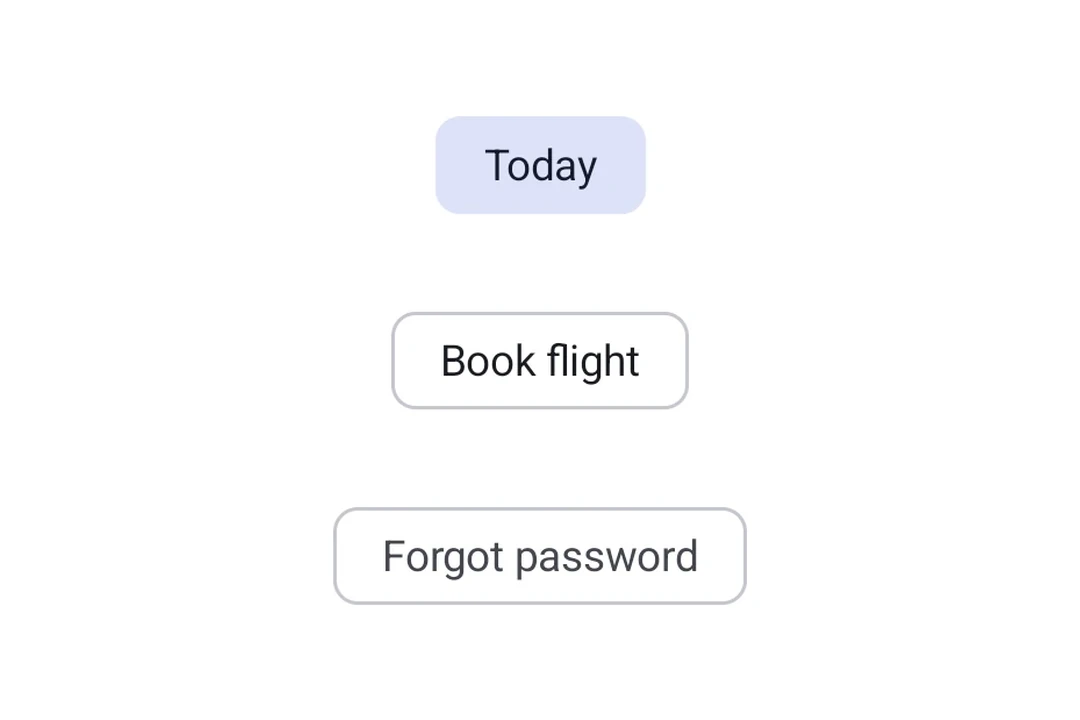
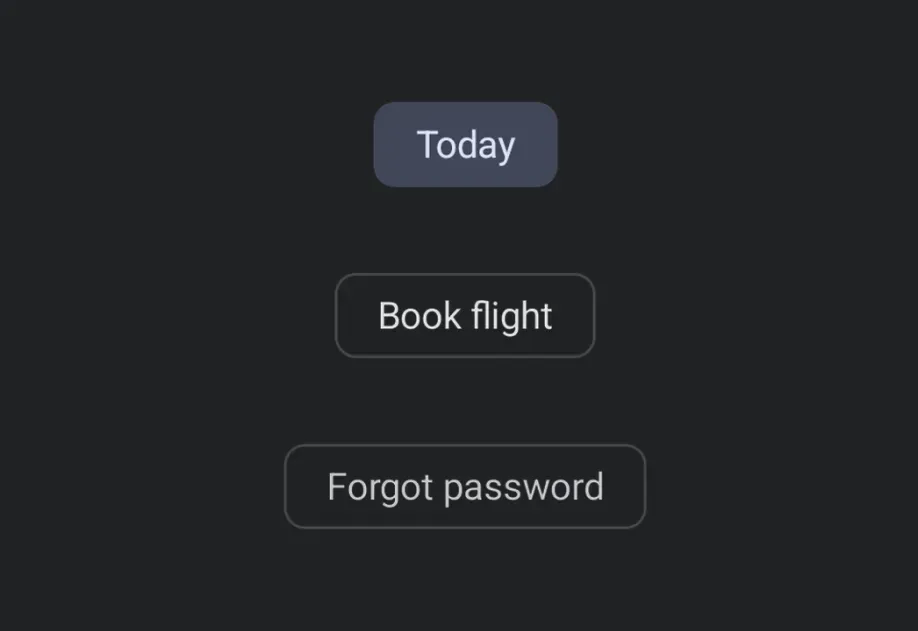
Expo UI 芯片与官方 Jetpack Compose Chip API 相匹配。每种芯片类型都是一个独立的组件:AssistChip、FilterChip、InputChip 和 SuggestionChip。
🌐 Expo UI Chips match the official Jetpack Compose Chip API . Each chip type is a separate component: AssistChip, FilterChip, InputChip, and SuggestionChip.
安装
🌐 Installation
- npx expo install @expo/ui
- yarn expo install @expo/ui
- pnpm expo install @expo/ui
- bun expo install @expo/ui
If you are installing this in an existing React Native app , make sure to install expo in your project.
用法
🌐 Usage
辅助芯片
🌐 Assist chip
辅助芯片帮助用户采取行动或开始任务,例如预订航班或打开地图。它们通常作为对用户输入的临时界面元素出现。
🌐 Assist chips help users take actions or start tasks, such as booking a flight or opening a map. They often appear as temporary UI elements in response to user input.
import {
Host ,
AssistChip ,
Icon ,
Text ,
} from '@expo/ui/jetpack-compose' ;
export default function AssistChipExample ( ) {
return (
< Host matchContents >
< AssistChip onClick = { ( ) => console . log ( 'Opening flight booking...' ) } >
< AssistChip.Label >
< Text > Book flight </ Text >
</ AssistChip.Label >
< AssistChip.LeadingIcon >
< Icon source = { require ( './assets/flight.xml' ) } size = { 18 } />
</ AssistChip.LeadingIcon >
</ AssistChip >
</ Host > ) ;
}
滤波芯片
🌐 Filter chip
筛选芯片允许用户从一组选项中细化内容。它们支持选中状态,并且通常用于搜索栏或内容过滤。
🌐 Filter chips allow users to refine content from a set of options. They support a selected state and are commonly used in search bars or content filtering.
import { useState } from 'react' ;
import { Host , FilterChip , Text } from '@expo/ui/jetpack-compose' ;
export default function FilterChipExample ( ) {
const [ selected, setSelected] = useState ( false ) ;
return (
< Host matchContents >
< FilterChip selected = { selected} onClick = { ( ) => setSelected ( ! selected) } >
< FilterChip.Label >
< Text > Images </ Text >
</ FilterChip.Label >
</ FilterChip >
</ Host > ) ;
}
输入芯片
🌐 Input chip
输入芯片表示用户输入的离散信息片段,例如文本字段中的标签。它们支持头像、尾随图标,并且可以被关闭。
🌐 Input chips represent discrete pieces of information entered by a user, such as tags in a text field. They support avatars, trailing icons, and can be dismissed.
import { useState } from 'react' ;
import {
Host ,
InputChip ,
Icon ,
Text ,
FlowRow ,
} from '@expo/ui/jetpack-compose' ;
export default function InputChipExample ( ) {
const [ chips, setChips] = useState ( [ 'Work' , 'Travel' , 'News' ] ) ;
return (
< Host matchContents >
< FlowRow horizontalArrangement = { { spacedBy: 8 } } >
{ chips. map ( label => (
< InputChip key = { label} selected
onClick = { ( ) =>
setChips ( prev => prev. filter ( c => c !== label) )
} >
< InputChip.Label >
< Text > { label} </ Text >
</ InputChip.Label >
< InputChip.TrailingIcon >
< Icon source = { require ( './assets/close.xml' ) } size = { 18 } />
</ InputChip.TrailingIcon >
</ InputChip > ) ) }
</ FlowRow >
</ Host > ) ;
}
建议芯片
🌐 Suggestion chip
建议芯片通过提供动态生成的建议来帮助缩小用户的意图,例如聊天中的快速回复选项或搜索优化。
🌐 Suggestion chips help narrow a user's intent by presenting dynamically generated suggestions, such as quick-reply options in a chat or search refinements.
SuggestionChipExample.tsx import {
Host ,
SuggestionChip ,
Text ,
} from '@expo/ui/jetpack-compose' ;
export default function SuggestionChipExample ( ) {
return (
< Host matchContents >
< SuggestionChip onClick = { ( ) => console . log ( 'Searching nearby...' ) } >
< SuggestionChip.Label >
< Text > Nearby </ Text >
</ SuggestionChip.Label >
</ SuggestionChip >
</ Host > ) ;
}
应用接口
🌐 API
import {
AssistChip ,
FilterChip ,
InputChip ,
SuggestionChip ,
} from '@expo/ui/jetpack-compose' ;
Components Type: React.Element < AssistChipProps >
An assist chip that helps users complete actions and primary tasks.
Children containing Label, LeadingIcon, and TrailingIcon slots.
Optional • Type:
AssistChipColors Colors for the chip's container, label, and icons.
Optional • Type: boolean • Default: true
Whether the chip is enabled and can be clicked.
Optional • Type: ModifierConfig[]
Modifiers for the component.
Optional • Type: ( ) => void
Callback fired when the chip is clicked.
Type: React.Element < FilterChipProps >
A filter chip component for refining content with selection/deselection.
Children containing Label, LeadingIcon, and TrailingIcon slots.
Optional • Type:
FilterChipColors Colors for the chip's container, label, icon, and selected states.
Optional • Type: boolean
Whether the chip is enabled and can be interacted with.
Optional • Type: ModifierConfig[]
Modifiers for the component.
Optional • Type: ( ) => void
Callback fired when the chip is clicked.
Type: boolean
Whether the chip is currently selected.
Type: React.Element < InputChipProps >
An input chip that represents user input and can be dismissed.
Children containing Label, Avatar, and TrailingIcon slots.
Optional • Type:
InputChipColors Colors for the chip's container, label, icons, and selected states.
Optional • Type: boolean • Default: true
Whether the chip is enabled and can be interacted with.
Optional • Type: ModifierConfig[]
Modifiers for the component.
Optional • Type: ( ) => void
Callback fired when the chip is clicked.
Optional • Type: boolean • Default: false
Whether the chip is selected.
Type: React.Element < SuggestionChipProps >
A suggestion chip that offers contextual suggestions and recommendations.
Children containing Label and Icon slots.
Colors for the chip's container, label, and icon.
Optional • Type: boolean • Default: true
Whether the chip is enabled and can be clicked.
Optional • Type: ModifierConfig[]
Modifiers for the component.
Optional • Type: ( ) => void
Callback fired when the chip is clicked.
Types Border configuration for chips.
Colors for SuggestionChip.