This documentation is available as Markdown for AI agents and LLMs. See the full Markdown index or append .md to any documentation URL.
DateTimePicker
一个用于选择日期和时间的 Jetpack Compose 日期时间选择器组件。
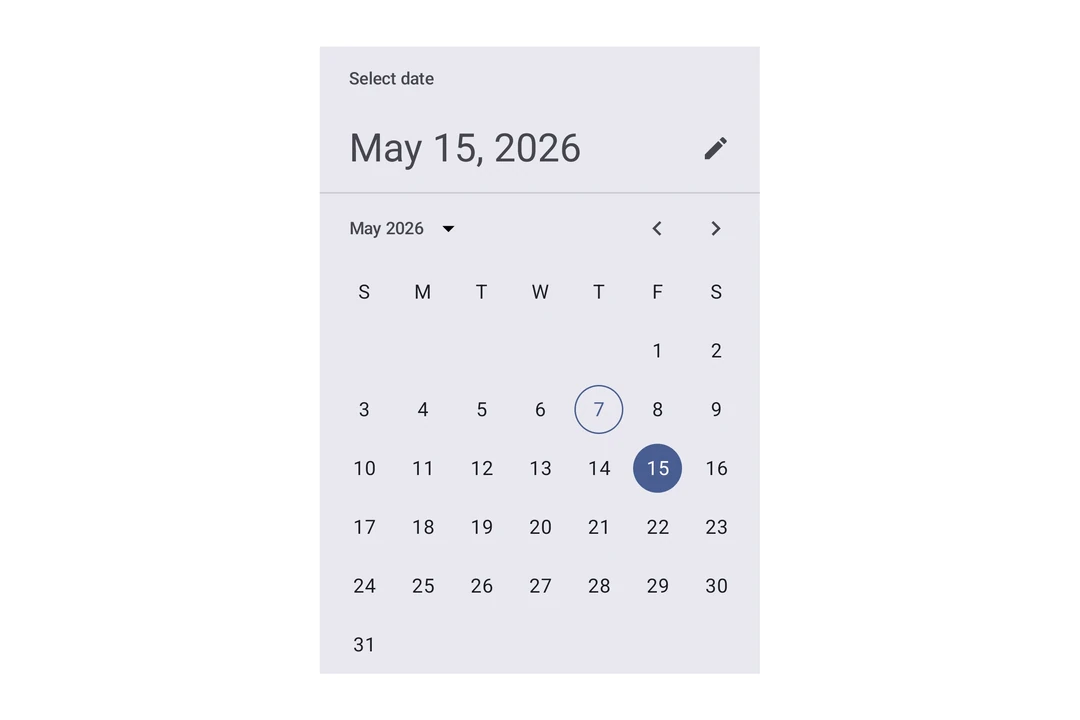
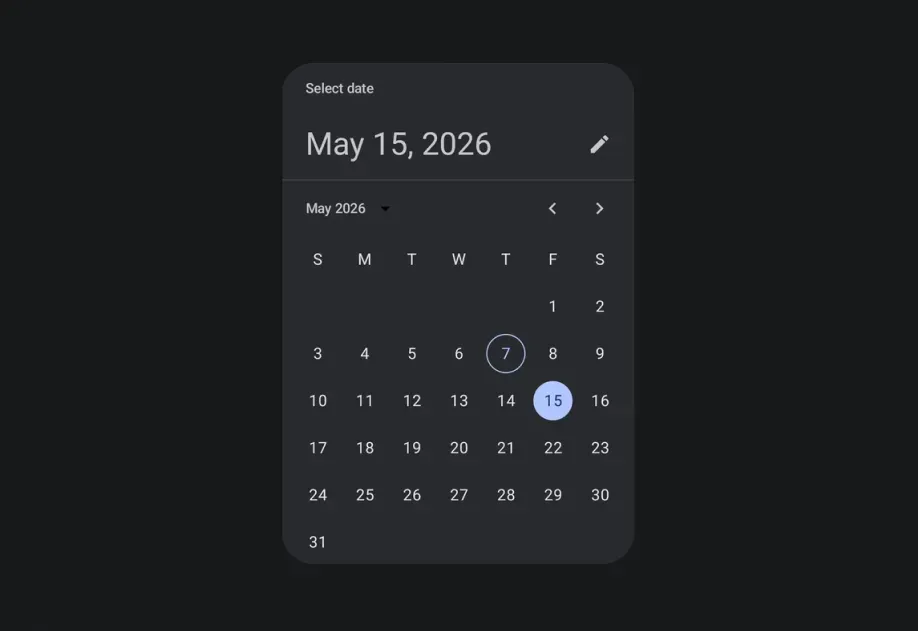
Expo UI DateTimePicker 与官方的 Jetpack Compose 日期选择器 和 时间选择器 API 相匹配,支持日期、时间和组合选择。
🌐 Expo UI DateTimePicker matches the official Jetpack Compose Date Picker and Time Picker APIs and supports date, time, and combined selection.
注意: 日期变体会渲染 Material 的日历网格和输入字段,两者内部都是水平滚动的。父元素
Host必须在水平方向上提供有限宽度,使用matchContents={{ vertical: true }}搭配style={{ width: '100%' }}(或任何有限宽度)。详情请参见 Host 参考中的匹配内容。
安装
🌐 Installation
If you are installing this in an existing React Native app, make sure to install expo in your project.
用法
🌐 Usage
日期选择器
🌐 Date picker
时间选择器
🌐 Time picker
输入变体
🌐 Input variant
使用 variant="input" 将选择器显示为文本输入字段,而不是默认的选择器界面。
🌐 Use variant="input" to display the picker as a text input field instead of the default picker UI.
应用接口
🌐 API
import { DateTimePicker } from '@expo/ui/jetpack-compose';
Components
Type: React.Element<DatePickerDialogProps>
ColorValueDatePickerElementColors & TimePickerElementColors(date: Date) => voidAndroidVariantType: React.Element<DateTimePickerProps>
Renders an inline DateTimePicker component.
ColorValueThe tint color to use on the picker elements.
When elementColors is not provided, this color is applied to a subset of
picker elements (selected day, title, headline, today border for date picker;
selector, selected time segment, clock dial for time picker).
DisplayedComponents • Default: 'date'The components that the picker should display.
On Android, you can have a picker that selects just the date or just the time.
dateAndTime is only available on iOS and will result in a date picker on Android.
On iOS, you can have a picker that selects both date and time.
DatePickerElementColors & TimePickerElementColorsFine-grained color overrides for individual picker elements.
When provided, these take precedence over the color prop.
Date picker color keys are used when displayedComponents is 'date' or 'dateAndTime'.
Time picker color keys are used when displayedComponents is 'hourAndMinute'.
Unset values fall back to Material 3 theme defaults.
unionThe initial date to display on the picker.
Acceptable values are: string | null
boolean • Default: trueDetermines what format the clock should be displayed in on Android.
(date: Date) => voidCallback function that is called when a date is selected.
Constrains which dates can be selected. Mirrors the native Compose selectableDates parameter.
start is the earliest selectable date, end is the latest.
boolean • Default: trueShow to button to toggle between variants on Android.
AndroidVariant • Default: 'picker'The variant of the picker, which determines its appearance and behavior.
Type: React.Element<TimePickerDialogProps>
ColorValueDatePickerElementColors & TimePickerElementColors(date: Date) => voidTypes
Color overrides for the Material 3 DatePicker component. All properties are optional — unset values use Material 3 theme defaults.
Literal type: string
Acceptable values are: 'date' | 'hourAndMinute' | 'dateAndTime'