This documentation is available as Markdown for AI agents and LLMs. See the full Markdown index or append .md to any documentation URL.
带有 Expo 的本地优先架构
新兴的本地优先软件运动的介绍,包括相关学习资源和工具的链接。
信息 本指南仍在制作中。如果你有任何反馈,请在我们的 GitHub 仓库中提交问题。
“本地优先”这一术语最早出现在研究实验室 Ink & Switch 撰写的论文《Local-first software》中,但其背后的理念已经存在很长时间了。这是一种支撑我们喜欢的一些应用的架构,比如 Linear、Superhuman、Excalidraw,甚至 Apple Notes。
在本地优先的软件中,“其他计算机的可用性永远不应阻止你工作”(via Martin Kleppmann)。当你离线时,你仍然可以直接从设备上的数据库读取和写入数据。你可以信任该软件在离线情况下正常工作,并且你知道当你连接到互联网时,你的数据将无缝同步,并在任何运行该应用的设备上可用。当你在线时,这种架构非常适合“多人”应用,正如 Figma 所推广的。
🌐 In local-first software, "the availability of another computer should never prevent you from working" (via Martin Kleppmann). When you are offline, you can still read and write directly from/to a database on your device. You can trust the software to work offline, and you know that when you are connected to the internet, your data will be seamlessly synced and available on any of your devices running the app. When you're online, this architecture is well suited for "multiplayer" apps, as popularized by Figma.
要更深入了解本地优先的概念及其运作方式,请参阅下面的更多资源。
🌐 To dig deeper into what local-first is and how it works, refer to the additional resources below.
为什么使用本地优先架构?
🌐 Why use local-first architecture?
用户体验优势
🌐 User experience benefits
本地优先的软件感觉非常快速,因为交互不再依赖网络,你可以直接从设备上的数据库读取和写入数据。
🌐 Local-first software feels fast because interactions are no longer network-bound, you can read and write directly from/to a database on your device.
你可以信任该软件离线工作,并且你知道当你连接到互联网时,你的数据将无缝同步并可在运行该应用的任何设备上使用。
🌐 You can trust the software to work offline, and you know that when you are connected to the internet, your data will be seamlessly synced and available on any of your devices running the app.
本地优先软件的另一个特点是它具有协作性——多个设备可以在相同的数据上工作,并且更改会在所有设备之间同步。当你在Figma中协作设计时,这可以实时发生;而当你在Linear中离线创建任务时,它会在你重新上线时同步,这属于异步协作。
🌐 Another characteristic of local-first software is that it is collaborative — multiple devices can work on the same data, and changes are synced across all of them. This can happen in real-time when you collaborate on a design in Figma or asynchronously when you create a task while offline in Linear and it is synced when you are online again.
开发者体验优势
🌐 Developer experience benefits
你不再需要为每个网络请求管理应用的各种状态——“已加载”、“加载中”、“错误”等,以及它们对应的 UI 状态和其他逻辑。写入本地数据库,应用会自动将更改同步到服务器。这意味着你可以专注于构建应用,而不必太担心网络和离线状态。
🌐 You no longer have to manage various states of your app for each network request — "loaded", "loading", "error", and so on, with their corresponding UI states and other logic. Write to a local database, and the app will automatically sync the changes to the server. This means that you can focus on building the app, and not worry as much about the networking and offline states.
你的服务器可用性可能仍然很重要,但在发生中断的情况下,你的用户仍然可以访问应用并继续工作。你甚至可以提供一种机制,在不通过你的服务器的情况下同步数据。
🌐 Your server availability may still be important, but in the event of an outage your users can still access the app and continue working. You may even provide a mechanism to sync the data without going through your server.
构建本地优先应用的挑战
🌐 Challenges in building local-first apps
目前可用的工具仍处于早期阶段,因此你可能会发现自己在解决一些本应由现有工具解决的问题。例如,你可能需要实现一个自定义的同步层,或者需要弄清楚如何处理多个用户在同一数据上操作的权限问题。随着生态系统的发展,我们预计构建本地优先应用将变得更加容易。如果你还没有准备好成为早期使用者,并承担随之而来的一切,那么你可能需要等到工具成熟后再用本地优先的工具开始构建你的应用。
🌐 The tools available today are still in their early stages, and so you may find yourself solving problems that you would expect to be solved by the tools you are using today. For example, you may need to implement a custom sync layer, or you may have to figure out how to handle permissions for multiple users operating on the same data. As the ecosystem evolves, we expect it to become easier to build local-first apps. If you're not prepared to be an early adopter, and everything that comes with that, you might want to wait for the tools to mature before you start building your app with local-first tools.
用于构建本地优先应用的工具
🌐 Tools for building local-first apps
在“本地优先软件”社区网站上可以找到完整的工具列表。以下是我们在 Expo 直接使用过的一些工具的简短列表。
🌐 A comprehensive list of tools is available on the "Local-first software" community website. The following is a shorter list of tools that we at Expo have had direct experience working with.
一种理解本地优先工具的方法是按以下类别对它们进行分组:持久性、状态管理和同步。如果某些工具处理问题的多个方面,它们可以适用于多个类别。同步还可以进一步细分为可同步的数据结构和传输层。
🌐 One way to think of local-first tools is to group them by the following categories: persistence, state management, and syncing. Some tools will fit into multiple categories if they handle multiple aspects of the problem. Syncing can be further subdivided into syncable data structures and transport layers.
图例状态
🌐 Legend-State
Legend-State 是一个超级快速的全能状态和同步库,让你用更少的代码开发更快速的应用。它有以下主要目标:
- React 应用的更快状态管理
- 最小渲染的细粒度反应
- 强大的同步和持久性(内置 Supabase 支持)
它可以与 Expo 和 React Native(通过 react-native-async-storage)一起使用。这使其成为构建本地优先的移动和网络应用的完美选择。可以通过使用 Legend-State Supabase 示例 开始使用:
🌐 It works with Expo and React Native (via react-native-async-storage). This makes it a perfect match for building local-first mobile and web apps. Get started by using the Legend-State Supabase example:
- npx create-expo-app --example with-legend-state-supabaseTinyBase
TinyBase 自称为“本地优先应用的响应式数据存储”。它是一个状态管理库,可以接入许多最流行的同步和持久化层,例如 Yjs 和 SQLite。对于需要持久化和同步数据的本地优先应用来说,这是一个很好的选择。可以通过使用 TinyBase 示例 来开始入门:
- npx create-expo-app --example with-tinybaseTinyBase 与 Expo Go 无缝协作,让你可以快速开发。在 Android 和 iOS 上,它使用 expo-sqlite 库来持久化数据。在网页端,它依赖 localStorage API。Beto Moedano 在以下视频中演示了如何构建一个 通用本地优先购物清单应用:
🌐 TinyBase works seamlessly with Expo Go, allowing you to develop quickly. On Android and iOS, it uses the expo-sqlite library to persist data. On the web, it relies on the localStorage API. Beto Moedano demonstrates how to build a Universal Local-first Shopping List App in the following video:
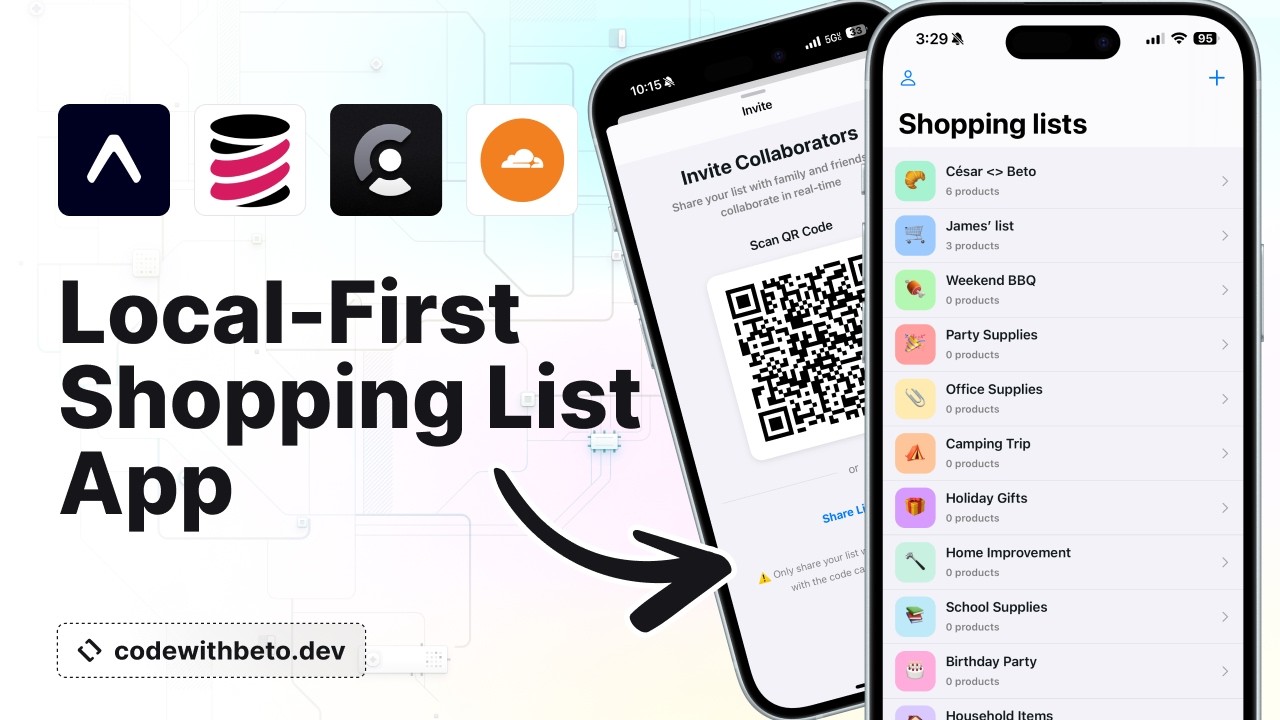
使用 TinyBase 构建一个实时购物清单应用,并使用 expo-sqlite 实现持久化和自动同步。
SQLite
Expo SQLite 是一个 SQLite 库,非常适合用于本地优先应用的数据持久化。你可以在它前面使用不同的状态管理和同步层,例如使用 y-expo-sqlite 来持久化 Yjs 文档,或者使用 TinyBase 作为状态管理层。使用 SQLite 非常灵活,但你需要将其与其他工具结合使用,或者自己构建工具,以获得完整的本地优先解决方案。更多信息请参见 Expo SQLite API 参考。
Yjs
Yjs 是一个 CRDT 实现,提供可在多个客户端之间同步的数据类型。当使用 Yjs 构建应用并处理希望能够同步的数据时,你应使用 Y.Array 和 Y.Map 来表示你的数据,而不是 Array 和 Object。你可以使用像 TinyBase 这样的库在 Yjs 之上进行状态管理,而数据持久化可以通过多种工具实现,从文件系统上的 JSON 文件到完整的数据库(如 y-expo-sqlite)以及介于两者之间的所有方式。更多信息请参见 Yjs 的 GitHub 仓库。
Prisma
Prisma 被公认为是最受欢迎的 Node.js 和 TypeScript 后端 ORM,现在也可以在 Expo 和 React Native 上的早期访问 中使用。Prisma 旨在提供完整的本地优先解决方案,为你涵盖状态管理、同步和持久化。虽然还处于早期阶段,Beto Moedano 已经整理了一个完整的使用 Prisma 与 Expo 构建本地优先 Notion 克隆的教程,在 GitHub 上查看代码。
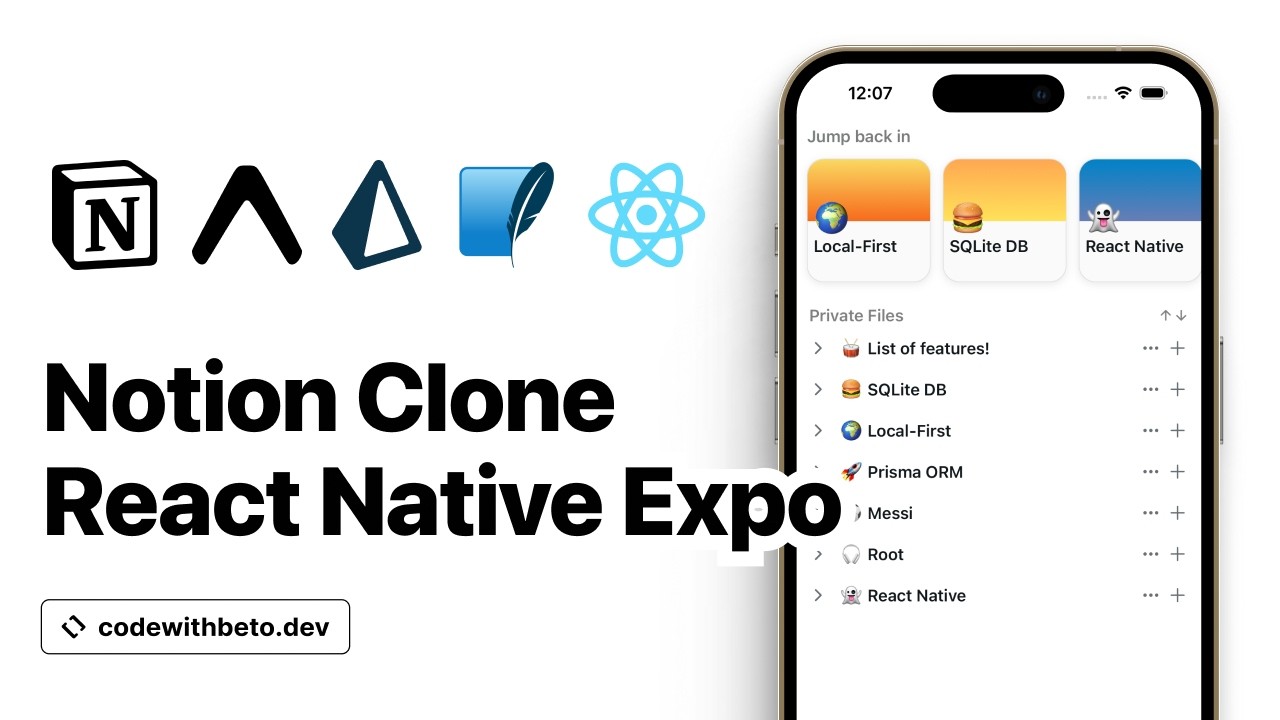
使用 Prisma ORM 为 Expo 构建本地优先的 Notion 克隆,包括状态管理、同步和持久化。
Jazz
Jazz 是一个以本地为先的关系数据库,具有实时同步、离线支持和行级权限。它是开源的,为 Expo 和 React Native 提供一流支持,而且你可以 自托管 以快速开始。要了解更多信息,请查看 示例 或参阅 入门指南 获取详细说明。
LiveStore
LiveStore 是一个以客户端为中心、以本地为先的数据层,适用于高性能应用。它对 Expo 提供一流支持,是构建本地优先应用的绝佳选择。请参阅关于 LiveStore:基于 SQLite 的本地优先应用数据层 的博客文章。
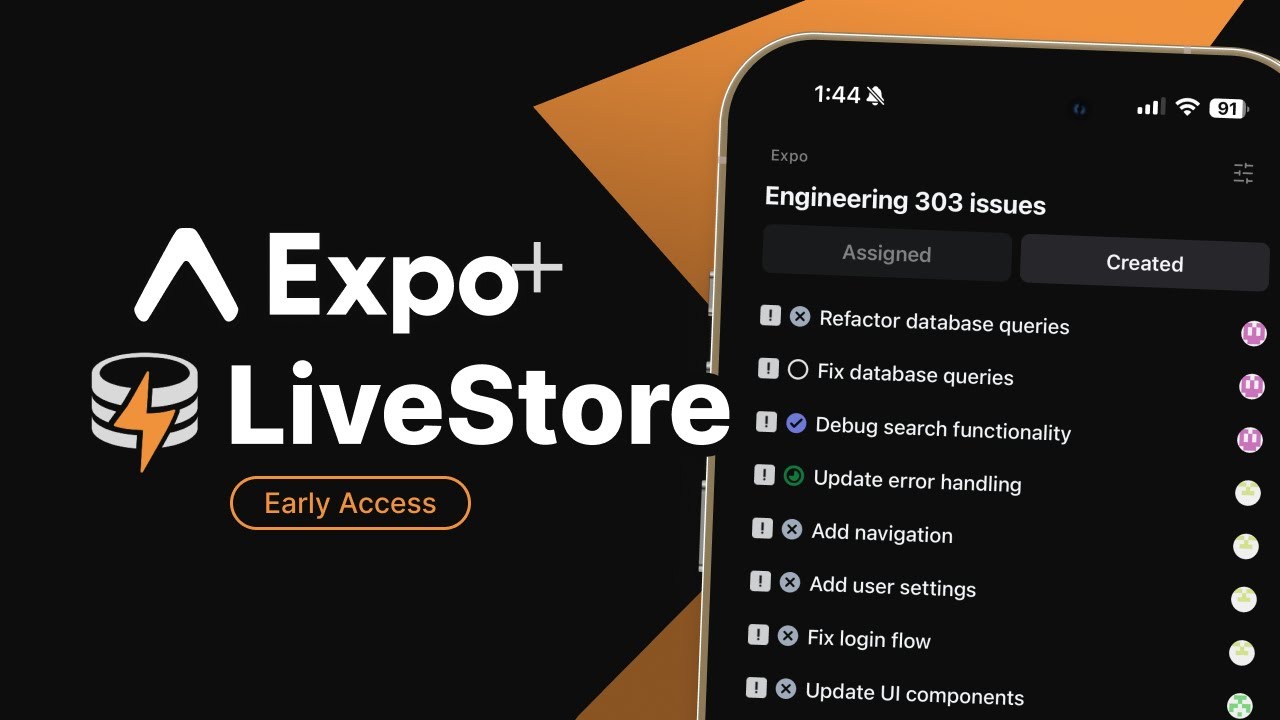
使用 LiveStore 基于 SQLite 的数据层与 Expo 构建高性能的本地优先应用。
Turso
Turso 是一个基于 SQLite 构建的现代数据库服务。它现在支持 离线同步,使真正的本地优先体验成为可能。你可以通过双向同步和内置的冲突检测在本地和远程数据库之间进行同步。虽然自动冲突解决尚不可用,但此功能仍是一个重大进步。你今天就可以使用 expo-sqlite 来使用 Turso。想了解更多,请阅读 Turso: 离线同步公测 博文。有关示例集成,请查看 Notes 应用 。

使用 Turso 的离线同步和 expo-sqlite 构建一个本地优先的注意应用,以实现双向数据同步。
即时
🌐 Instant
Instant 是 Firebase 的现代替代方案。它为你提供了一个实时数据库,让你可以专注于构建应用的前端。要开始使用,请查看 入门指南。你也可以探索视频中展示的 Sketch 应用。
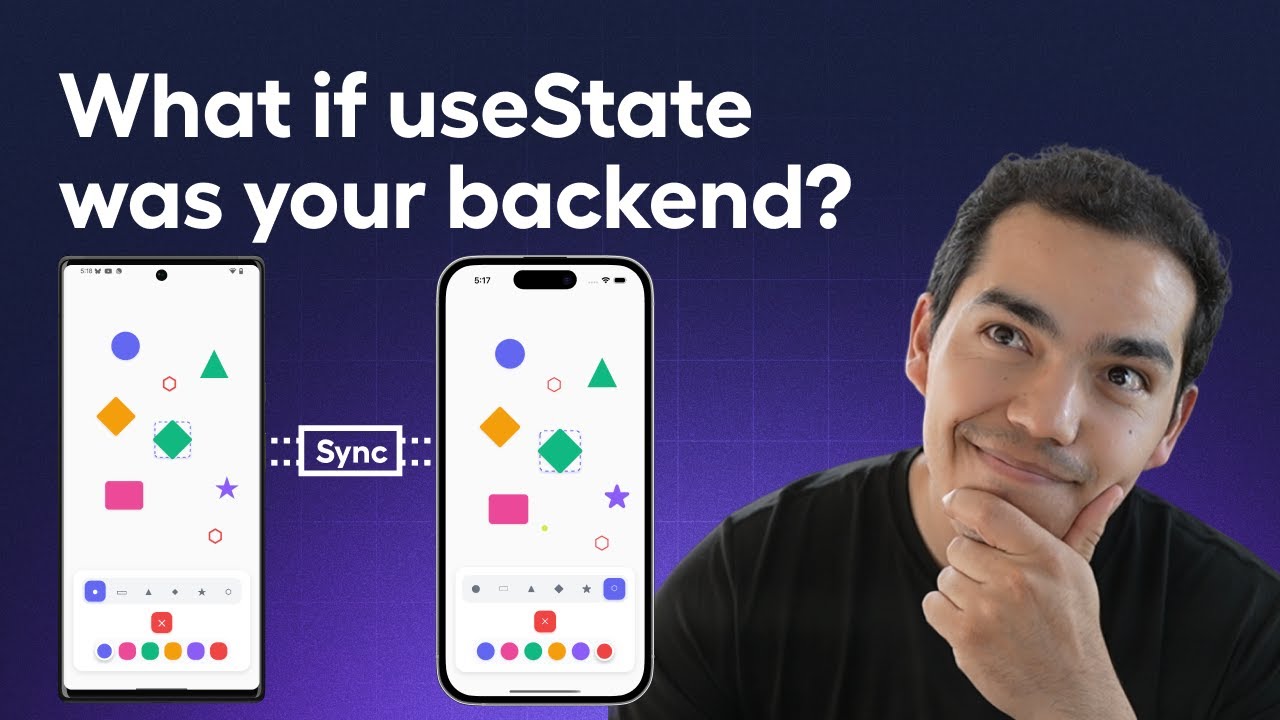
使用 Instant 的实时数据库和 Reanimated 构建一个协作草图应用,以实现流畅的绘图交互。
RxDB
RxDB(反应式数据库)是一个面向本地优先的 JavaScript 应用的 NoSQL 数据库。它高度响应式,允许你订阅查询结果,从而在数据发生变化时自动更新 UI。RxDB 侧重于离线优先功能,能够构建即使在没有互联网的情况下也能运行的应用,并在重新上线时进行同步。RxDB 可以通过 SQLite 存储适配器 在 Expo 中使用,该适配器封装了 expo-sqlite。它还提供多种复制插件,以便与你现有的后端同步,无论是 HTTP、GraphQL、Supabase 还是自定义后端。
其他工具
🌐 Other tools
以下列表远非详尽,只是提供了一些吸引我们注意力、你可能会觉得有趣的工具。欲获取更全面的工具列表,请参见“本地优先软件”社区网站。
🌐 The following list, far from being comprehensive, provides other tools that have caught our attention and that you may find interesting to explore. For a more thorough list of tools, see "Local-first software" community website.
其他资源
🌐 Additional resources
- 《本地优先的过去、现在与未来》 by Martin Kleppmann
- 由 Ink & Switch 开发的「本地优先软件」
- “本地优先软件”社区网站 和 YouTube 上的聚会播放列表
- localfirst.fm 播客 由 Johannes Schickling 主持