This documentation is available as Markdown for AI agents and LLMs. See the full Markdown index or append .md to any documentation URL.
This is documentation for the next SDK version. For up-to-date documentation, see the
latest version (SDK 57).
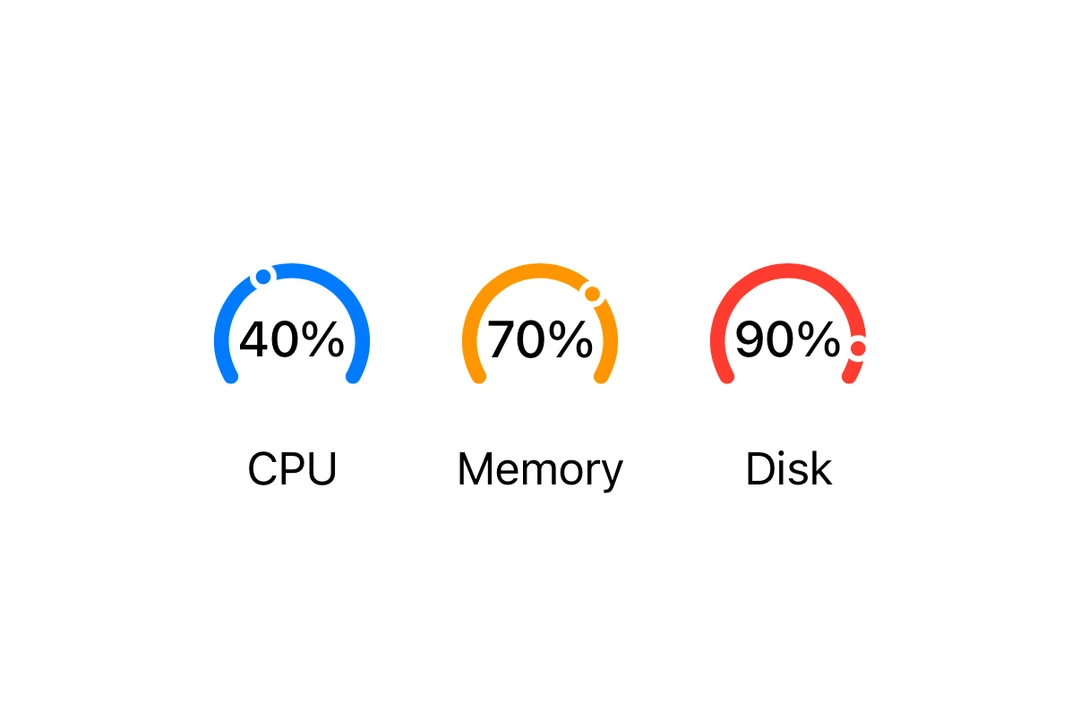
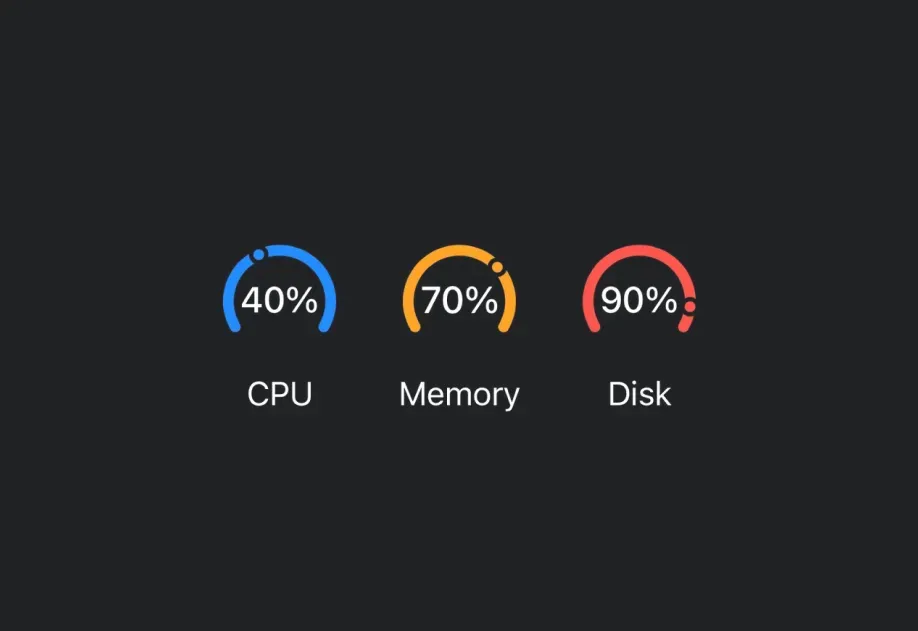
Gauge A SwiftUI Gauge component for displaying progress with visual indicators.
Expo UI Gauge matches the official SwiftUI Gauge API and supports styling via the gaugeStyle
Installation
- npx expo install @expo/ui
- yarn expo install @expo/ui
- pnpm expo install @expo/ui
- bun expo install @expo/ui
If you are installing this in an existing React Native app , make sure to install expo in your project.
Usage
Basic gauge
import { Host , Gauge } from '@expo/ui/swift-ui' ;
export default function BasicGaugeExample ( ) {
return (
< Host style = { { flex: 1 } } >
< Gauge value = { 0.5 } />
</ Host > ) ;
}
With label
You can pass custom components as children to provide a label for the gauge.
import { Host , Gauge , Text } from '@expo/ui/swift-ui' ;
export default function LabelExample ( ) {
return (
< Host style = { { flex: 1 } } >
< Gauge value = { 0.7 } >
< Text > Progress </ Text >
</ Gauge >
</ Host > ) ;
}
With value labels
Use the currentValueLabel, minimumValueLabel, and maximumValueLabel props to display value information.
import { Host , Gauge , Text } from '@expo/ui/swift-ui' ;
export default function ValueLabelsExample ( ) {
return (
< Host style = { { flex: 1 } } >
< Gauge value = { 50 } min = { 0 } max = { 100 } currentValueLabel = { < Text > 50% </ Text > } minimumValueLabel = { < Text > 0 </ Text > } maximumValueLabel = { < Text > 100 </ Text > } >
< Text > Usage </ Text >
</ Gauge >
</ Host > ) ;
}
Gauge styles
Use the gaugeStyle modifier to change the gauge's appearance. Available styles are: automatic, circular, circularCapacity, linear, and linearCapacity.
import { Host , Gauge , Text , VStack } from '@expo/ui/swift-ui' ;
import { gaugeStyle } from '@expo/ui/swift-ui/modifiers' ;
export default function GaugeStylesExample ( ) {
return (
< Host style = { { flex: 1 } } >
< VStack spacing = { 16 } >
< Text > Circular </ Text >
< Gauge value = { 0.5 } modifiers = { [ gaugeStyle ( 'circular' ) ] } >
< Text > Circular </ Text >
</ Gauge >
< Text > Circular Capacity </ Text >
< Gauge value = { 0.5 } modifiers = { [ gaugeStyle ( 'circularCapacity' ) ] } >
< Text > Circular Capacity </ Text >
</ Gauge >
< Text > Linear </ Text >
< Gauge value = { 0.5 } modifiers = { [ gaugeStyle ( 'linear' ) ] } >
< Text > Linear </ Text >
</ Gauge >
< Gauge value = { 0.5 } modifiers = { [ gaugeStyle ( 'linearCapacity' ) ] } >
< Text > Linear Capacity </ Text >
</ Gauge >
</ VStack >
</ Host > ) ;
}
Tinted gauge
Use the tint modifier to change the gauge's color.
import { Host , Gauge , VStack } from '@expo/ui/swift-ui' ;
import { gaugeStyle, tint } from '@expo/ui/swift-ui/modifiers' ;
export default function TintedGaugeExample ( ) {
return (
< Host style = { { flex: 1 } } >
< VStack spacing = { 16 } >
< Gauge value = { 0.7 } modifiers = { [ gaugeStyle ( 'circular' ) , tint ( 'green' ) ] } />
< Gauge value = { 0.3 } modifiers = { [ gaugeStyle ( 'linear' ) , tint ( 'red' ) ] } />
</ VStack >
</ Host > ) ;
}
API
import { Gauge } from '@expo/ui/swift-ui' ;
No API data file found, sorry!