This documentation is available as Markdown for AI agents and LLMs. See the full Markdown index or append .md to any documentation URL.
This is documentation for the next SDK version. For up-to-date documentation, see the latest version (SDK 57).
SecureField
A SwiftUI SecureField component for password input.
iOS
tvOS
Included in Expo Go
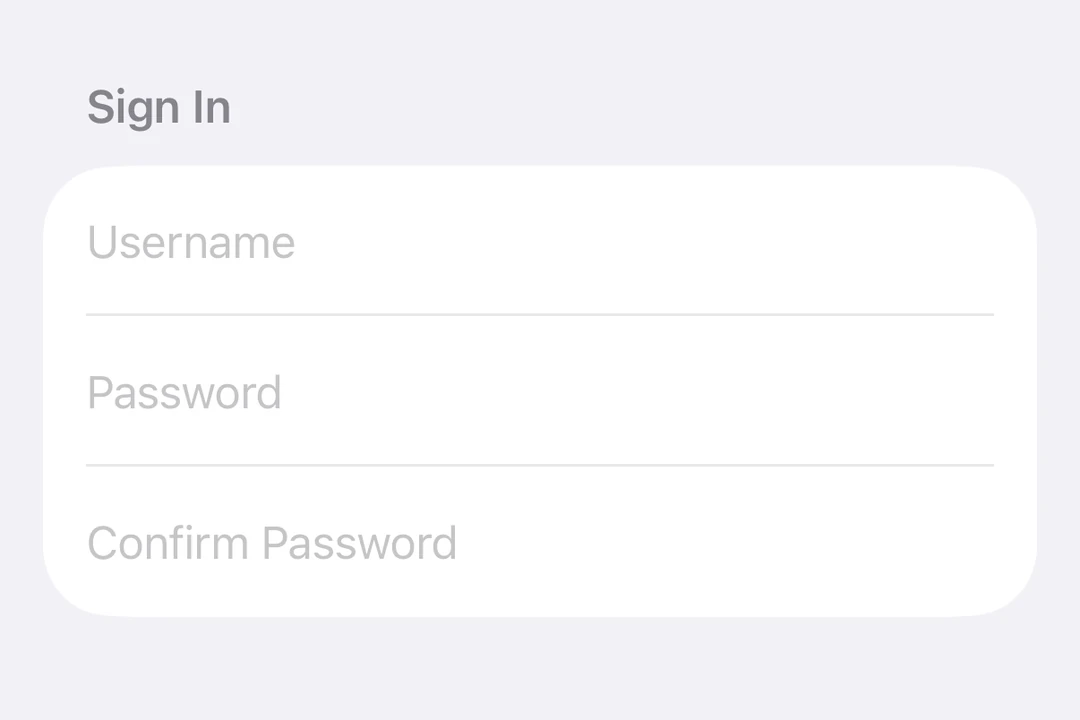
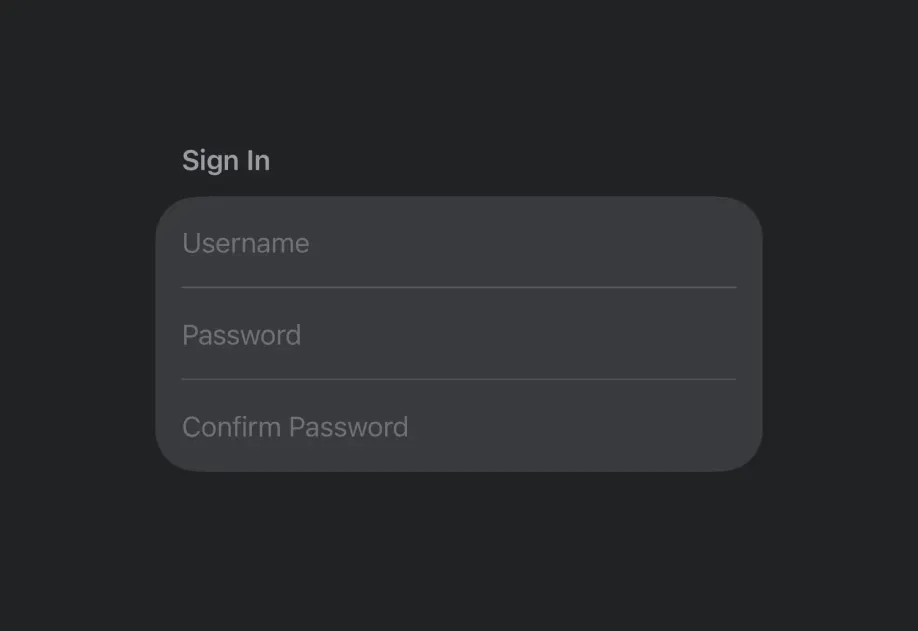
Expo UI SecureField matches the official SwiftUI SecureField API and provides a text field that masks user input for passwords and other sensitive text.
Installation
Terminal
If you are installing this in an existing React Native app, make sure to install expo in your project.
Usage
Basic secure field
BasicSecureFieldExample.tsx
Submit handling
Use the submitLabel and onSubmit modifiers to handle form submission from the keyboard.
SecureFieldSubmitExample.tsx
Imperative ref
Use a ref to imperatively set text, focus, or blur the secure field.
ImperativeSecureFieldExample.tsx
API
import { SecureField } from '@expo/ui/swift-ui';
No API data file found, sorry!