This documentation is available as Markdown for AI agents and LLMs. See the full Markdown index or append .md to any documentation URL.
This is documentation for the next SDK version. For up-to-date documentation, see the latest version (SDK 57).
Gauge
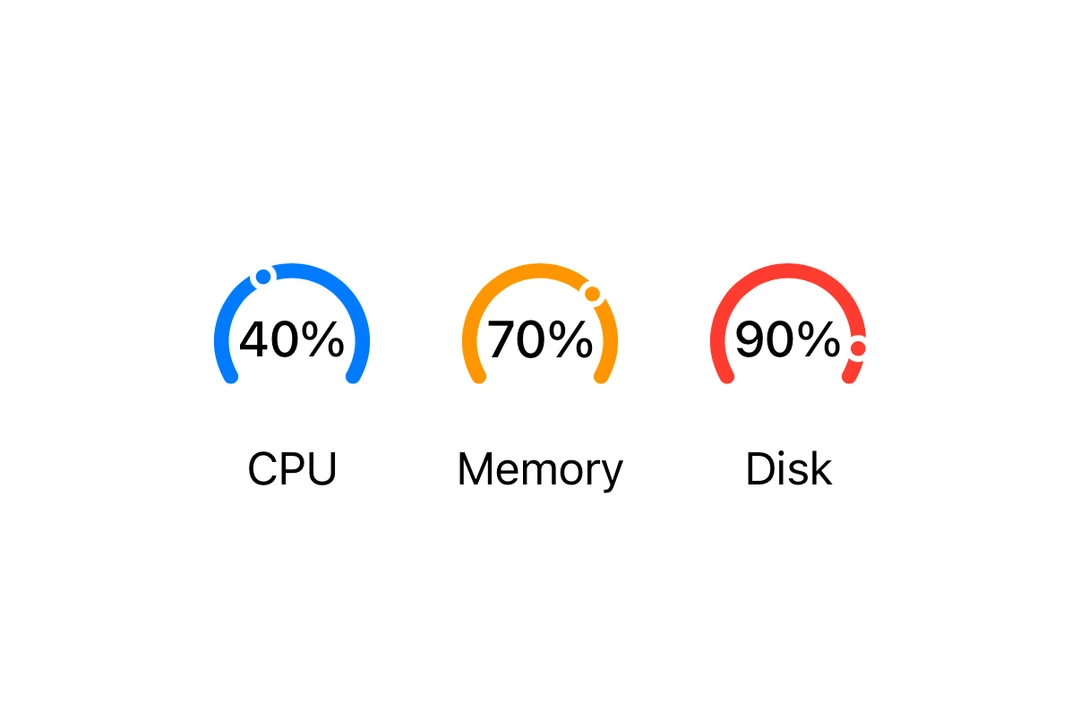
A SwiftUI Gauge component for displaying progress with visual indicators.
Expo UI Gauge matches the official SwiftUI Gauge API and supports styling via the gaugeStyle modifier.
Installation
- npx expo install @expo/uiIf you are installing this in an existing React Native app, make sure to install expo in your project.
Usage
Basic gauge
import { Host, Gauge } from '@expo/ui/swift-ui';

export default function BasicGaugeExample() {
  return (
    <Host matchContents>
      <Gauge value={0.5} />
    </Host>
  );
}
With label
You can pass custom components as children to provide a label for the gauge.
import { Host, Gauge, Text } from '@expo/ui/swift-ui';

export default function LabelExample() {
  return (
    <Host matchContents>
      <Gauge value={0.7}>
        <Text>Progress</Text>
      </Gauge>
    </Host>
  );
}
With value labels
Use the currentValueLabel, minimumValueLabel, and maximumValueLabel props to display value information.
import { Host, Gauge, Text } from '@expo/ui/swift-ui';

export default function ValueLabelsExample() {
  return (
    <Host matchContents>
      <Gauge
        value={50}
        min={0}
        max={100}
        currentValueLabel={<Text>50%</Text>}
        minimumValueLabel={<Text>0</Text>}
        maximumValueLabel={<Text>100</Text>}>
        <Text>Usage</Text>
      </Gauge>
    </Host>
  );
}
Gauge styles
Use the gaugeStyle modifier to change the gauge's appearance. Available styles are: automatic, circular, circularCapacity, linear, and linearCapacity.
import { Host, Gauge, Text, VStack } from '@expo/ui/swift-ui';
import { gaugeStyle } from '@expo/ui/swift-ui/modifiers';

export default function GaugeStylesExample() {
  return (
    <Host matchContents>
      <VStack spacing={16}>
        <Gauge value={0.5} modifiers={[gaugeStyle('circular')]}>
          <Text>Circular</Text>
        </Gauge>
        <Gauge value={0.5} modifiers={[gaugeStyle('circularCapacity')]}>
          <Text>Circular Capacity</Text>
        </Gauge>
        <Gauge value={0.5} modifiers={[gaugeStyle('linear')]}>
          <Text>Linear</Text>
        </Gauge>
        <Gauge value={0.5} modifiers={[gaugeStyle('linearCapacity')]}>
          <Text>Linear Capacity</Text>
        </Gauge>
      </VStack>
    </Host>
  );
}
Tinted gauge
Use the tint modifier to change the gauge's color.
import { Host, Gauge, VStack } from '@expo/ui/swift-ui';
import { gaugeStyle, tint } from '@expo/ui/swift-ui/modifiers';

export default function TintedGaugeExample() {
  return (
    <Host matchContents>
      <VStack spacing={16}>
        <Gauge value={0.7} modifiers={[gaugeStyle('circular'), tint('green')]} />
        <Gauge value={0.3} modifiers={[gaugeStyle('linear'), tint('red')]} />
      </VStack>
    </Host>
  );
}
API
import { Gauge } from '@expo/ui/swift-ui';
Component
Type: React.Element<GaugeProps>
Renders a SwiftUI Gauge component.
ReactNodeA label showing the current value. Use Text or Label to display the value.
ReactNodeA label showing the maximum value. Use Text or Label to display the value.
ReactNodeA label showing the minimum value. Use Text or Label to display the value.