This documentation is available as Markdown for AI agents and LLMs. See the full Markdown index or append .md to any documentation URL.
This is documentation for the next SDK version. For up-to-date documentation, see the latest version (SDK 57).
Section
A SwiftUI Section component for grouping content within lists and forms.
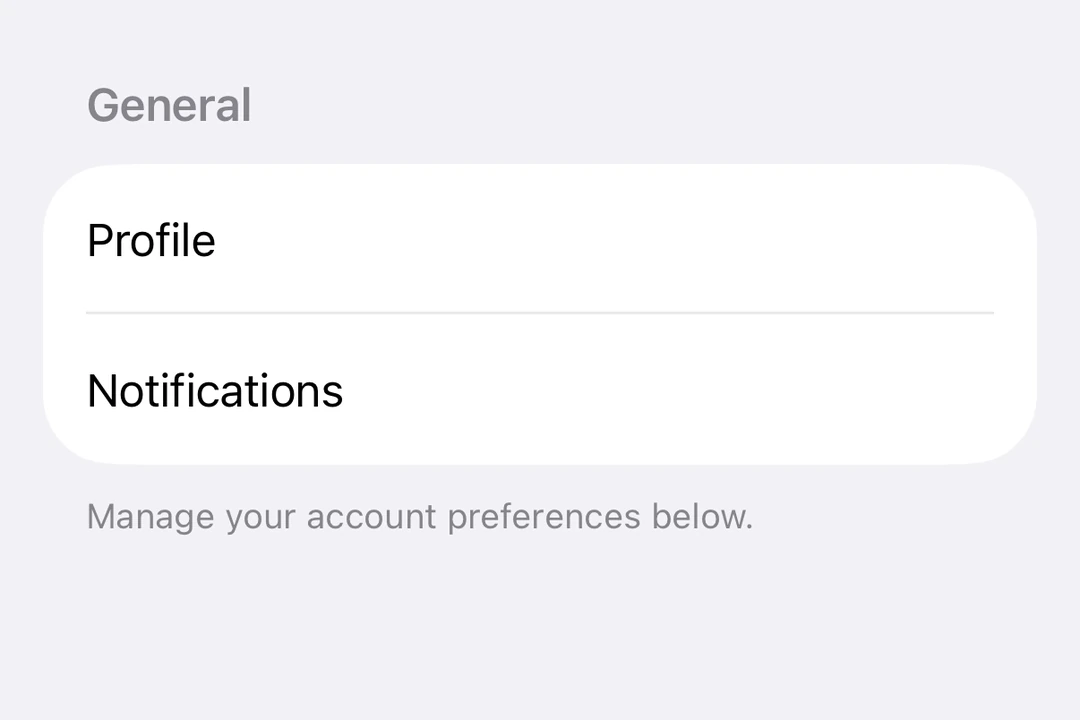
Expo UI Section matches the official SwiftUI Section API and is used to group related content within List, Form or Picker components.
Installation
- npx expo install @expo/uiIf you are installing this in an existing React Native app, make sure to install expo in your project.
Usage
Basic section with title
Use the title prop for simple sections with a text header.
import { Host, List, Section, Text } from '@expo/ui/swift-ui';

export default function BasicSectionExample() {
  return (
    <Host style={{ flex: 1 }}>
      <List>
        <Section title="Settings">
          <Text>General</Text>
          <Text>Privacy</Text>
          <Text>Notifications</Text>
        </Section>
      </List>
    </Host>
  );
}
Section with custom header and footer
Use the header and footer props for custom views. These props are only used when title is not provided.
import { Host, List, Section, Toggle, Text, HStack, Image } from '@expo/ui/swift-ui';
import { useState } from 'react';

export default function CustomHeaderFooterExample() {
  const [locationEnabled, setLocationEnabled] = useState(false);

  return (
    <Host style={{ flex: 1 }}>
      <List>
        <Section
          header={
            <HStack>
              <Image systemName="location.fill" color="blue" size={16} />
              <Text>Location Services</Text>
            </HStack>
          }
          footer={
            <Text>
              Enabling location services allows the app to provide personalized recommendations.
            </Text>
          }>
          <Toggle
            label="Enable Location"
            isOn={locationEnabled}
            onIsOnChange={setLocationEnabled}
          />
        </Section>
      </List>
    </Host>
  );
}
Collapsible section
Use the isExpanded prop to control whether the section is expanded or collapsed. When provided, the section becomes collapsible. Use onIsExpandedChange to handle state changes.
Note: Collapsible sections require iOS 17+ and tvOS 17+, and the list must use the
sidebarstyle. Footer is not supported for collapsible sections.
import { useState } from 'react';
import { Host, List, Section, Text } from '@expo/ui/swift-ui';
import { listStyle } from '@expo/ui/swift-ui/modifiers';

export default function CollapsibleSectionExample() {
  const [favoritesExpanded, setFavoritesExpanded] = useState(false);
  const [recentsExpanded, setRecentsExpanded] = useState(false);

  return (
    <Host style={{ flex: 1 }}>
      <List modifiers={[listStyle('sidebar')]}>
        <Section
          title="Favorites"
          isExpanded={favoritesExpanded}
          onIsExpandedChange={setFavoritesExpanded}>
          <Text>Home</Text>
          <Text>Work</Text>
          <Text>Gym</Text>
        </Section>
        <Section
          title="Recents"
          isExpanded={recentsExpanded}
          onIsExpandedChange={setRecentsExpanded}>
          <Text>Coffee Shop</Text>
          <Text>Library</Text>
          <Text>Park</Text>
        </Section>
      </List>
    </Host>
  );
}
Multiple sections in a form
Sections work within Form components to organize form controls into logical groups.
import { useState } from 'react';
import { Host, Form, Section, Toggle, Picker, Text, Button } from '@expo/ui/swift-ui';
import { pickerStyle, tag } from '@expo/ui/swift-ui/modifiers';

export default function FormSectionsExample() {
  const [darkMode, setDarkMode] = useState(false);
  const [notifications, setNotifications] = useState(true);
  const [language, setLanguage] = useState(0);
  const languages = ['English', 'Spanish', 'French', 'German'];

  return (
    <Host style={{ flex: 1 }}>
      <Form>
        <Section title="Appearance">
          <Toggle label="Dark Mode" isOn={darkMode} onIsOnChange={setDarkMode} />
          <Picker
            label="Language"
            selection={language}
            onSelectionChange={setLanguage}
            modifiers={[pickerStyle('menu')]}>
            {languages.map((lang, index) => (
              <Text key={index} modifiers={[tag(index)]}>
                {lang}
              </Text>
            ))}
          </Picker>
        </Section>
        <Section title="Notifications">
          <Toggle label="Push Notifications" isOn={notifications} onIsOnChange={setNotifications} />
        </Section>
        <Section title="Account">
          <Button label="Sign Out" role="destructive" onPress={() => alert('Signed out')} />
        </Section>
      </Form>
    </Host>
  );
}
API
import { Section } from '@expo/ui/swift-ui';
Component
Type: React.Element<SectionProps>
Section component uses the native Section component.
booleanControls whether the section is expanded or collapsed. When provided, the section becomes collapsible.
Note: Available only when the list style is set to
sidebar.
(isExpanded: boolean) => voidCallback triggered when the section's expanded state changes.