This documentation is available as Markdown for AI agents and LLMs. See the full Markdown index or append .md to any documentation URL.
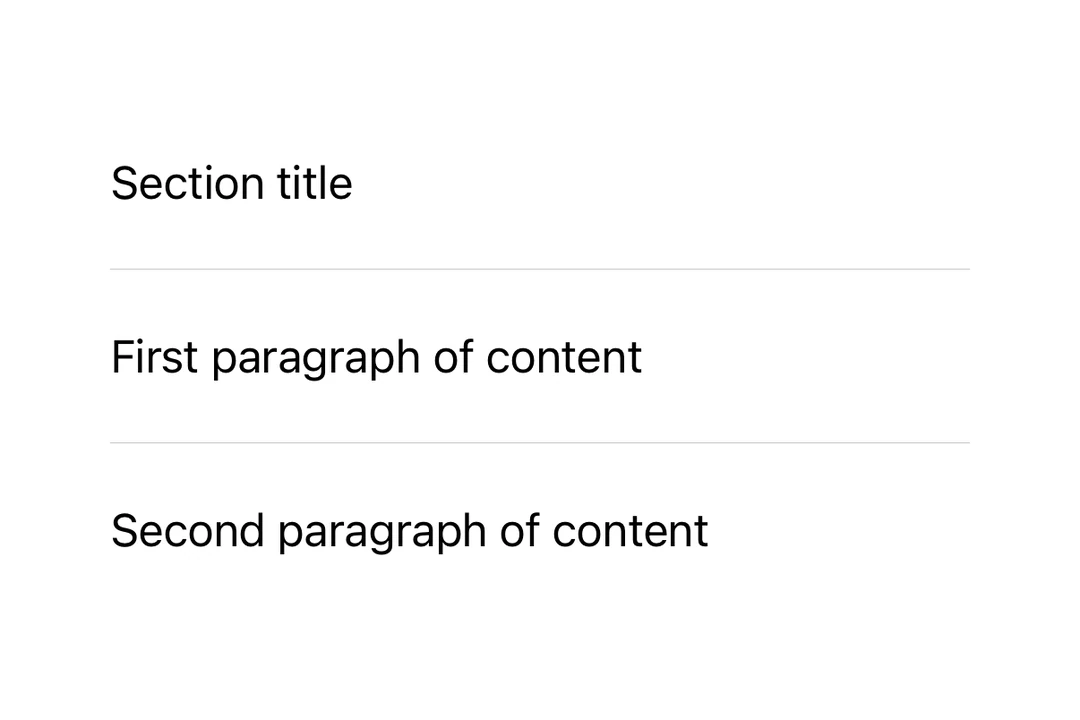
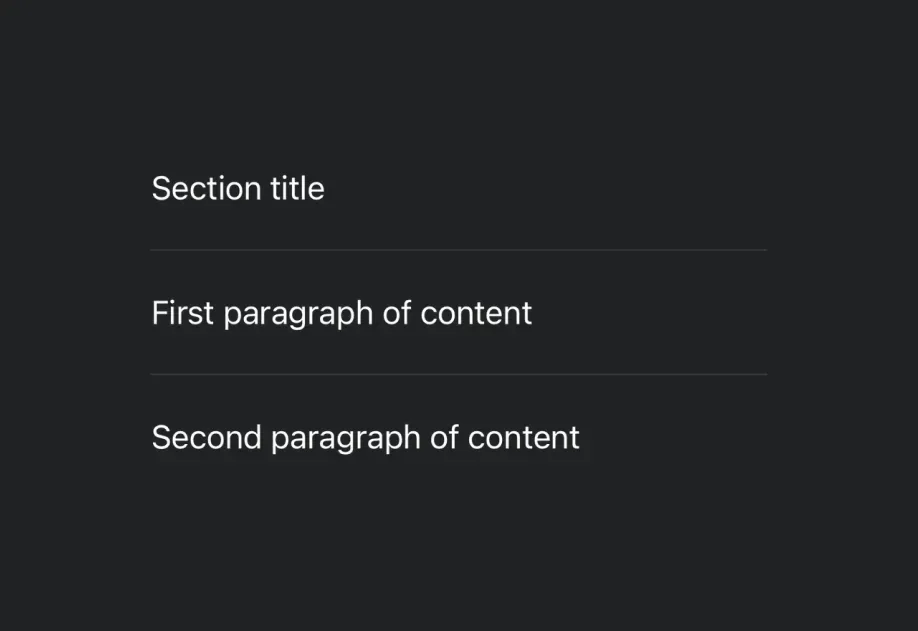
分隔线 用于创建视觉分隔线的 SwiftUI Divider 组件。
Recommended version:
~58.0.15
Expo UI 分隔线与官方 SwiftUI Divider API 相匹配,并在内容之间创建视觉分隔符。
🌐 Expo UI Divider matches the official SwiftUI Divider API and creates a visual separator between content.
安装
🌐 Installation
- npx expo install @expo/ui
- yarn expo install @expo/ui
- pnpm expo install @expo/ui
- bun expo install @expo/ui
If you are installing this in an existing React Native app , make sure to install expo in your project.
用法
🌐 Usage
基础分隔线
🌐 Basic divider
import { Host , Divider , VStack , Text } from '@expo/ui/swift-ui' ;
export default function BasicDividerExample ( ) {
return (
< Host style = { { flex: 1 } } >
< VStack >
< Text > First section </ Text >
< Divider />
< Text > Second section </ Text >
</ VStack >
</ Host > ) ;
}
列表中的分隔线
🌐 Divider in a list
import { Host , Divider , VStack , Text } from '@expo/ui/swift-ui' ;
export default function DividerInListExample ( ) {
return (
< Host style = { { flex: 1 } } >
< VStack spacing = { 8 } >
< Text > Item 1 </ Text >
< Divider />
< Text > Item 2 </ Text >
< Divider />
< Text > Item 3 </ Text >
< Divider />
< Text > Item 4 </ Text >
</ VStack >
</ Host > ) ;
}
上下文菜单中的分隔符
🌐 Divider in a context menu
分隔符通常用于在上下文菜单中分隔操作组。
🌐 Dividers are commonly used to separate groups of actions in context menus.
DividerInContextMenuExample.tsx import {
Host ,
ContextMenu ,
Button ,
Text ,
Divider ,
} from '@expo/ui/swift-ui' ;
export default function DividerInContextMenuExample ( ) {
return (
< Host style = { { flex: 1 } } >
< ContextMenu >
< ContextMenu.Items >
< Button label = " Edit" onPress = { ( ) => console . log ( 'Edit' ) } />
< Button label = " Duplicate" onPress = { ( ) => console . log ( 'Duplicate' ) } />
< Divider />
< Button label = " Delete" role = " destructive" onPress = { ( ) => console . log ( 'Delete' ) } />
</ ContextMenu.Items >
< ContextMenu.Trigger >
< Text > Long press me </ Text >
</ ContextMenu.Trigger >
</ ContextMenu >
</ Host > ) ;
}
应用接口
🌐 API
import { Divider } from '@expo/ui/swift-ui' ;
No API data file found, sorry!