This documentation is available as Markdown for AI agents and LLMs. See the full Markdown index or append .md to any documentation URL.
NavigationSplitView
一个 SwiftUI NavigationSplitView 组件,可以并排显示两列或三列。
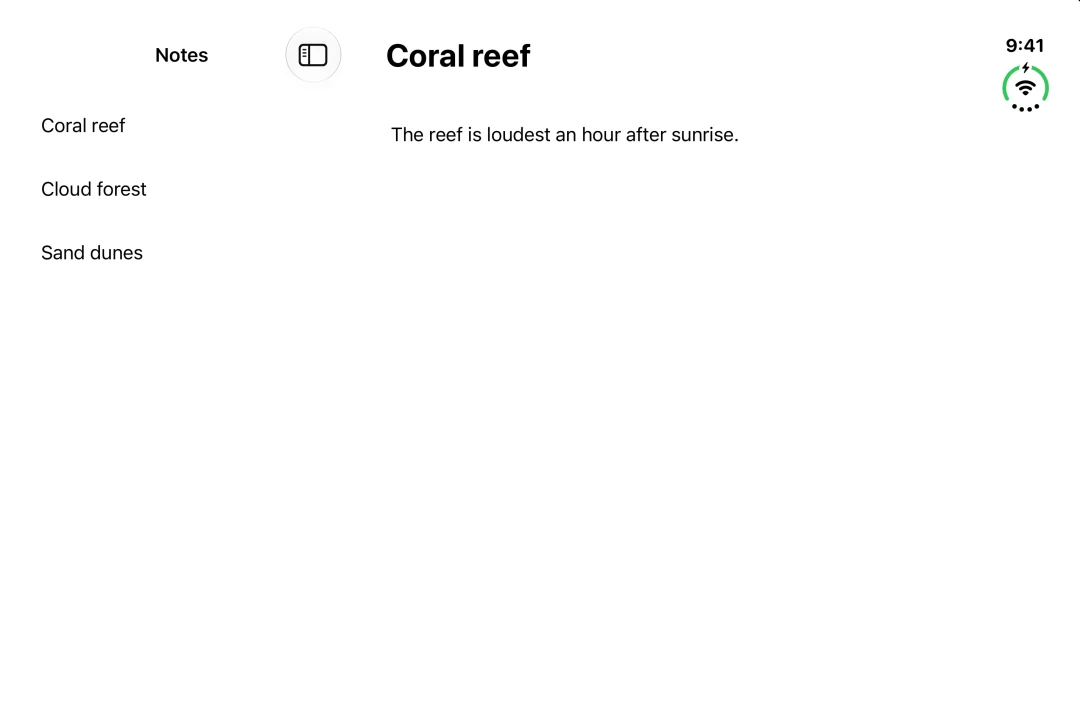
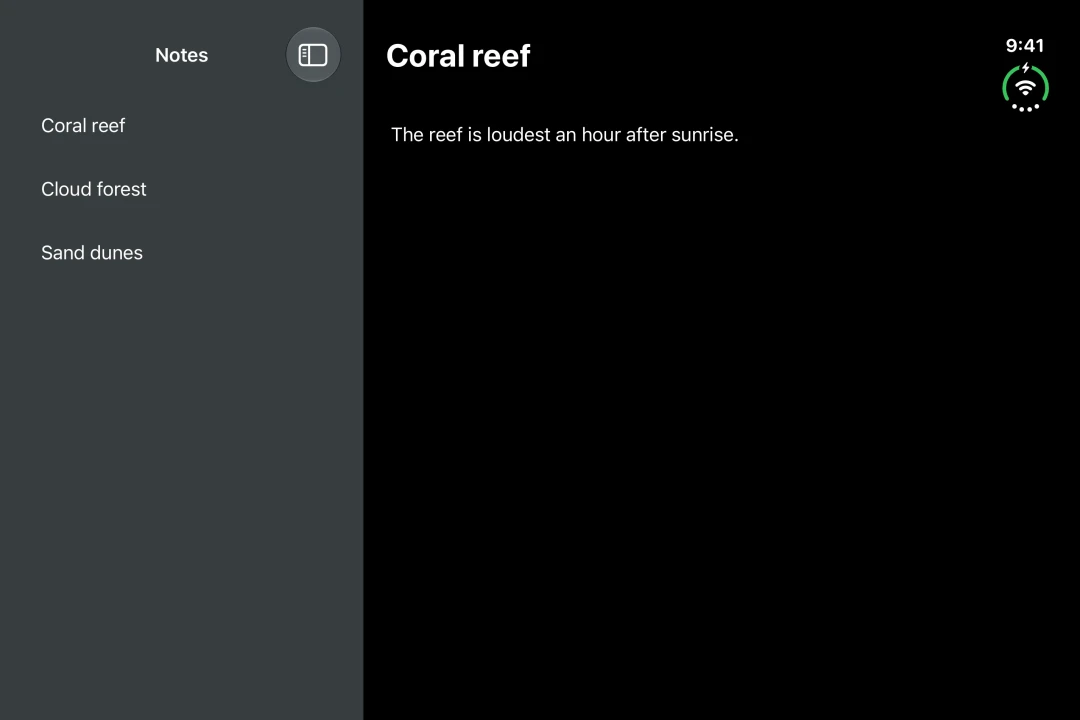
Expo UI NavigationSplitView 与官方 SwiftUI NavigationSplitView API 相匹配,可以并排显示两列或三列。当空间不足时,列会折叠成一列。
🌐 Expo UI NavigationSplitView matches the official SwiftUI NavigationSplitView API and shows two or three columns side by side. The columns collapse into one when there is not enough room.
安装
🌐 Installation
If you are installing this in an existing React Native app, make sure to install expo in your project.
用法
🌐 Usage
两列
🌐 Two columns
提供 NavigationSplitView.Sidebar 和 NavigationSplitView.Detail。用 navigationTitle 修饰符设置每列的标题。
🌐 Provide NavigationSplitView.Sidebar and NavigationSplitView.Detail. Set the title of each column with the navigationTitle modifier.
在 iPhone 上,只有侧边栏会显示。在 iOS 17 及更高版本中,将 preferredCompactColumn 设置为 'detail',点击时打开详情。把 onPreferredCompactColumnChange 的值传回去,这样返回按钮才能正常工作。
🌐 On iPhone, only the sidebar shows. On iOS 17 and later, set preferredCompactColumn to 'detail' to open the detail on tap. Pass the value from onPreferredCompactColumnChange back in so the back button works.
三列
🌐 Three columns
在侧边栏和详情之间添加 NavigationSplitView.Content。使用 navigationSplitViewColumnWidth 修饰符设置列的宽度。使用 navigationSplitViewStyle 修饰符设置列如何共享空间。
🌐 Add NavigationSplitView.Content between the sidebar and the detail. Set the width of a column with the navigationSplitViewColumnWidth modifier. Set how the columns share the space with the navigationSplitViewStyle modifier.
拆分视图默认会选择可见列。将 columnVisibility 设置为 'all' 可以显示所有列,或者设置为 'detailOnly' 只显示详细信息。当空间不足时,它会显示较少的列。将从 onColumnVisibilityChange 获取的值传回即可。否则,拖动分隔符不会有任何效果。
🌐 The split view picks the visible columns by default. Set columnVisibility to 'all' to show every column, or 'detailOnly' to show only the detail. When there is not enough room, it shows fewer columns. Pass the value from onColumnVisibilityChange back in. Otherwise, dragging the divider has no effect.
应用接口
🌐 API
import { NavigationSplitView } from '@expo/ui/swift-ui';
No API data file found, sorry!