This documentation is available as Markdown for AI agents and LLMs. See the full Markdown index or append .md to any documentation URL.

滑块

用于从一个范围中选择值的 SwiftUI 滑块组件。

iOS
Included in Expo Go
Recommended version:
~58.0.15

Expo UI 滑块与官方 SwiftUI Slider API 相匹配,并允许从有界范围中选择值。

🌐 Expo UI Slider matches the official SwiftUI Slider API and allows selecting values from a bounded range.
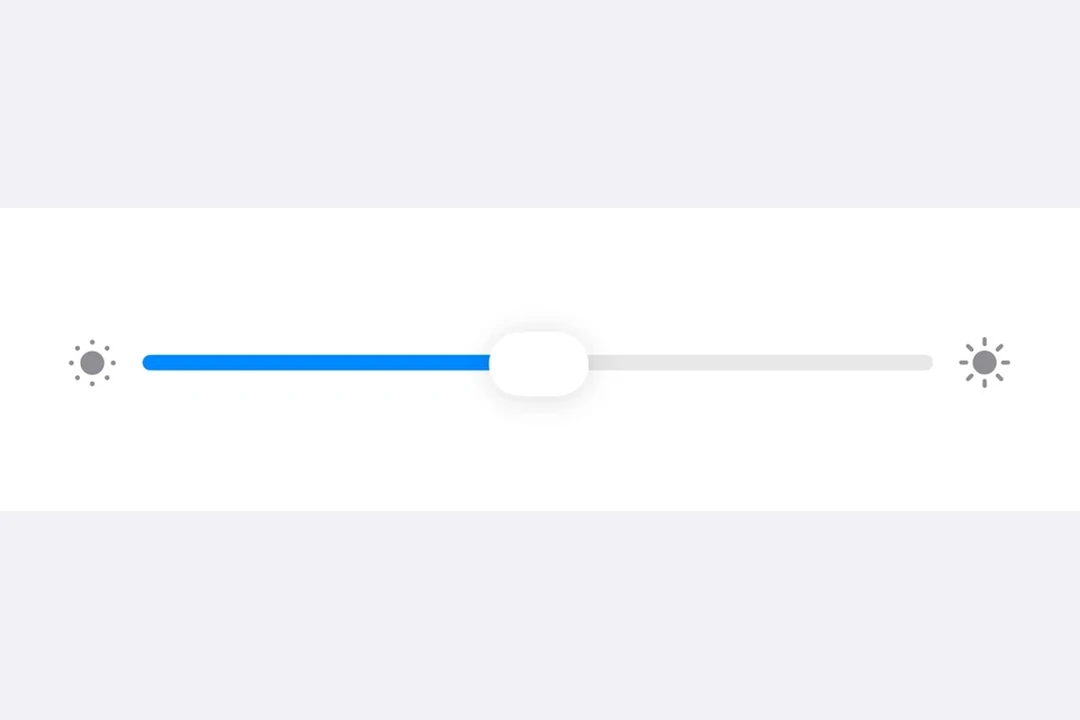

Slider with brightness icons on either side, in a Form sectionSlider with brightness icons on either side, in a Form section

安装

🌐 Installation

Terminal
- npx expo install @expo/ui
- yarn expo install @expo/ui
- pnpm expo install @expo/ui
- bun expo install @expo/ui

If you are installing this in an existing React Native app, make sure to install expo in your project.

用法

🌐 Usage

基础滑块

🌐 Basic slider

BasicSliderExample.tsx
import { useState } from 'react'; import { Host, Slider } from '@expo/ui/swift-ui'; export default function BasicSliderExample() { const [value, setValue] = useState(0.5); return ( <Host style={{ flex: 1 }}> <Slider value={value} onValueChange={setValue} /> </Host> ); }

自定义范围滑块

🌐 Slider with custom range

CustomRangeSliderExample.tsx
import { useState } from 'react'; import { Host, Slider } from '@expo/ui/swift-ui'; export default function CustomRangeSliderExample() { const [value, setValue] = useState(75); return ( <Host style={{ flex: 1 }}> <Slider value={value} min={0} max={100} onValueChange={setValue} /> </Host> ); }

带步长的滑块

🌐 Slider with step

使用 step 属性定义离散增量。将 step 设置为 0 以获得连续值。

🌐 Use the step prop to define discrete increments. Set step to 0 for continuous values.

SteppedSliderExample.tsx
import { useState } from 'react'; import { Host, Slider } from '@expo/ui/swift-ui'; export default function SteppedSliderExample() { const [value, setValue] = useState(0); return ( <Host style={{ flex: 1 }}> <Slider value={value} min={0} max={100} step={10} onValueChange={setValue} /> </Host> ); }

带标签的滑块

🌐 Slider with labels

你可以添加标签来描述滑块的用途,并标记最小值和最大值的位置。

🌐 You can add labels to describe a slider's purpose and to mark the minimum and maximum value positions.

LabeledSliderExample.tsx
import { useState } from 'react'; import { Host, Slider, Text } from '@expo/ui/swift-ui'; export default function LabeledSliderExample() { const [value, setValue] = useState(50); return ( <Host style={{ flex: 1 }}> <Slider value={value} min={0} max={100} label={<Text>Volume</Text>} minimumValueLabel={<Text>0</Text>} maximumValueLabel={<Text>100</Text>} onValueChange={setValue} /> </Host> ); }

应用接口

🌐 API

import { Slider } from '@expo/ui/swift-ui';

No API data file found, sorry!