This documentation is available as Markdown for AI agents and LLMs. See the full Markdown index or append .md to any documentation URL.

列

用于通用 @expo/ui 组件的垂直布局容器。

Android
iOS
Web
Included in Expo Go
Recommended version:
~58.0.15

一个垂直布局容器,将其子元素从上到下排列。在 iOS 上委托给 SwiftUI 的 VStack,在 Android 上委托给 Jetpack Compose 的 Column,在网页上委托给 flex View。

🌐 A vertical layout container that arranges its children from top to bottom. Delegates to SwiftUI's VStack on iOS, Jetpack Compose's Column on Android, and a flex View on web.
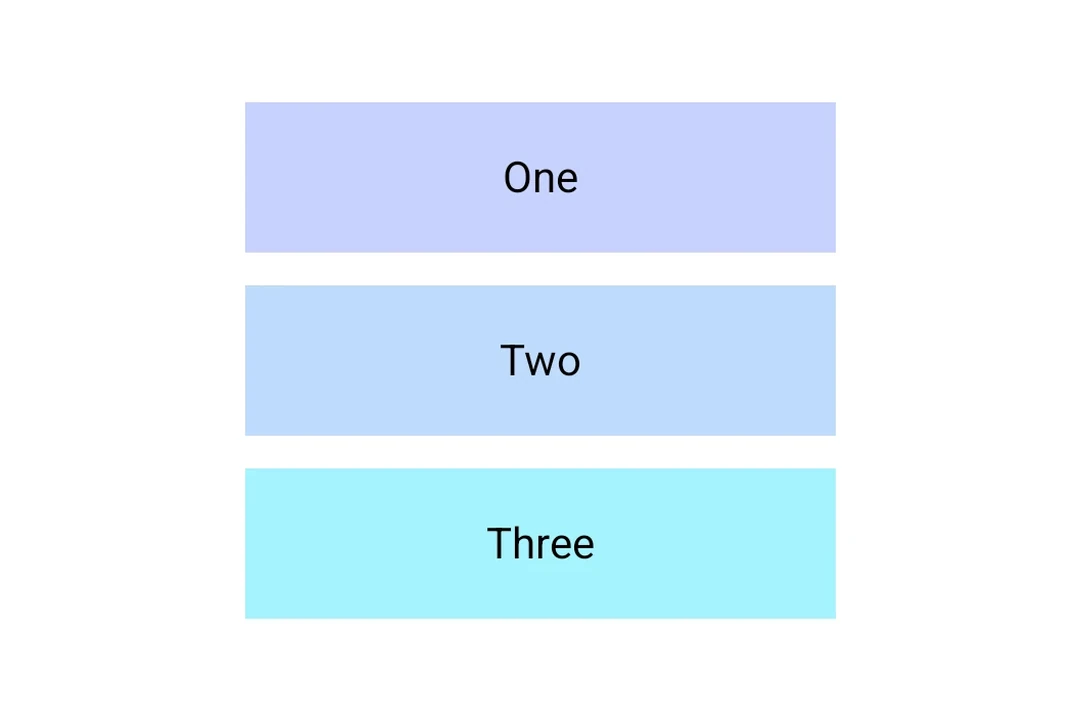
Three colored boxes stacked vertically inside a ColumnThree colored boxes stacked vertically inside a Column

安装

🌐 Installation

Terminal
- npx expo install @expo/ui
- yarn expo install @expo/ui
- pnpm expo install @expo/ui
- bun expo install @expo/ui

If you are installing this in an existing React Native app, make sure to install expo in your project.

用法

🌐 Usage

基本列

🌐 Basic column

ColumnExample.tsx
import { useColorScheme } from 'react-native'; import { Host, Column, Text } from '@expo/ui'; export default function ColumnExample() { const colorScheme = useColorScheme(); const ink = { color: colorScheme === 'dark' ? '#FFFFFF' : '#000000' }; return ( <Host matchContents> <Column spacing={8}> <Text textStyle={ink}>First</Text> <Text textStyle={ink}>Second</Text> <Text textStyle={ink}>Third</Text> </Column> </Host> ); }

对齐

🌐 Alignment

使用 alignment 将子元素沿交叉(水平)轴定位。

🌐 Use alignment to position children along the cross (horizontal) axis.

ColumnAlignmentExample.tsx
import { useColorScheme } from 'react-native'; import { Host, Column, Text } from '@expo/ui'; export default function ColumnAlignmentExample() { const colorScheme = useColorScheme(); const ink = { color: colorScheme === 'dark' ? '#FFFFFF' : '#000000' }; return ( <Host matchContents={{ vertical: true }} style={{ width: '100%' }}> <Column spacing={8} alignment="center"> <Text textStyle={ink}>Centered</Text> <Text textStyle={ink}>Centered</Text> </Column> </Host> ); }

应用接口

🌐 API

import { Column } from '@expo/ui';

No API data file found, sorry!