This documentation is available as Markdown for AI agents and LLMs. See the full Markdown index or append .md to any documentation URL.
间隔器 一个在兄弟元素之间产生空白空间的布局间隔器。
Recommended version:
~58.0.15
一个布局间隔器,用于在 RowColumnsizeflexible
🌐 A layout spacer that produces empty space between siblings inside a RowColumnsizeflexible
安装 🌐 Installation
- npx expo install @expo/ui
- yarn expo install @expo/ui
- pnpm expo install @expo/ui
- bun expo install @expo/ui
If you are installing this in an existing React Native app , make sure to install expo in your project.
用法 🌐 Usage
固定尺寸间隔 🌐 Fixed-size spacer
import { useColorScheme } from 'react-native' ;
import { Host , Column , Text , Spacer } from '@expo/ui' ;
export default function FixedSpacerExample ( ) {
const colorScheme = useColorScheme ( ) ;
const ink = { color: colorScheme === 'dark' ? '#FFFFFF' : '#000000' } ;
return (
< Host matchContents >
< Column >
< Text textStyle = { ink} > Top </ Text >
< Spacer size = { 32 } />
< Text textStyle = { ink} > Bottom </ Text >
</ Column >
</ Host > ) ;
}
弹性垫片 🌐 Flexible spacer
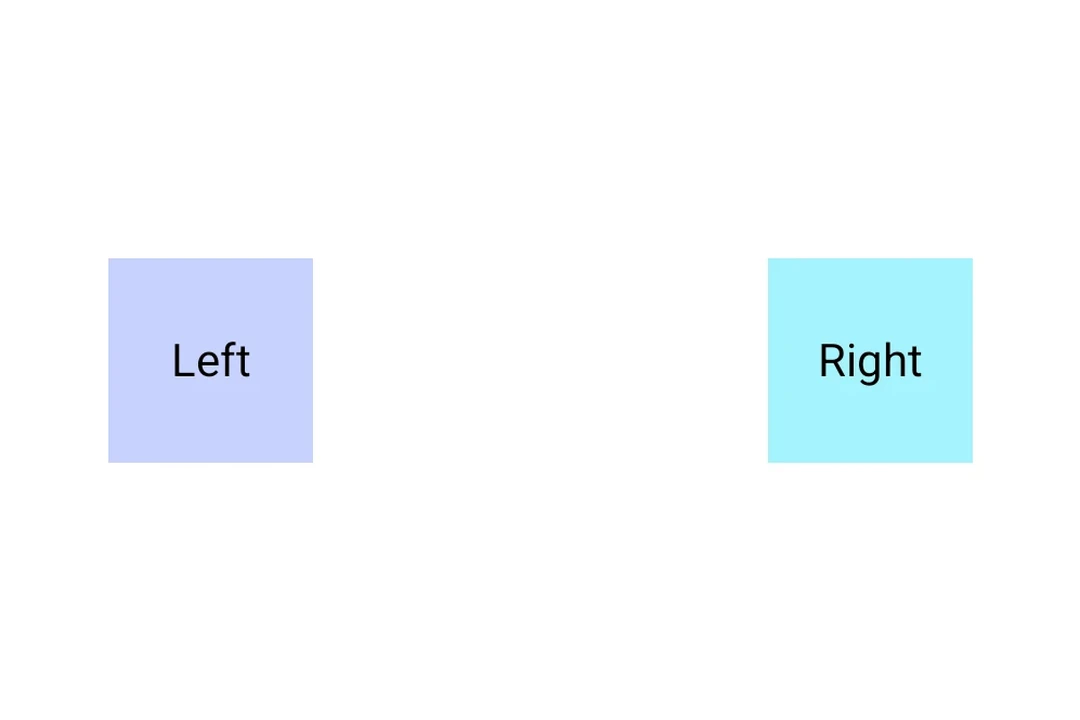
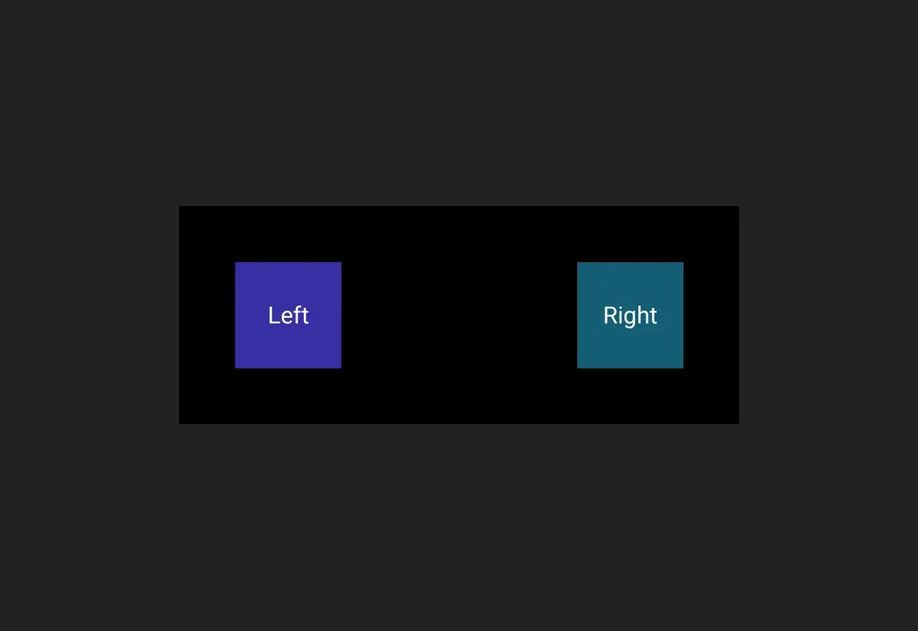
一个灵活的间隔器填充父元素主轴上剩余的空间,将周围的内容推向相反的两端。
🌐 A flexible spacer fills the remaining space along its parent's main axis, pushing the surrounding content to opposite ends.
FlexibleSpacerExample.tsx import { useColorScheme } from 'react-native' ;
import { Host , Row , Text , Spacer } from '@expo/ui' ;
export default function FlexibleSpacerExample ( ) {
const colorScheme = useColorScheme ( ) ;
const ink = { color: colorScheme === 'dark' ? '#FFFFFF' : '#000000' } ;
return (
< Host matchContents = { { vertical: true } } style = { { width: '100%' } } >
< Row >
< Text textStyle = { ink} > Leading </ Text >
< Spacer flexible />
< Text textStyle = { ink} > Trailing </ Text >
</ Row >
</ Host > ) ;
}
应用接口 🌐 API
import { Spacer } from '@expo/ui' ;
No API data file found, sorry!