This documentation is available as Markdown for AI agents and LLMs. See the full Markdown index or append .md to any documentation URL.

文本

用于显示样式化文本内容的组件。

Android
iOS
Web
Included in Expo Go
Recommended version:
~58.0.15

一个用于显示文本的组件。默认情况下会适应平台的配色方案(浅色/深色),并通过 textStyle 提供一组聚焦的排版控制参数。

🌐 A component for displaying text. Adapts to the platform color scheme (light/dark) by default and exposes a focused subset of typography knobs through textStyle.

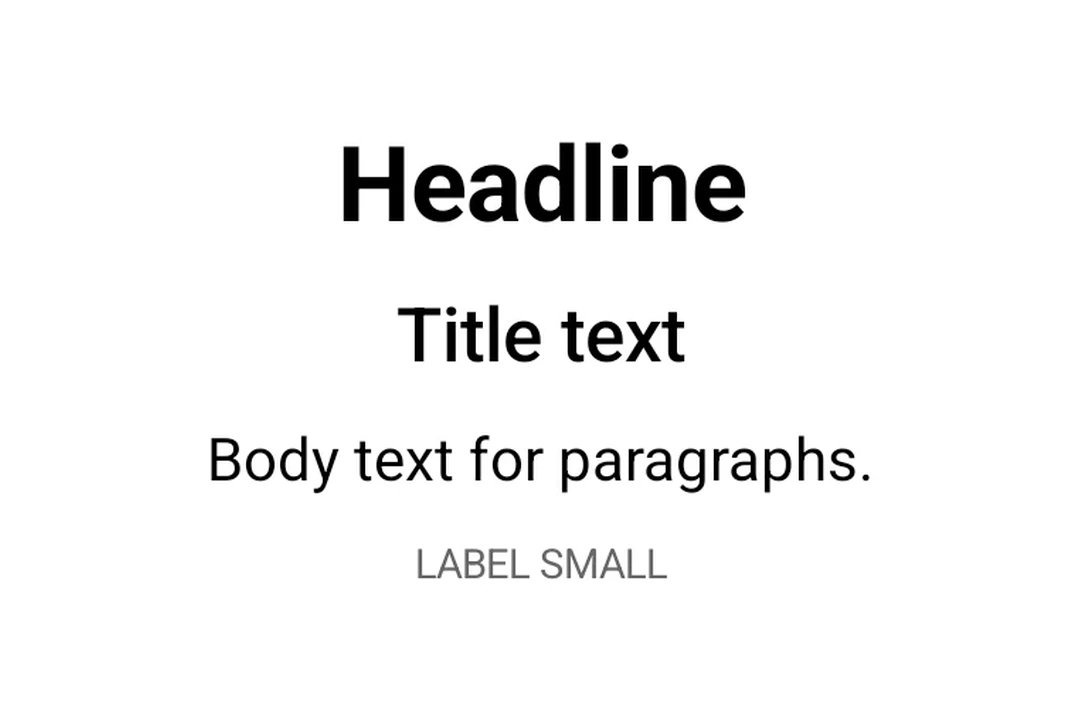
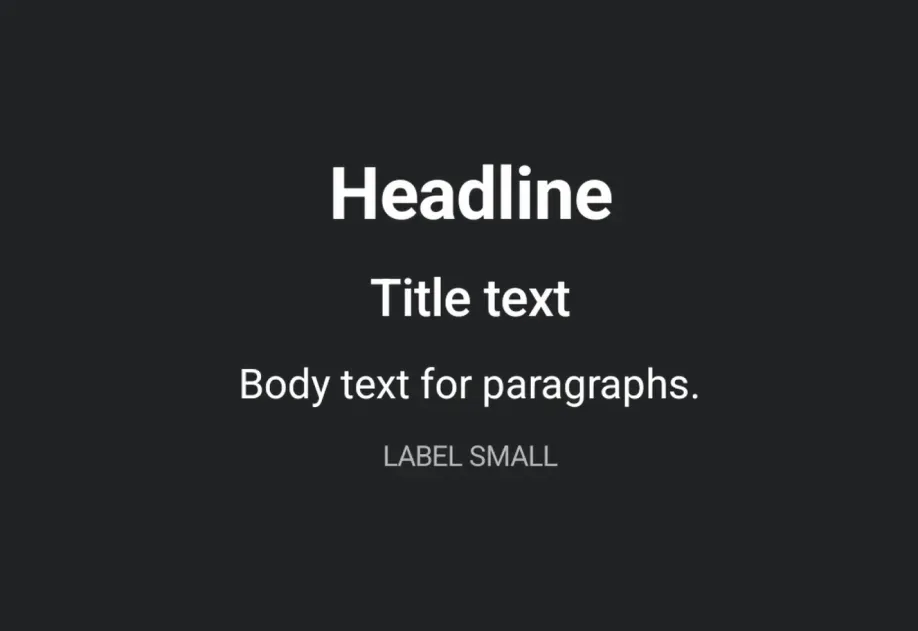
Material 3 typography hierarchy: headline, title, body, and labelMaterial 3 typography hierarchy: headline, title, body, and label

安装

🌐 Installation

Terminal
- npx expo install @expo/ui
- yarn expo install @expo/ui
- pnpm expo install @expo/ui
- bun expo install @expo/ui

If you are installing this in an existing React Native app, make sure to install expo in your project.

用法

🌐 Usage

基础文本

🌐 Basic text

TextExample.tsx
import { useColorScheme } from 'react-native'; import { Host, Text } from '@expo/ui'; export default function TextExample() { const colorScheme = useColorScheme(); return ( <Host matchContents> <Text textStyle={{ color: colorScheme === 'dark' ? '#FFFFFF' : '#000000' }}> Hello, world! </Text> </Host> ); }

样式化文本

🌐 Styled text

使用 textStyle 处理排版特定属性(字体大小、字重、对齐)。

🌐 Use textStyle for typography-specific properties (font size, weight, alignment).

StyledTextExample.tsx
import { useColorScheme } from 'react-native'; import { Host, Text } from '@expo/ui'; export default function StyledTextExample() { const colorScheme = useColorScheme(); return ( <Host matchContents> <Text textStyle={{ color: colorScheme === 'dark' ? '#FFFFFF' : '#000000', fontSize: 24, fontWeight: '700', textAlign: 'center', }}> Headline </Text> </Host> ); }

截断长文本

🌐 Truncating long text

使用 numberOfLines 来将长文本限制为末尾带省略号的形式。

🌐 Use numberOfLines to clamp long text with a trailing ellipsis.

TruncatedTextExample.tsx
import { useColorScheme } from 'react-native'; import { Host, Text } from '@expo/ui'; export default function TruncatedTextExample() { const colorScheme = useColorScheme(); return ( <Host matchContents={{ vertical: true }} style={{ width: '100%' }}> <Text numberOfLines={1} textStyle={{ color: colorScheme === 'dark' ? '#FFFFFF' : '#000000' }}> A very long line of text that will be truncated when it does not fit on a single line. </Text> </Host> ); }

应用接口

🌐 API

import { Text } from '@expo/ui';

No API data file found, sorry!