This documentation is available as Markdown for AI agents and LLMs. See the full Markdown index or append .md to any documentation URL.
标签
用于显示带图标文本的 SwiftUI 标签组件。
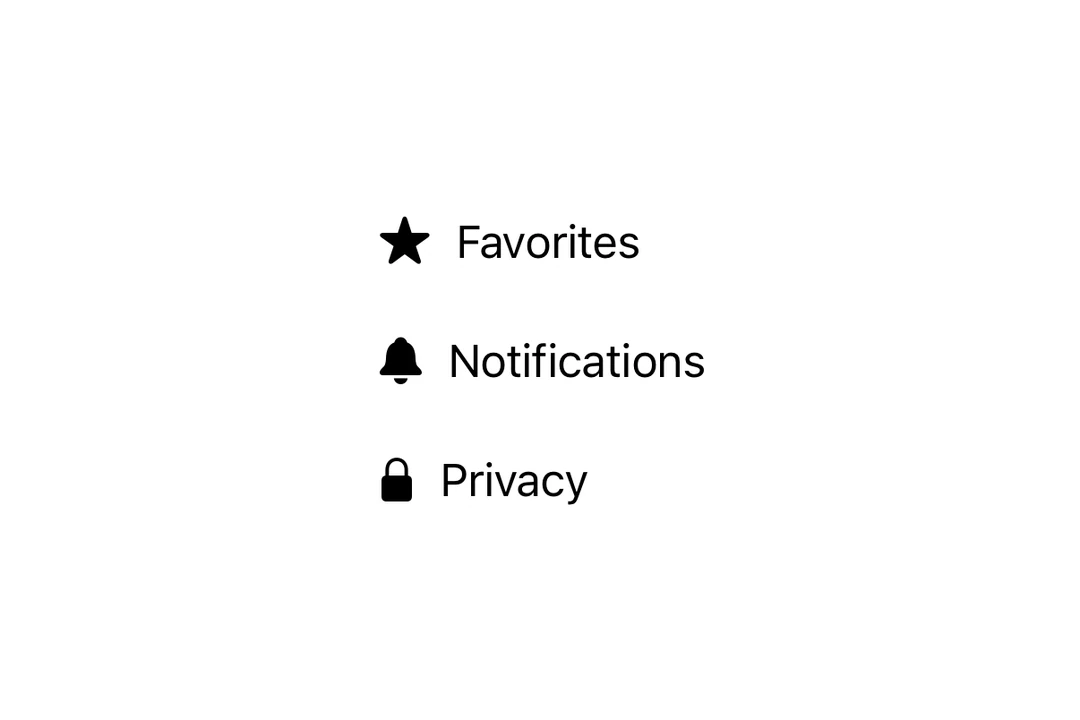
Expo UI Label 与官方 SwiftUI Label API 相匹配,显示标题和图标。
🌐 Expo UI Label matches the official SwiftUI Label API and displays a title alongside an icon.
安装
🌐 Installation
- npx expo install @expo/uiIf you are installing this in an existing React Native app, make sure to install expo in your project.
用法
🌐 Usage
带 SF 符号的基本标签
🌐 Basic label with SF Symbol
import { Host, Label } from '@expo/ui/swift-ui';

export default function BasicLabelExample() {
  return (
    <Host matchContents>
      <Label title="收藏夹" systemImage="star.fill" />
    </Host>
  );
}
使用自定义图标
🌐 With custom icon
使用 icon 属性提供自定义的 React 节点作为图标,而不是使用 SF 符号。
🌐 Use the icon prop to provide a custom React node as the icon instead of an SF Symbol.
import { Host, Label, Image } from '@expo/ui/swift-ui';

export default function LabelCustomIconExample() {
  return (
    <Host matchContents>
      <Label title="自定义图标" icon={<Image systemName="sparkles" size={20} color="purple" />} />
    </Host>
  );
}
仅图标
🌐 Icon only
将 labelStyle 修饰符与 iconOnly 一起使用以仅显示图标。即使图标不可见,也始终为可访问性提供 title。
🌐 Use the labelStyle modifier with iconOnly to display only the icon. Always provide a title for accessibility even though it won't be visible.
import { Host, Label } from '@expo/ui/swift-ui';
import { labelStyle } from '@expo/ui/swift-ui/modifiers';

export default function LabelIconOnlyExample() {
  return (
    <Host matchContents>
      <Label title="设置" systemImage="gear" modifiers={[labelStyle('iconOnly')]} />
    </Host>
  );
}
应用接口
🌐 API
import { Label } from '@expo/ui/swift-ui';
Component
Type: React.Element<LabelProps>
Renders a native label view, which could be used in a list or section.
ReactNodeCustom title view. Accepts any React node (for example, a VStack with title and subtitle).
When provided, this takes precedence over title.
Deprecated: Use
foregroundStylemodifier instead.
ColorValueThe color of the label icon.
ReactNodeCustom icon view to be displayed in the label.
When provided, this takes precedence over systemImage.
SFSymbols7_0The name of the SFSymbol to be displayed in the label.