This documentation is available as Markdown for AI agents and LLMs. See the full Markdown index or append .md to any documentation URL.
盒子
用于堆叠子元素的 Jetpack Compose Box 组件。
Android
Included in Expo Go
Recommended version:
~57.0.3
Expo UI Box 与官方 Jetpack Compose Box API 相匹配,并将子元素堆叠在一起,同时支持可配置的内容对齐方式。
🌐 Expo UI Box matches the official Jetpack Compose Box API and stacks children on top of each other with configurable content alignment.
安装
🌐 Installation
Terminal
- npx expo install @expo/uiIf you are installing this in an existing React Native app, make sure to install expo in your project.
用法
🌐 Usage
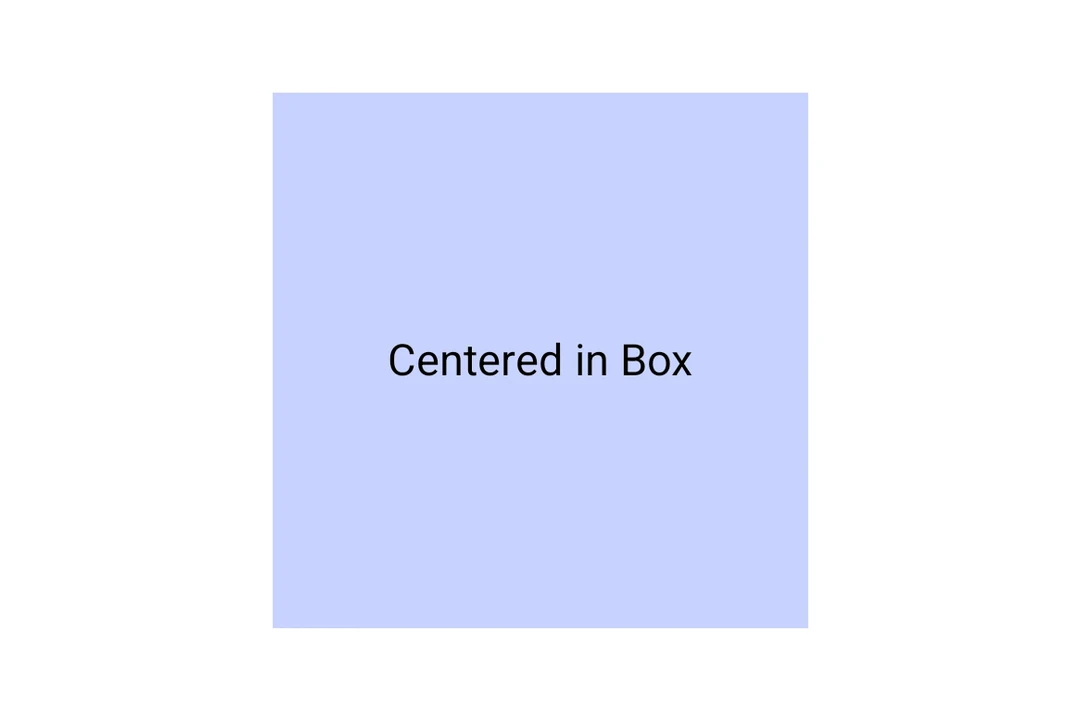
Box 将子元素堆叠在一起。使用 contentAlignment 在盒子内定位它们。
BoxExample.tsx
import { Host, Box, Text } from '@expo/ui/jetpack-compose';
import { size, background } from '@expo/ui/jetpack-compose/modifiers';

export default function BoxExample() {
  return (
    <Host matchContents>
      <Box contentAlignment="center" modifiers={[size(200, 200), background('#E0E0E0')]}>
        <Text>Centered in Box</Text>
      </Box>
    </Host>
  );
}
应用接口
🌐 API
import { Box } from '@expo/ui/jetpack-compose';
Component
Optional • Type:
ReactNodeOptional • Type:
FloatingToolbarExitAlwaysScrollBehaviorScroll behavior for the floating toolbar exit.