This documentation is available as Markdown for AI agents and LLMs. See the full Markdown index or append .md to any documentation URL.

排

用于水平排列子组件的 Jetpack Compose Row 组件。

Android
Included in Expo Go
Recommended version:
~58.0.15

Expo UI Row 与官方 Jetpack Compose Row API 相匹配,并以可配置的排列和对齐方式水平放置子元素。

🌐 Expo UI Row matches the official Jetpack Compose Row API and places children horizontally with configurable arrangement and alignment.
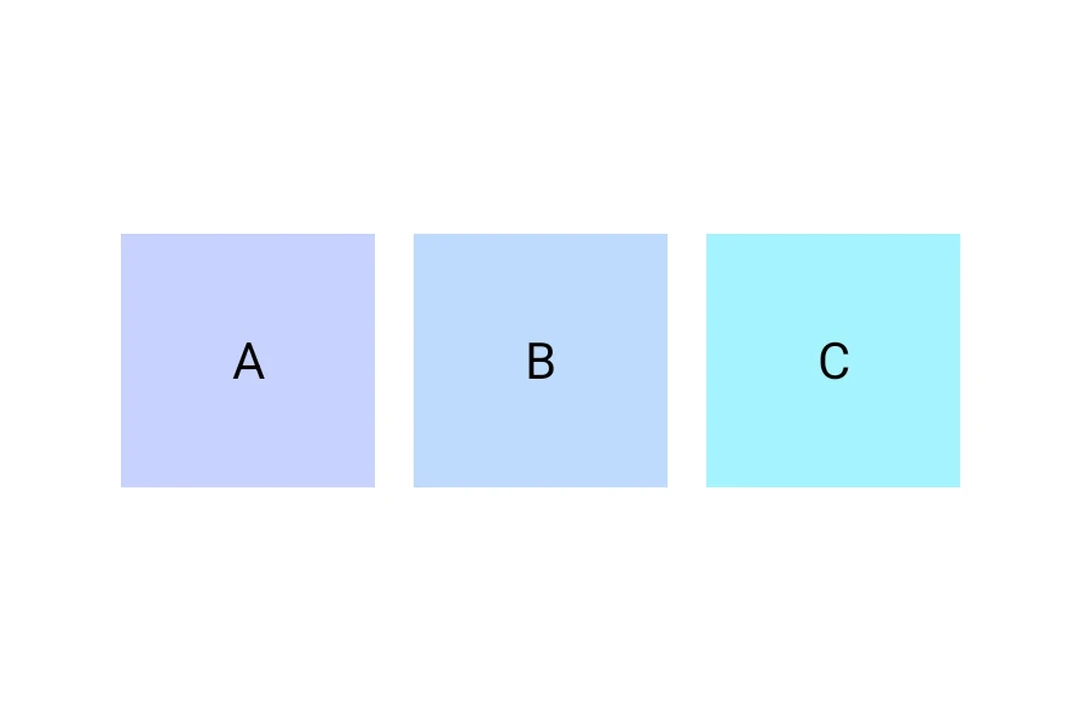
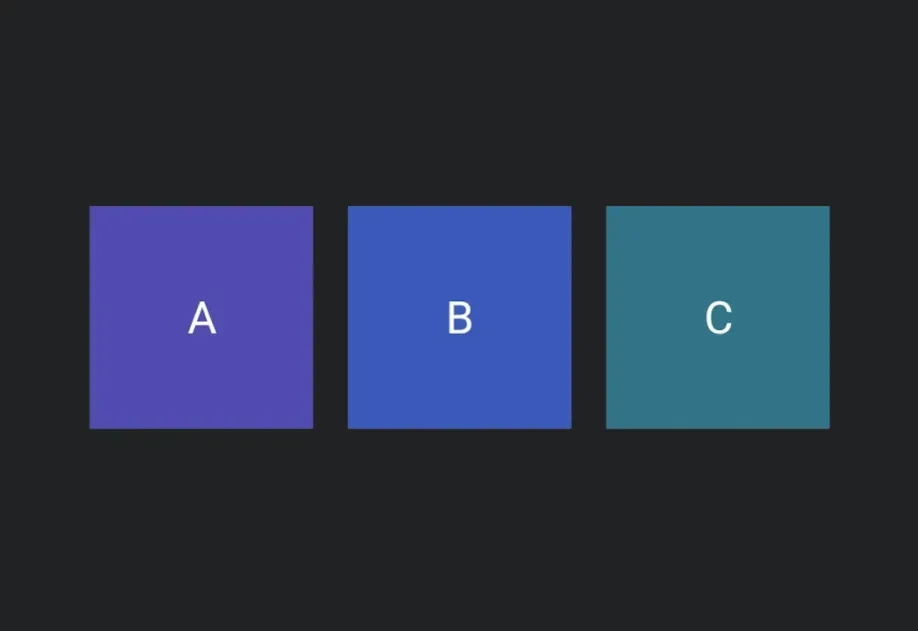
Three colored boxes laid out horizontally inside a RowThree colored boxes laid out horizontally inside a Row

安装

🌐 Installation

Terminal
- npx expo install @expo/ui
- yarn expo install @expo/ui
- pnpm expo install @expo/ui
- bun expo install @expo/ui

If you are installing this in an existing React Native app, make sure to install expo in your project.

用法

🌐 Usage

Row 将儿童水平排列。使用 horizontalArrangement 和 verticalAlignment 来控制间距和对齐。

RowExample.tsx
import { Host, Row, Text, useMaterialColors, } from '@expo/ui/jetpack-compose'; import { fillMaxWidth, height, } from '@expo/ui/jetpack-compose/modifiers'; export default function RowExample() { const colors = useMaterialColors(); return ( <Host style={{ flex: 1 }}> <Row horizontalArrangement="spaceEvenly" verticalAlignment="center" modifiers={[fillMaxWidth(), height(60)]}> <Text style={{ fontSize: 28 }} color={colors.onBackground}> Item 1 </Text> <Text style={{ fontSize: 28 }} color={colors.onBackground}> Item 2 </Text> <Text style={{ fontSize: 28 }} color={colors.onBackground}> Item 3 </Text> </Row> </Host> ); }

应用接口

🌐 API

import { Row } from '@expo/ui/jetpack-compose';

No API data file found, sorry!