This documentation is available as Markdown for AI agents and LLMs. See the full Markdown index or append .md to any documentation URL.
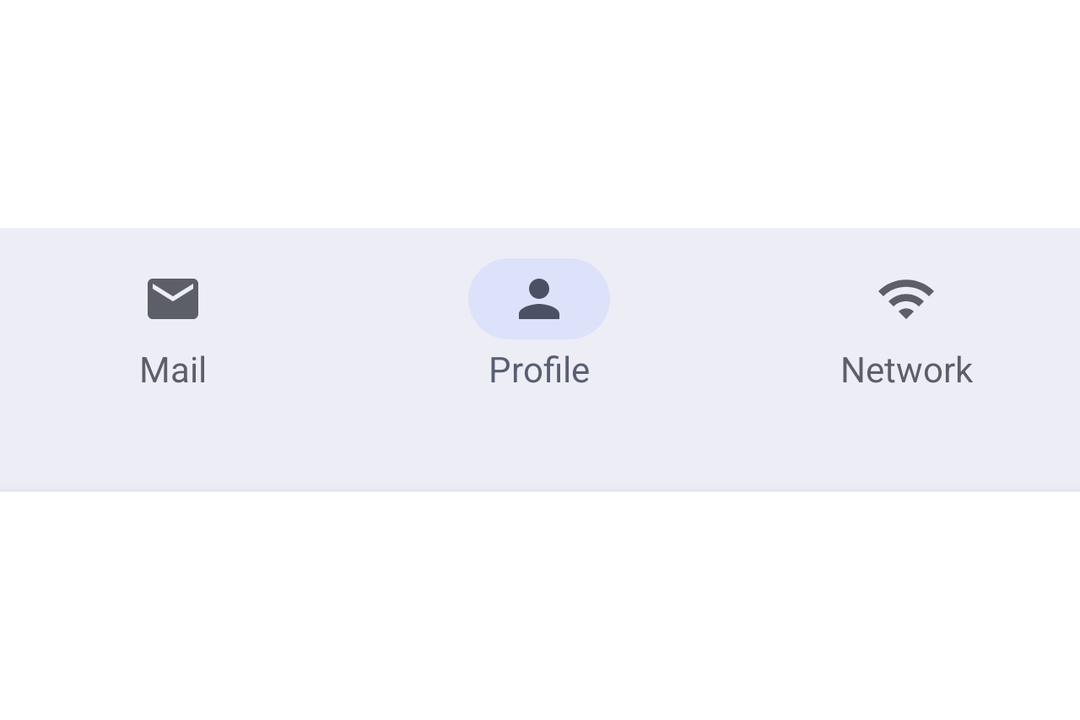
NavigationBar A Jetpack Compose NavigationBar component for Material 3 bottom navigation.
Recommended version:
~56.0.26
Expo UI NavigationBar matches the official Jetpack Compose NavigationBar
Installation
- npx expo install @expo/ui
- yarn expo install @expo/ui
- pnpm expo install @expo/ui
- bun expo install @expo/ui
If you are installing this in an existing React Native app , make sure to install expo in your project.
Usage
Basic navigation bar
Manage the selected item in React state and pass selected to each NavigationBarItem.
import { useState } from 'react' ;
import { Host , Icon , NavigationBar , NavigationBarItem , Text } from '@expo/ui/jetpack-compose' ;
const HOME_ICON = require ( './assets/home.xml' ) ;
const SEARCH_ICON = require ( './assets/search.xml' ) ;
const SETTINGS_ICON = require ( './assets/settings.xml' ) ;
export default function BasicNavigationBar ( ) {
const [ selectedTab, setSelectedTab] = useState ( 'home' ) ;
return (
< Host matchContents >
< NavigationBar >
< NavigationBarItem selected = { selectedTab === 'home' } onClick = { ( ) => setSelectedTab ( 'home' ) } >
< NavigationBarItem.Icon >
< Icon source = { HOME_ICON } />
</ NavigationBarItem.Icon >
< NavigationBarItem.Label >
< Text > Home </ Text >
</ NavigationBarItem.Label >
</ NavigationBarItem >
< NavigationBarItem selected = { selectedTab === 'search' } onClick = { ( ) => setSelectedTab ( 'search' ) } >
< NavigationBarItem.Icon >
< Icon source = { SEARCH_ICON } />
</ NavigationBarItem.Icon >
< NavigationBarItem.Label >
< Text > Search </ Text >
</ NavigationBarItem.Label >
</ NavigationBarItem >
< NavigationBarItem selected = { selectedTab === 'settings' } onClick = { ( ) => setSelectedTab ( 'settings' ) } >
< NavigationBarItem.Icon >
< Icon source = { SETTINGS_ICON } />
</ NavigationBarItem.Icon >
< NavigationBarItem.Label >
< Text > Settings </ Text >
</ NavigationBarItem.Label >
</ NavigationBarItem >
</ NavigationBar >
</ Host > ) ;
}
API
import { NavigationBar , NavigationBarItem } from '@expo/ui/jetpack-compose' ;
No API data file found, sorry!
No API data file found, sorry!