This documentation is available as Markdown for AI agents and LLMs. See the full Markdown index or append .md to any documentation URL.

Snackbar

A brief notification that appears at the bottom of the screen to provide feedback without interrupting the user.

Android
Included in Expo Go
Recommended version:
~56.0.26

Expo UI exposes two components that mirror Jetpack Compose's Snackbar APIs:

  • SnackbarHost wraps Compose's SnackbarHost and SnackbarHostState. Place it once in your layout, then call showSnackbar on the ref. Snackbars auto-dismiss based on duration and can also be dismissed via the action button or the optional close icon.
  • Snackbar is a styling-only child of SnackbarHost. Pass one to override colors or place the action on a new line. Maps to the snackbar lambda parameter of SnackbarHost(hostState) { data -> Snackbar(data, ...) } in Compose.
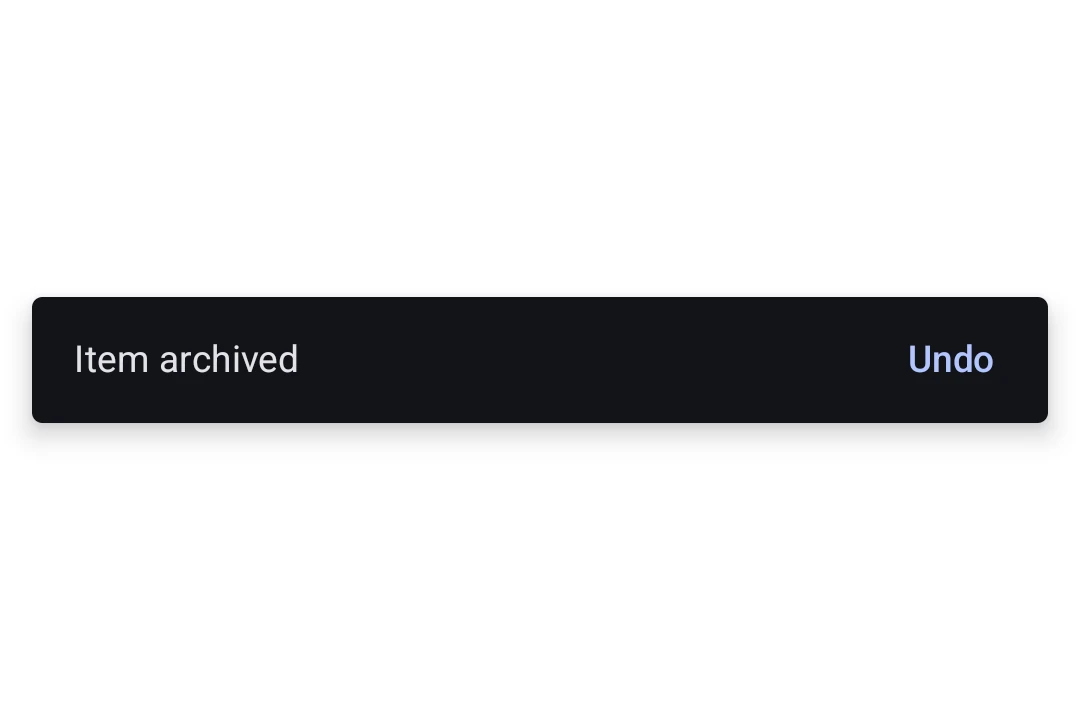
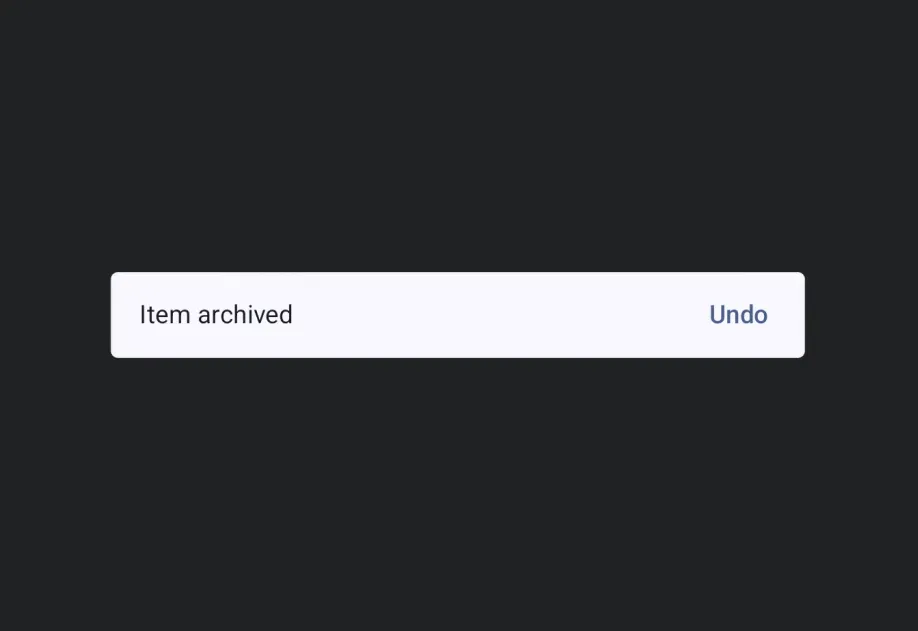
Material 3 snackbar showing the message 'Item archived' with an Undo actionMaterial 3 snackbar showing the message 'Item archived' with an Undo action

Installation

Terminal
- npx expo install @expo/ui
- yarn expo install @expo/ui
- pnpm expo install @expo/ui
- bun expo install @expo/ui

If you are installing this in an existing React Native app, make sure to install expo in your project.

Usage

Showing a snackbar

Place a SnackbarHost once in your layout and call showSnackbar on its ref to display a message. The returned promise resolves with 'actionPerformed' or 'dismissed' once the snackbar goes away.

SnackbarExample.tsx
import { useRef } from 'react'; import { Box, Button, Column, Host, SnackbarHost, Text, type SnackbarHostRef, } from '@expo/ui/jetpack-compose'; import { align, fillMaxSize, fillMaxWidth, padding } from '@expo/ui/jetpack-compose/modifiers'; export default function SnackbarExample() { const hostRef = useRef<SnackbarHostRef>(null); const onArchive = async () => { const result = await hostRef.current?.showSnackbar({ message: 'Item archived', actionLabel: 'Undo', duration: 'short', }); if (result === 'actionPerformed') { // The user tapped Undo, restore the item. } }; return ( <Host style={{ flex: 1 }}> <Box modifiers={[fillMaxSize()]}> <Column modifiers={[padding(16, 16, 16, 16)]}> <Button onClick={onArchive}> <Text>Archive</Text> </Button> </Column> <Box modifiers={[align('bottomCenter'), fillMaxWidth()]}> <SnackbarHost ref={hostRef} /> </Box> </Box> </Host> ); }

Custom styling

Pass a Snackbar child to SnackbarHost to override colors or place the action on a new line. The Snackbar itself takes no content, the message and action come from each showSnackbar call.

StyledSnackbar.tsx
import { useRef } from 'react'; import { Box, Button, Column, Host, Snackbar, SnackbarHost, Text, type SnackbarHostRef, } from '@expo/ui/jetpack-compose'; import { align, fillMaxSize, fillMaxWidth, padding } from '@expo/ui/jetpack-compose/modifiers'; export default function StyledSnackbar() { const hostRef = useRef<SnackbarHostRef>(null); const onSave = () => { hostRef.current?.showSnackbar({ message: 'Saved', actionLabel: 'Undo', }); }; return ( <Host style={{ flex: 1 }}> <Box modifiers={[fillMaxSize()]}> <Column modifiers={[padding(16, 16, 16, 16)]}> <Button onClick={onSave}> <Text>Save</Text> </Button> </Column> <Box modifiers={[align('bottomCenter'), fillMaxWidth()]}> <SnackbarHost ref={hostRef}> <Snackbar containerColor="#1E1E2E" contentColor="#CDD6F4" actionContentColor="#F38BA8" dismissActionContentColor="#CDD6F4" /> </SnackbarHost> </Box> </Box> </Host> ); }

API

import { Snackbar, SnackbarHost } from '@expo/ui/jetpack-compose';

No API data file found, sorry!