This documentation is available as Markdown for AI agents and LLMs. See the full Markdown index or append .md to any documentation URL.
LazyColumn
用于显示可滚动列表的 Jetpack Compose LazyColumn 组件。
一个懒加载的垂直列表组件,只渲染可见的项目以实现高效滚动。更多信息请参见官方 Jetpack Compose 文档。
🌐 A lazily-loaded vertical list component that only renders visible items for efficient scrolling. See the official Jetpack Compose documentation for more information.
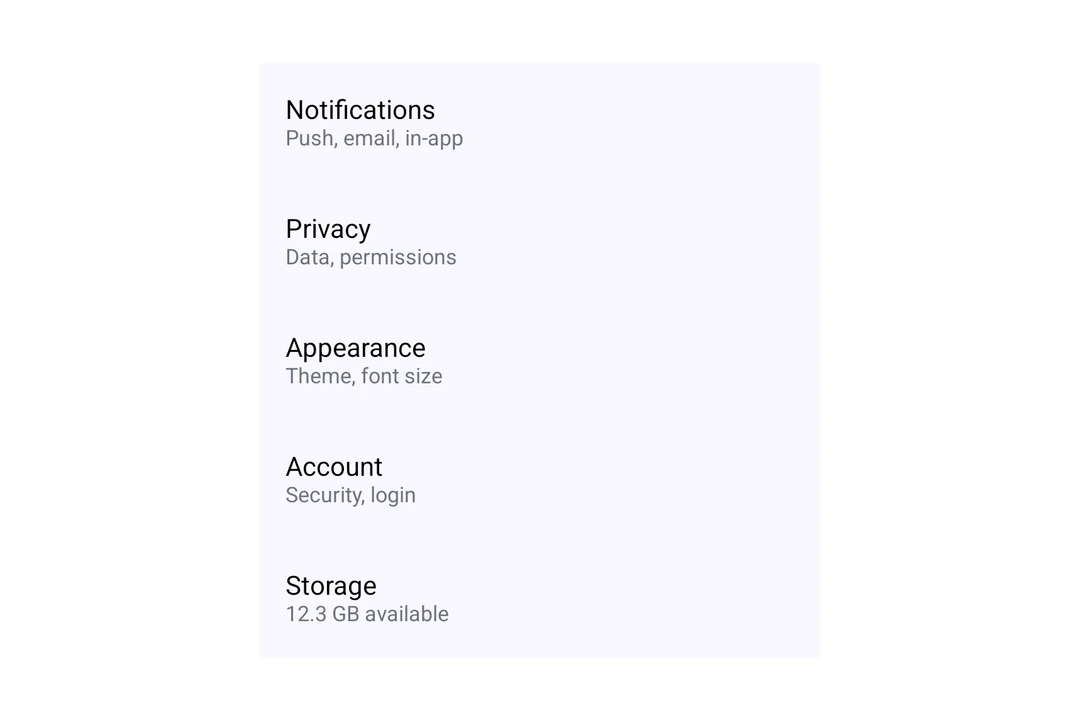
安装
🌐 Installation
- npx expo install @expo/uiIf you are installing this in an existing React Native app, make sure to install expo in your project.
用法
🌐 Usage
基础懒列
🌐 Basic lazy column
import { Host, LazyColumn, ListItem, Text } from '@expo/ui/jetpack-compose';

const items = Array.from({ length: 100 }, (_, i) => `Item ${i + 1}`);

export default function BasicLazyColumn() {
  return (
    <Host style={{ height: 400 }}>
      <LazyColumn>
        {items.map(item => (
          <ListItem key={item}>
            <ListItem.HeadlineContent>
              <Text>{item}</Text>
            </ListItem.HeadlineContent>
          </ListItem>
        ))}
      </LazyColumn>
    </Host>
  );
}
有安排
🌐 With arrangement
使用 verticalArrangement 属性来控制列表中项目的间距。传入字符串值如 'spaceBetween' 或对象如 { spacedBy: 8 } 来设置固定的 dp 间距。
🌐 Use the verticalArrangement prop to control how items are spaced within the list. Pass a string value like 'spaceBetween' or an object like { spacedBy: 8 } for fixed spacing in dp.
import { Host, LazyColumn, ListItem, Text } from '@expo/ui/jetpack-compose';

export default function LazyColumnArrangement() {
  return (
    <Host style={{ height: 400 }}>
      <LazyColumn verticalArrangement={{ spacedBy: 8 }} horizontalAlignment="center">
        <ListItem>
          <ListItem.HeadlineContent>
            <Text>Spaced Item 1</Text>
          </ListItem.HeadlineContent>
        </ListItem>
        <ListItem>
          <ListItem.HeadlineContent>
            <Text>Spaced Item 2</Text>
          </ListItem.HeadlineContent>
        </ListItem>
        <ListItem>
          <ListItem.HeadlineContent>
            <Text>Spaced Item 3</Text>
          </ListItem.HeadlineContent>
        </ListItem>
      </LazyColumn>
    </Host>
  );
}
带内容填充
🌐 With content padding
使用 contentPadding 属性在列表内容周围添加以 dp 为单位的内边距。
🌐 Use the contentPadding prop to add padding around the list content in dp.
import { Host, LazyColumn, ListItem } from '@expo/ui/jetpack-compose';

export default function LazyColumnPadding() {
  return (
    <Host style={{ height: 400 }}>
      <LazyColumn contentPadding={{ start: 16, top: 8, end: 16, bottom: 8 }}>
        <ListItem>
          <ListItem.HeadlineContent>Padded item 1</ListItem.HeadlineContent>
        </ListItem>
        <ListItem>
          <ListItem.HeadlineContent>Padded item 2</ListItem.HeadlineContent>
        </ListItem>
        <ListItem>
          <ListItem.HeadlineContent>Padded item 3</ListItem.HeadlineContent>
        </ListItem>
      </LazyColumn>
    </Host>
  );
}
应用接口
🌐 API
import { LazyColumn } from '@expo/ui/jetpack-compose';
Component
Type: React.Element<LazyColumnProps>
A lazy column component that efficiently displays a vertically scrolling list.
stringThe horizontal alignment of items.
Acceptable values are: 'start' | 'end' | 'center'