This documentation is available as Markdown for AI agents and LLMs. See the full Markdown index or append .md to any documentation URL.
开关
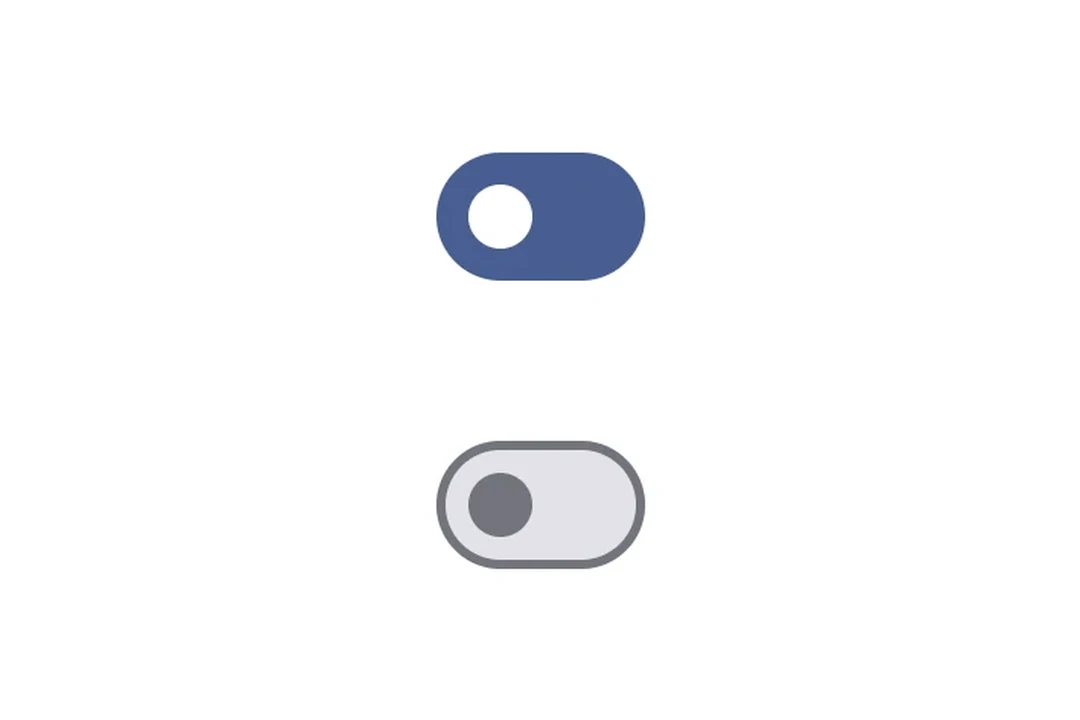
用于切换控件的 Jetpack Compose 开关组件。
信息 有关跨平台使用,请参阅通用
Switch—— 它会根据平台呈现相应的原生组件。
Expo UI Switch 与官方 Jetpack Compose Switch API 相匹配。
🌐 Expo UI Switch matches the official Jetpack Compose Switch API.
安装
🌐 Installation
- npx expo install @expo/uiIf you are installing this in an existing React Native app, make sure to install expo in your project.
用法
🌐 Usage
切换开关
🌐 Toggle switch
import { useState } from 'react';
import { Host, Switch } from '@expo/ui/jetpack-compose';

export default function ToggleSwitchExample() {
  const [checked, setChecked] = useState(false);

  return (
    <Host matchContents>
      <Switch value={checked} onCheckedChange={setChecked} />
    </Host>
  );
}
自定义颜色
🌐 Custom colors
import { useState } from 'react';
import { Host, Switch } from '@expo/ui/jetpack-compose';

export default function CustomColorsExample() {
  const [checked, setChecked] = useState(false);

  return (
    <Host matchContents>
      <Switch
        value={checked}
        onCheckedChange={setChecked}
        colors={{
          checkedThumbColor: '#6200EE',
          checkedTrackColor: '#EDE9FE',
          uncheckedThumbColor: '#9CA3AF',
          uncheckedTrackColor: '#F3F4F6',
          uncheckedBorderColor: '#D1D5DB',
        }}
      />
    </Host>
  );
}
自定义缩略图内容
🌐 Custom thumb content
使用 Switch.ThumbContent 在滑块按钮内渲染自定义元素。Switch.DefaultIconSize 提供 M3 默认图标大小,以便你的内容完美适配。
🌐 Use Switch.ThumbContent to render a custom element inside the thumb. Switch.DefaultIconSize gives you the M3 default icon size so your content fits perfectly.
import { useState } from 'react';
import { Host, Switch, Box } from '@expo/ui/jetpack-compose';
import { size, clip, background, Shapes } from '@expo/ui/jetpack-compose/modifiers';

export default function ThumbContentExample() {
  const [checked, setChecked] = useState(false);

  return (
    <Host matchContents>
      <Switch
        value={checked}
        onCheckedChange={setChecked}
        colors={{
          checkedThumbColor: '#7C3AED',
          checkedTrackColor: '#EDE9FE',
          checkedIconColor: '#7C3AED',
          uncheckedThumbColor: '#9CA3AF',
          uncheckedTrackColor: '#F3F4F6',
          uncheckedBorderColor: '#D1D5DB',
          uncheckedIconColor: '#9CA3AF',
        }}>
        <Switch.ThumbContent>
          <Box
            modifiers={[
              size(Switch.DefaultIconSize, Switch.DefaultIconSize),
              clip(Shapes.Circle),
              background(checked ? '#FFFFFF' : '#E5E7EB'),
            ]}
          />
        </Switch.ThumbContent>
      </Switch>
    </Host>
  );
}
应用接口
🌐 API
import { Switch } from '@expo/ui/jetpack-compose';
Components
Type: React.Element<SwitchProps>
A switch component.
(value: boolean) => voidCallback function that is called when the checked state changes.
Type: React.Element<ThumbContentProps>
Custom content to be displayed inside the switch thumb.
Types
Colors for switch core elements.
| Property | Type | Description |
|---|---|---|
| checkedBorderColor(optional) | ColorValue | - |
| checkedIconColor(optional) | ColorValue | - |
| checkedThumbColor(optional) | ColorValue | - |
| checkedTrackColor(optional) | ColorValue | - |
| disabledCheckedBorderColor(optional) | ColorValue | - |
| disabledCheckedIconColor(optional) | ColorValue | - |
| disabledCheckedThumbColor(optional) | ColorValue | - |
| disabledCheckedTrackColor(optional) | ColorValue | - |
| disabledUncheckedBorderColor(optional) | ColorValue | - |
| disabledUncheckedIconColor(optional) | ColorValue | - |
| disabledUncheckedThumbColor(optional) | ColorValue | - |
| disabledUncheckedTrackColor(optional) | ColorValue | - |
| uncheckedBorderColor(optional) | ColorValue | - |
| uncheckedIconColor(optional) | ColorValue | - |
| uncheckedThumbColor(optional) | ColorValue | - |
| uncheckedTrackColor(optional) | ColorValue | - |